
Why Is Shadow IT Considered a Compliance Risk and How to Fix It
Unapproved software bypasses central controls, creating invisible data paths that regulators cannot audit or verify for security compliance.
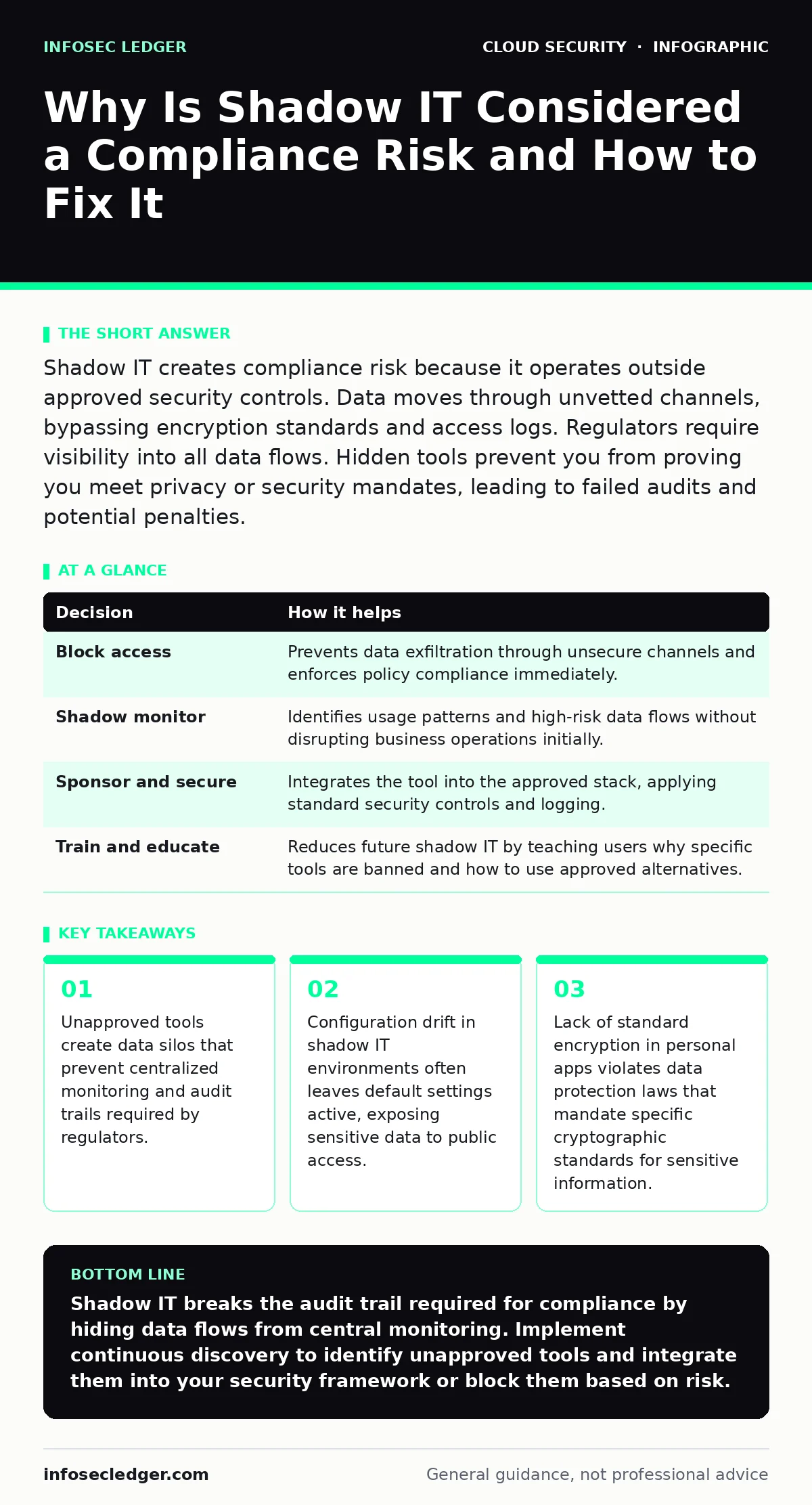
Shadow IT creates compliance risk because it operates outside approved security controls. Data moves through unvetted channels, bypassing encryption standards and access logs. Regulators require visibility into all data flows. Hidden tools prevent you from proving you meet privacy or security mandates, leading to failed audits and potential penalties.
Why Is Shadow IT Considered a Compliance Risk
Shadow IT is considered a compliance risk because it removes organizational visibility from data handling processes. When employees use unauthorized applications to store, process, or transmit business data, that data leaves the perimeter of managed security controls. Without centralized logging, you cannot demonstrate that access controls, encryption, or retention policies are applied. The risk is not just the tool itself, but the inability to verify compliance for data moving through it.
The core issue is the break in the chain of custody. Approved systems have defined ownership, monitoring, and incident response procedures. Shadow IT tools lack these structures. If a breach occurs within an unapproved application, you cannot trace how data entered or exited the system. This opacity violates the fundamental requirement of most compliance standards: you must know where your data is and who can access it.
Data Visibility and Audit Failure
Compliance frameworks demand an accurate inventory of assets and data flows. Shadow IT obscures this inventory. When a marketing team uses a personal cloud storage account to share client lists, that data exists outside the corporate directory. Auditors cannot scan for vulnerabilities in that account because it is not part of the asset register. Consequently, the organization fails to meet requirements for asset management and data classification.
This lack of visibility extends to user access. Approved systems enforce role-based access control, ensuring users only see data necessary for their job. Shadow IT often relies on shared login credentials or weak password policies. If an employee leaves the company, their access to approved systems is revoked immediately. Access to personal or unapproved tools remains active unless manually discovered. This lingering access creates a continuous compliance gap regarding unauthorized data retention.
Encryption and Data Residency Violations
Many regulatory standards require specific encryption algorithms and key management practices. Approved cloud services are configured to meet these cryptographic standards. Shadow IT tools, such as personal messaging apps or free file-sharing sites, often use default encryption settings that do not meet regulatory thresholds. Data transmitted through these channels may be encrypted in transit but stored in plaintext or with weak keys at rest.
Data residency is another critical factor. Regulations often require that certain types of data, such as health records or financial information, remain within specific geographic boundaries. Unapproved tools may store data on servers located in jurisdictions with lax privacy laws. You cannot enforce data residency policies on services you do not contract or manage. This geographical uncertainty alone can constitute a compliance failure, regardless of the security features of the tool itself.
The Hidden Cost of Configuration Drift
Even when employees use approved tools, misconfiguration is common. Shadow IT exacerbates this through configuration drift. Users lack the training to secure cloud environments properly. They often leave storage buckets public or disable two-factor authentication for convenience. This drift creates persistent vulnerabilities that standard security scans miss because the assets are invisible to the security team.
This issue intersects with cloud-native security principles. In a managed environment, security policies are applied consistently. In shadow IT, each user creates a unique, unvetted configuration. The variability makes it impossible to apply uniform security controls. Over time, these small deviations accumulate, creating a fragile perimeter that cannot withstand targeted attacks or rigorous compliance audits.
Contrast: Managed vs. Unmanaged Workflows
Understanding the difference in risk profile requires looking at two hypothetical scenarios. The first team uses approved, centrally managed tools. The second team relies on personal accounts for convenience. The outcomes differ significantly in terms of security posture and compliance readiness.
See also: Data Residency Explained: Where Your Files Actually Live · CASB for Small Business: Control Cloud Access Without the Headache
Decision Framework for Risk Mitigation
You must decide how to handle discovered shadow IT. The goal is not always to block, but to bring visibility and control. Use the following framework to evaluate each instance.
| Decision | How it helps |
|---|---|
| Block access | Prevents data exfiltration through unsecure channels and enforces policy compliance immediately. |
| Shadow monitor | Identifies usage patterns and high-risk data flows without disrupting business operations initially. |
| Sponsor and secure | Integrates the tool into the approved stack, applying standard security controls and logging. |
| Train and educate | Reduces future shadow IT by teaching users why specific tools are banned and how to use approved alternatives. |
Implementing Continuous Discovery
You cannot protect what you cannot see. Implementing continuous discovery is the first step to reducing shadow IT risk. Use network traffic analysis to identify unknown cloud services. Look for traffic patterns that match popular SaaS applications but are not on the approved list. This approach helps you find shadow IT before it causes a data breach or compliance failure.
Integrate this discovery process with your existing security operations. When a new shadow IT instance is detected, assess the data sensitivity involved. If sensitive data is present, prioritize remediation. If the data is non-sensitive, consider sponsoring the tool or providing a secure alternative. This balanced approach reduces friction for employees while maintaining compliance standards.
Addressing Configuration and Secrets
Shadow IT often leads to secrets in source code or exposed dashboards. Users may hardcode API keys into personal scripts or leave management consoles open to the internet. These mistakes create direct attack vectors. You must enforce strict policies on how credentials are managed. Use centralized secret management tools for all approved applications. For shadow IT, block access until the user can demonstrate proper credential handling.
This aligns with shift-left security practices. By addressing security concerns early in the development and usage cycle, you prevent vulnerabilities from becoming entrenched. Educate users on the risks of exposing credentials. Provide clear guidelines on how to request access to secure tools. This reduces the incentive to create insecure workarounds.
Key takeaways
- Unapproved tools create data silos that prevent centralized monitoring and audit trails required by regulators.
- Configuration drift in shadow IT environments often leaves default settings active, exposing sensitive data to public access.
- Lack of standard encryption in personal apps violates data protection laws that mandate specific cryptographic standards for sensitive information.
Shadow IT breaks the audit trail required for compliance by hiding data flows from central monitoring. Implement continuous discovery to identify unapproved tools and integrate them into your security framework or block them based on risk.
Frequently asked questions
How do I find shadow IT in my network?
Use network traffic analysis to detect connections to unknown cloud services. Look for DNS queries to popular SaaS domains that are not on your approved vendor list.
Is it better to block or monitor shadow IT?
Blocking prevents immediate risk but may disrupt business. Monitoring allows you to assess the data sensitivity and usage patterns before deciding to block, sponsor, or secure the tool.
Does using a personal account for work violate compliance?
Yes, if the account handles sensitive data. Personal accounts lack the access controls, logging, and encryption standards required by most compliance frameworks.
Can I use free tools for non-sensitive data?
Only if you can verify they do not expose company metadata or user identities. Even non-sensitive data can be used to map your organization's structure and operations.
How this guide was produced: written by the InfoSec Ledger editorial team with AI assistance, checked against the public references listed below, and reviewed when the facts change. See our editorial policy or report an error.