
Conditional Access Policies Best Practices for Secure Identity
Policy evaluation happens at authentication time, meaning a single misconfigured rule can block legitimate users or leave critical assets exposed to credential theft.
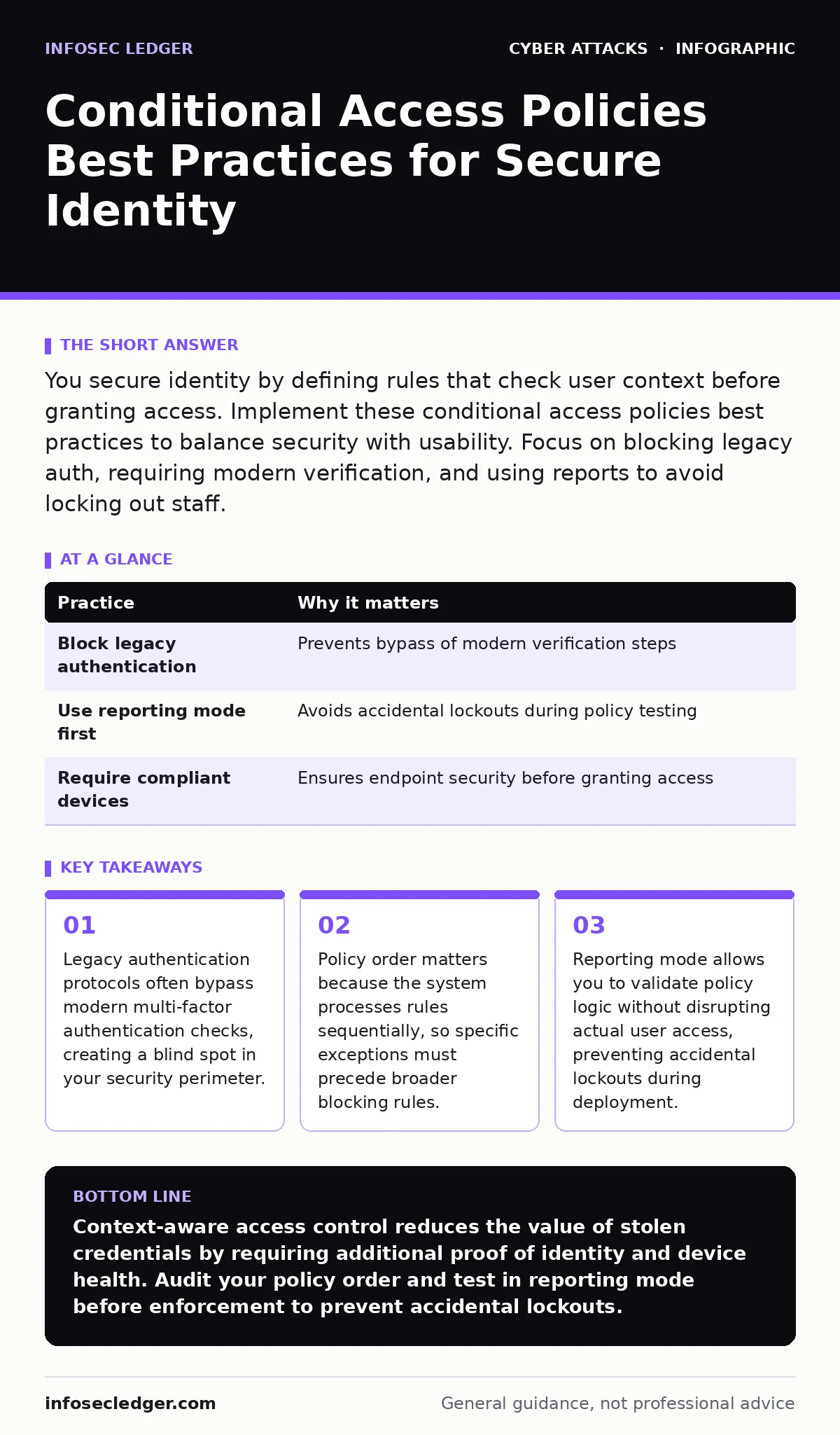
You secure identity by defining rules that check user context before granting access. Implement these conditional access policies best practices to balance security with usability. Focus on blocking legacy auth, requiring modern verification, and using reports to avoid locking out staff.
What are conditional access policies best practices?
Conditional access policies best practices focus on shifting security from static credentials to dynamic context. You stop asking only "who are you" and start asking "where are you, what device are you using, and what are you trying to access." This approach reduces the risk of stolen passwords being useful to an attacker. If an attacker steals credentials, they still cannot access resources because they lack the required context, such as a compliant device or a specific location.
This method complements email authentication by ensuring that even if an email account is compromised, the attacker cannot easily escalate privileges to internal systems. It also mitigates the impact of adversary-in-the-middle phishing by requiring proof of device health, which a phishing page cannot provide. You build a defense that adapts to the risk level of each login attempt.
| Practice | Why it matters |
|---|---|
| Block legacy authentication | Prevents bypass of modern verification steps |
| Use reporting mode first | Avoids accidental lockouts during policy testing |
| Require compliant devices | Ensures endpoint security before granting access |
1. Block legacy authentication protocols
Legacy authentication uses older protocols like POP3, IMAP, and SMTP. These protocols do not support modern security features like step-up authentication or device compliance checks. An attacker who steals credentials can use these protocols to access email or data without triggering your multi-factor authentication requirements. You must explicitly block these protocols for all users, except for specific, necessary cases like legacy printers or specialized servers.
Blocking these protocols closes a significant gap. Many attackers target these endpoints because they know they bypass modern controls. You force all connections to use modern protocols that support token-based authentication and additional security checks. This reduces the attack surface significantly.
2. Start with reporting mode
Deploying a new policy immediately can lock out users if the logic is flawed. Reporting mode logs what would happen without actually enforcing the block. You see which users and applications would be denied access. This allows you to refine the policy before it impacts business operations. You identify false positives and adjust conditions accordingly.
Suppose you create a policy that blocks access from outside your country. Reporting mode shows that three employees working remotely are flagged. You can then add an exception for those users or adjust the location condition. This step prevents disruption. It ensures that your security controls work as intended before you enforce them.
3. Require device compliance
Device compliance means the operating system meets your security standards. This includes encryption, up-to-date patches, and the presence of security software. You grant access only to devices that report as compliant. This ensures that even if credentials are stolen, the attacker cannot use an unsecured device to access your data. It adds a layer of security beyond the password.
This practice is critical for remote work. Employees use various devices to access company resources. By enforcing compliance, you ensure that every access point meets minimum security standards. You reduce the risk of malware on a user device spreading to your network.
4. Implement risk-based policies
Risk-based policies evaluate the likelihood of an account being compromised. You trigger stronger verification steps, such as re-authentication or blocking access, when risk is detected. This includes sign-in risks, like logins from unusual locations or impossible travel, and user risks, like the use of stolen credentials. You balance security with user experience by only adding friction when necessary.
Imagine a user logs in from a new city. The system flags this as a medium risk and requires a second factor. If the same user logs in from their usual home IP, no extra step is needed. This adaptive approach reduces user fatigue while maintaining security. It focuses resources on genuine threats rather than routine access.
See also: Privilege Escalation Vulnerabilities: How Attackers Steal Admin Control · Access Controls for AI Agents: Secure Autonomous Systems
5. Use specific grant controls
Grant controls define what actions are allowed when a condition is met. You can require multi-factor authentication, require a compliant device, or require both. You can also deny access entirely. Specificity prevents loopholes. For example, requiring "any" multi-factor method might allow SMS, which is vulnerable to SIM swapping. Specify app-based authenticators or hardware tokens for higher security.
This precision matters for high-privilege accounts. Administrative access should require stronger grants than standard user access. You segment your policies based on role and sensitivity. This ensures that critical systems have stricter controls. It limits the damage if a lower-privilege account is compromised.
6. Order policies correctly
Policies are evaluated in a specific order. The system stops at the first matching policy. If a broad "allow" policy is evaluated before a specific "block" policy, the block never triggers. You must place specific exceptions and high-priority blocks at the top. General rules should be at the bottom. This ensures that your most critical security decisions take precedence.
Regularly review the order of your policies. As you add new rules, the evaluation sequence changes. Misordering is a common cause of security gaps. You must validate that specific restrictions are not overridden by broader allowances. This maintains the integrity of your security posture.
7. Exclude emergency accounts
Emergency accounts, often called break-glass accounts, provide access when all other methods fail. You must exclude these accounts from conditional access policies that could lock them out. If a policy error blocks all access, you need a way to regain control. These accounts should have strong, unique passwords and be stored securely, such as in a physical safe or a disconnected hardware token.
You test these accounts regularly to ensure they work. If an emergency account is compromised, you rotate the credentials immediately. These accounts bypass normal security checks, so their protection relies on physical security and strict access controls. They are your last line of defense.
8. Monitor and audit continuously
Conditional access policies are not set-and-forget. You must monitor logs for blocked attempts and policy evaluations. This helps you identify issues and refine rules. You look for patterns of failed logins, which might indicate an attack or a misconfigured policy. Regular audits ensure that policies remain aligned with your security goals and business needs.
This practice helps you stay ahead of threats. Attackers adapt, and your defenses must too. You review policy effectiveness quarterly. You adjust conditions based on new insights. Continuous improvement ensures that your identity security remains effective against evolving threats.
Key takeaways
- Legacy authentication protocols often bypass modern multi-factor authentication checks, creating a blind spot in your security perimeter.
- Policy order matters because the system processes rules sequentially, so specific exceptions must precede broader blocking rules.
- Reporting mode allows you to validate policy logic without disrupting actual user access, preventing accidental lockouts during deployment.
Context-aware access control reduces the value of stolen credentials by requiring additional proof of identity and device health. Audit your policy order and test in reporting mode before enforcement to prevent accidental lockouts.
Frequently asked questions
How do conditional access policies differ from traditional firewalls?
Firewalls control network traffic based on IP addresses and ports. Conditional access policies control identity and access based on user context, device status, and risk level, regardless of network location.
Can conditional access policies prevent data exfiltration?
They limit unauthorized access to resources, making it harder for attackers to steal data. However, they do not prevent data exfiltration by legitimate users who have authorized access. You need data loss prevention tools for that.
What happens if a user’s device loses compliance status?
The user is blocked from accessing resources protected by the compliance policy until the device is remediated and reports as compliant again. This ensures that insecure devices cannot access sensitive data.
Do these policies work with third-party applications?
Yes, if the application supports modern authentication standards like SAML or OAuth. You can apply conditional access rules to any cloud application integrated with your identity provider, ensuring consistent security across your ecosystem.
How this guide was produced: written by the InfoSec Ledger editorial team with AI assistance, checked against the public references listed below, and reviewed when the facts change. See our editorial policy or report an error.