
Data Residency Explained: Where Your Files Actually Live
Data residency controls physical location, not just legal jurisdiction, creating hidden latency costs and complex backup strategies for distributed teams.
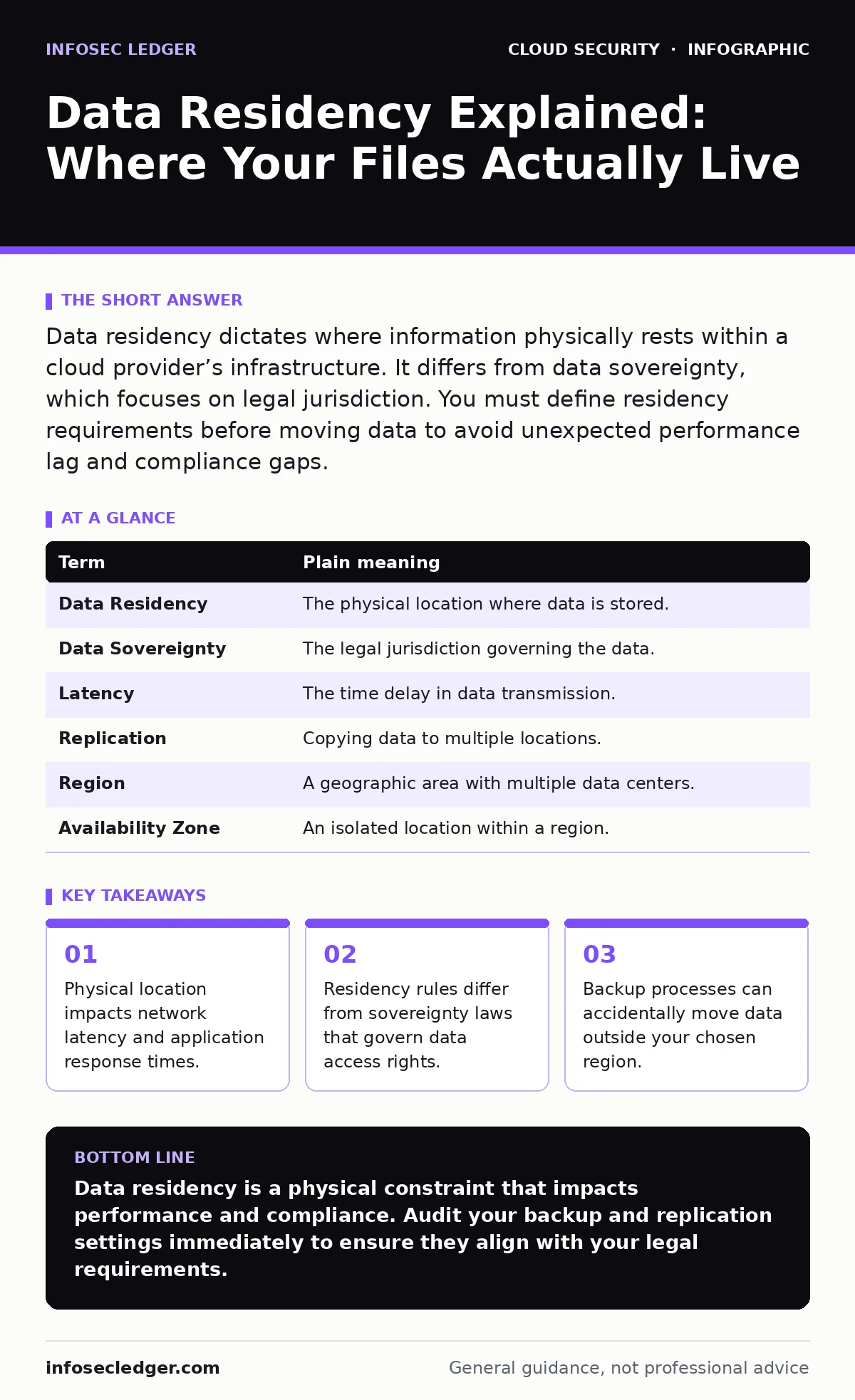
Data residency dictates where information physically rests within a cloud provider’s infrastructure. It differs from data sovereignty, which focuses on legal jurisdiction. You must define residency requirements before moving data to avoid unexpected performance lag and compliance gaps.
The Warehouse Analogy
Imagine you run a global retail chain. You rent warehouse space in multiple countries to store your inventory. Data residency is the specific address of that warehouse. If you sell a product in Berlin, you want the inventory to sit in a German warehouse so delivery is fast. If you ship it from Tokyo, the package arrives late. This physical distance creates latency, which is the delay before data transfer begins.
In the cloud, servers are physical machines located in data centers around the world. When you store data, it lives on a specific hard drive in a specific building. Residency is about that physical address. It is not about who owns the building or what laws apply there. That distinction is critical for security planning.
Residency Versus Sovereignty
Most people confuse data residency with data sovereignty. They are related but distinct concepts. Residency is a physical constraint. Sovereignty is a legal constraint. Sovereignty determines which country’s laws apply to the data, regardless of where it sits. A server in a neutral country might still be subject to the laws of the company that built it.
This difference matters when you face legal requests. A government might demand access to data stored within its borders. If your data resides in Country A but is subject to the laws of Country B, you face a complex legal battle. You must know both the physical location and the legal jurisdiction to manage risk effectively.
| Term | Plain meaning |
|---|---|
| Data Residency | The physical location where data is stored. |
| Data Sovereignty | The legal jurisdiction governing the data. |
| Latency | The time delay in data transmission. |
| Replication | Copying data to multiple locations. |
| Region | A geographic area with multiple data centers. |
| Availability Zone | An isolated location within a region. |
The Hidden Cost of Distance
You might choose a data center close to your office for speed. But your users are everywhere. If your primary database sits in Virginia, a user in Sydney experiences higher latency. This delay can make applications feel sluggish. It is not just about download speed. It affects real-time interactions like video calls or live transactions.
Suppose you run a collaborative document editor. Every keystroke must travel to the server and back. If the server is far away, users see their typing lag. This degrades the user experience. You may need to deploy edge caches or regional copies to mitigate this. This adds complexity to your architecture. You must balance legal requirements with performance needs.
The Backup Trap
Many organizations set their primary data in one region and forget about backups. Cloud providers often offer cross-region replication by default. This means your backup copy sits in a different country. If your residency policy requires all data to stay in the EU, a backup in the US violates that rule.
Imagine you configure automatic backups to ensure disaster recovery. You assume the backup stays local. It does not. The provider copies it to a neighboring region for safety. This is a common configuration error. You must explicitly disable cross-region replication if strict residency is required. This limits your recovery options but keeps you compliant.
Managing Identity and Access
Where data lives matters less than who can touch it. You can have perfect residency controls, but if a compromised account accesses the data, the location is irrelevant. This is why cloud identity governance is critical. It ensures that only authorized users can access specific resources.
You must map your access policies to your residency requirements. If a user in one region accesses data in another, you create an audit trail. This trail helps prove compliance. It also helps detect unauthorized access. Use strict role-based access controls to limit who can move or view data.
See also: CASB for Small Business: Control Cloud Access Without the Headache · Cloud Incident Response: Definition, Purpose, and Execution Strategy
Try This Now
- Map your critical data sets to their physical storage locations in your current cloud console.
- Review your backup and disaster recovery settings to check for cross-region replication.
- Define a policy that states which regions are approved for production data versus backups.
Integrating Security Layers
Residency is just one piece of the puzzle. You must also protect the data in transit and at rest. Using cloud-native security tools helps encrypt data before it leaves your control. This ensures that even if the physical location is compromised, the data remains unreadable.
Consider how secrets in source code might expose credentials that bypass residency controls. If developers hardcode API keys, attackers can access data regardless of where it sits. You must treat credentials as sensitive data. Store them in secure vaults, not in your application code. This prevents accidental exposure through version control systems.
Final Configuration Checks
Before you go live, verify your settings. Do not assume default configurations meet your needs. Most cloud providers default to global or multi-region setups for performance. You must manually restrict data to specific regions. Test your application with these restrictions in place. Ensure that latency remains acceptable for your users.
If you find performance issues, consider using cloud landing zones to standardize your architecture. These pre-configured environments help enforce security and compliance rules from the start. They reduce the risk of misconfiguration. They also provide a baseline for monitoring and auditing.
Key takeaways
- Physical location impacts network latency and application response times.
- Residency rules differ from sovereignty laws that govern data access rights.
- Backup processes can accidentally move data outside your chosen region.
Data residency is a physical constraint that impacts performance and compliance. Audit your backup and replication settings immediately to ensure they align with your legal requirements.
Frequently asked questions
Does encryption solve data residency issues?
Encryption protects data content but does not change its physical location. You still must track where encrypted files are stored to meet residency laws.
Can I use a CDN for residency compliance?
Content Delivery Networks cache data globally for speed. This often violates strict residency rules because copies exist in many countries. Use CDNs only for public, non-sensitive content.
How do I check where my data is stored?
Log into your cloud provider’s console. Look for storage buckets or databases. The settings page will list the region or availability zone where the resource is located.
What if I need backups outside my region?
You must explicitly allow this in your policy. Ensure the destination country has adequate legal protections. Encrypt backups strongly to mitigate risk if the destination is less secure.
How this guide was produced: written by the InfoSec Ledger editorial team with AI assistance, checked against the public references listed below, and reviewed when the facts change. See our editorial policy or report an error.