
Unauthorized Access Meaning: How Intruders Bypass Controls
Unauthorized access often succeeds not by breaking encryption, but by exploiting the trust relationships between systems that handle different data types.
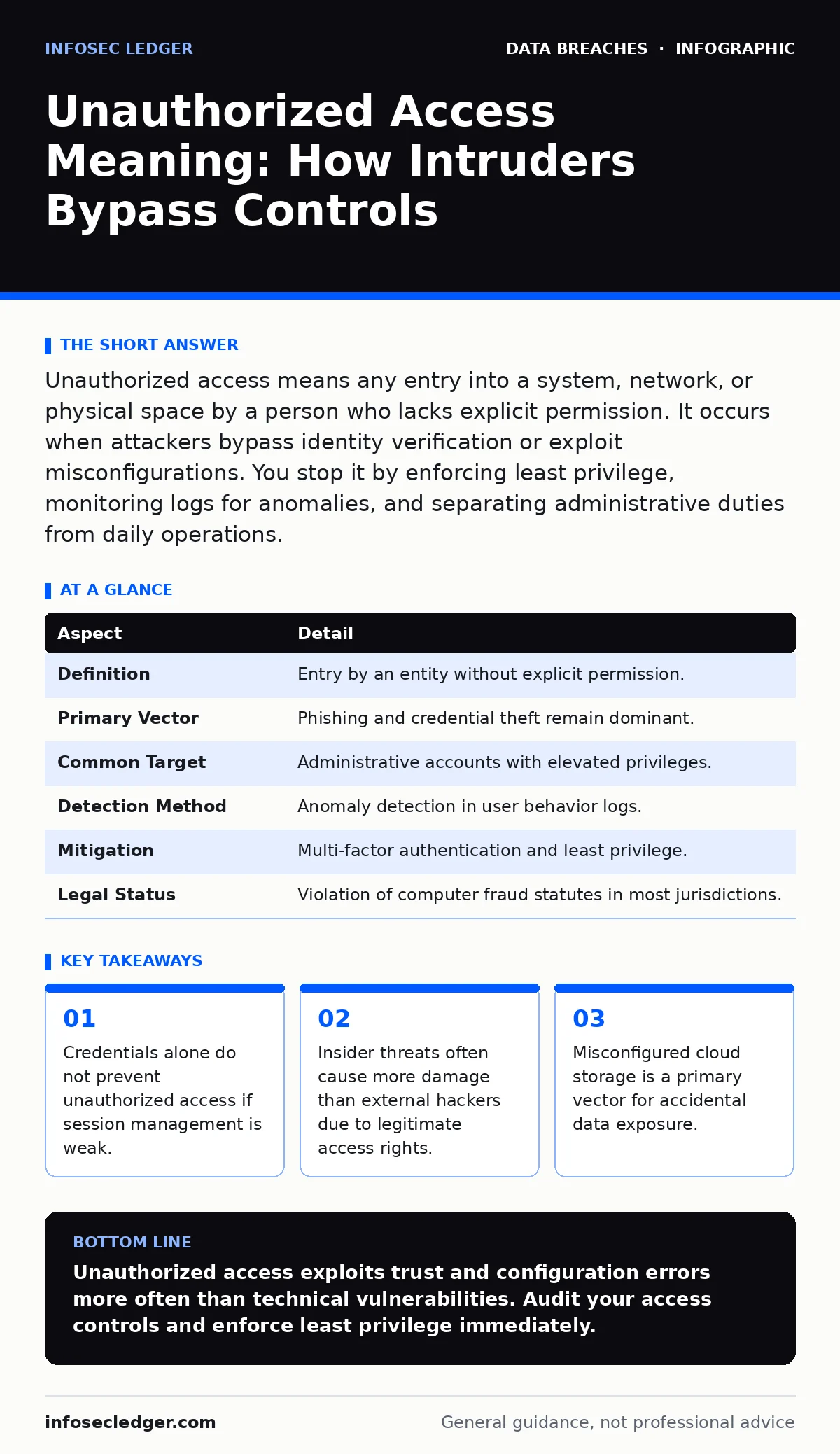
Unauthorized access means any entry into a system, network, or physical space by a person who lacks explicit permission. It occurs when attackers bypass identity verification or exploit misconfigurations. You stop it by enforcing least privilege, monitoring logs for anomalies, and separating administrative duties from daily operations.
Everyday Analogy for Unauthorized Access
Imagine a high-security building with a heavy steel door. You have a key, so you enter legally. A stranger picks the lock and enters. This is a break-in. Now imagine the stranger wears a uniform, shows a fake badge, and walks through the unlocked side door because the guard did not check credentials. This second scenario mirrors most digital unauthorized access. The barrier was not broken; it was bypassed through social engineering or misconfiguration.
The steel door represents firewalls and encryption. The side door represents human error and poor policy. Most defenses focus on the steel door. Attackers focus on the side door. Understanding this distinction changes how you design your security posture. You must secure the process, not just the perimeter.
What Is Unauthorized Access Meaning
Unauthorized access meaning refers to any interaction with a computer system, network, or data set by an entity that has not been granted specific permission for that action. This definition covers both physical intrusion and digital exploitation. It includes employees who view files outside their role and external actors who exploit software bugs.
The core element is the lack of explicit consent. If a system grants access based on a default setting that was never reviewed, the access is unauthorized from a security perspective, even if the system technically allowed it. This distinction matters for compliance and incident response. You cannot protect what you do not define as restricted.
| Aspect | Detail |
|---|---|
| Definition | Entry by an entity without explicit permission. |
| Primary Vector | Phishing and credential theft remain dominant. |
| Common Target | Administrative accounts with elevated privileges. |
| Detection Method | Anomaly detection in user behavior logs. |
| Mitigation | Multi-factor authentication and least privilege. |
| Legal Status | Violation of computer fraud statutes in most jurisdictions. |
How Unauthorized Access Works
Attackers rarely guess complex passwords. They harvest credentials from previous breaches on other sites. This is known as credential stuffing. If you reuse passwords, a breach on a low-security forum compromises your business systems. The attacker automates login attempts using stolen username and password pairs.
Another method involves exploiting trust. Internal systems often communicate without mutual authentication. If an attacker compromises a low-privilege user account, they may move laterally to a database server that trusts the user’s workstation. This lateral movement allows deep infiltration without triggering perimeter alarms.
The most dangerous form is the insider threat. An employee with legitimate access decides to exfiltrate data. Security tools often struggle to distinguish between normal work and malicious data transfer. This is why behavioral analytics are necessary. You must define what normal looks like to spot the deviation.
Who Is Affected by Unauthorized Access
Every organization that stores digital data is a target. Small businesses are often preferred targets because they lack dedicated security teams. Attackers scan for unpatched services and default credentials. A single vulnerable server can expose an entire network.
Large enterprises face more sophisticated threats. State-sponsored actors may target intellectual property or financial records. These groups have significant resources and patience. They may remain undetected for months while mapping the network.
Individuals are also affected. Personal data theft leads to identity fraud. Medical records are valuable on the dark market. Your personal information may have been compromised in a breach you never knew about. This is why monitoring your own digital footprint is necessary.
The impact is not just financial. Reputational damage can be severe. Customers lose trust when they learn their data was exposed. Regulatory fines add to the cost. The total cost of unauthorized access includes legal fees, remediation, and lost business. You must consider all these factors when planning your defense.
What To Do About Unauthorized Access
Start with identity management. Implement multi-factor authentication for all users. This requires two forms of verification. A password and a code from a phone app are sufficient. This stops most credential stuffing attacks. If the attacker has the password but not the phone, they cannot log in.
Enforce the principle of least privilege. Users should only have access to the data they need for their specific job. Administrative rights should be rare and temporary. When an employee changes roles, their access must be reviewed and adjusted. This limits the damage if their account is compromised.
Regularly audit your access logs. Look for logins at unusual times or from unusual locations. Set up alerts for these anomalies. Do not wait for a breach to review your logs. Proactive monitoring helps you catch early signs of intrusion.
Review your third-party vendors. They often have access to your systems. If a vendor is compromised, you are compromised. Require vendors to follow strict security standards. Check their compliance reports. This extends your security boundary to include your partners.
See also: Fraud Alerts: How Early Warning Systems Stop Identity Theft · Data Breach Response Plan Checklist for Containment
What People Usually Get Wrong
Many believe that encryption solves all problems. Encryption protects data at rest and in transit. It does not protect data in use. If an attacker gains access to a decrypted session, they can see the data. Encryption is a layer, not a solution. You must also secure the endpoints that decrypt the data.
Another misconception is that internal networks are safe. Once inside, attackers move freely. This is why network segmentation is vital. Separate your financial systems from your guest Wi-Fi. If the guest network is compromised, the attacker cannot reach the financial servers. This limits lateral movement.
People also ignore the human element. Training is often a one-time event. Security awareness must be continuous. Phishing tactics evolve rapidly. Regular simulated phishing tests help identify vulnerable employees. Provide immediate feedback when they click a link. This builds a culture of security.
Finally, many underestimate the value of metadata. Even if the content is encrypted, metadata reveals patterns. Who talked to whom? At what time? How much data was transferred? Metadata analysis can reveal unauthorized access even if the data itself is unreadable. Protect your metadata as well as your content.
Integrating Related Security Frameworks
Your defense strategy should align with established standards. SOC 2 provides a framework for managing customer data. It requires you to demonstrate controls over security, availability, and confidentiality. Achieving SOC 2 compliance forces you to document and test your access controls. This reduces the risk of unauthorized access.
Consider cyber insurance. Policies often require specific security measures. Multi-factor authentication and regular backups are common prerequisites. If you suffer a breach, insurance can cover legal fees and notification costs. However, it does not prevent the breach. It only mitigates the financial impact.
Develop data retention policies. Keeping data longer than necessary increases risk. If you do not need it, delete it. This reduces the attack surface. It also simplifies compliance with privacy laws. Regularly review your data storage practices. Ensure that old projects are properly decommissioned.
Establish data breach response plans. Practice them regularly. When unauthorized access occurs, speed matters. A tested plan reduces chaos and limits damage. Include communication protocols for customers and regulators. Transparency builds trust, even in bad situations.
Use secure file sharing for external communications. Email attachments are risky. Secure platforms provide audit trails and access controls. You can revoke access if a file is compromised. This adds a layer of control over distributed data.
Monitoring and Continuous Improvement
Security is not a one-time project. It is a continuous process. Threats evolve constantly. Your defenses must evolve with them. Regularly update your software and systems. Patch management closes known vulnerabilities. Unpatched systems are easy targets for automated attacks.
Conduct penetration testing. Hire ethical hackers to try to break your systems. They find weaknesses that automated tools miss. Fix the issues they report. Repeat the test annually or after major changes. This validates your security posture.
Review your access controls quarterly. Employees leave, roles change, and projects end. Stale accounts are a major risk. Ensure that terminated employees lose access immediately. Automate this process where possible. Manual processes are prone to error.
Engage with your security community. Share threat intelligence with trusted partners. Learn from their experiences. Isolation makes you vulnerable. Collaboration strengthens the entire ecosystem. Stay informed about emerging threats and new mitigation techniques.
Key takeaways
- Credentials alone do not prevent unauthorized access if session management is weak.
- Insider threats often cause more damage than external hackers due to legitimate access rights.
- Misconfigured cloud storage is a primary vector for accidental data exposure.
Unauthorized access exploits trust and configuration errors more often than technical vulnerabilities. Audit your access controls and enforce least privilege immediately.
Frequently asked questions
Does multi-factor authentication stop all unauthorized access?
No. MFA stops credential theft, but it does not prevent phishing attacks that trick users into granting access, nor does it stop insider threats who already have legitimate credentials.
How do I know if I have experienced unauthorized access?
Look for unexplained changes to files, new user accounts, or unusual network traffic. Review login logs for failed attempts followed by success, or logins from unfamiliar geographic locations.
Is unauthorized access the same as a data breach?
Not necessarily. Unauthorized access is the entry point. A data breach occurs when data is exfiltrated or compromised. You can have unauthorized access without a breach if the attacker is caught before stealing data.
What is the difference between a hacker and an insider threat?
A hacker is an external actor who breaches the perimeter. An insider threat is someone with legitimate access who misuses it, either intentionally or accidentally, to cause harm or expose data.
How this guide was produced: written by the InfoSec Ledger editorial team with AI assistance, checked against the public references listed below, and reviewed when the facts change. See our editorial policy or report an error.