
Intrusion Prevention System vs Firewall: How To Layer Your Network Defense
Firewalls filter traffic by rules, while intrusion prevention systems inspect packet contents to stop active exploits before they execute on your servers.
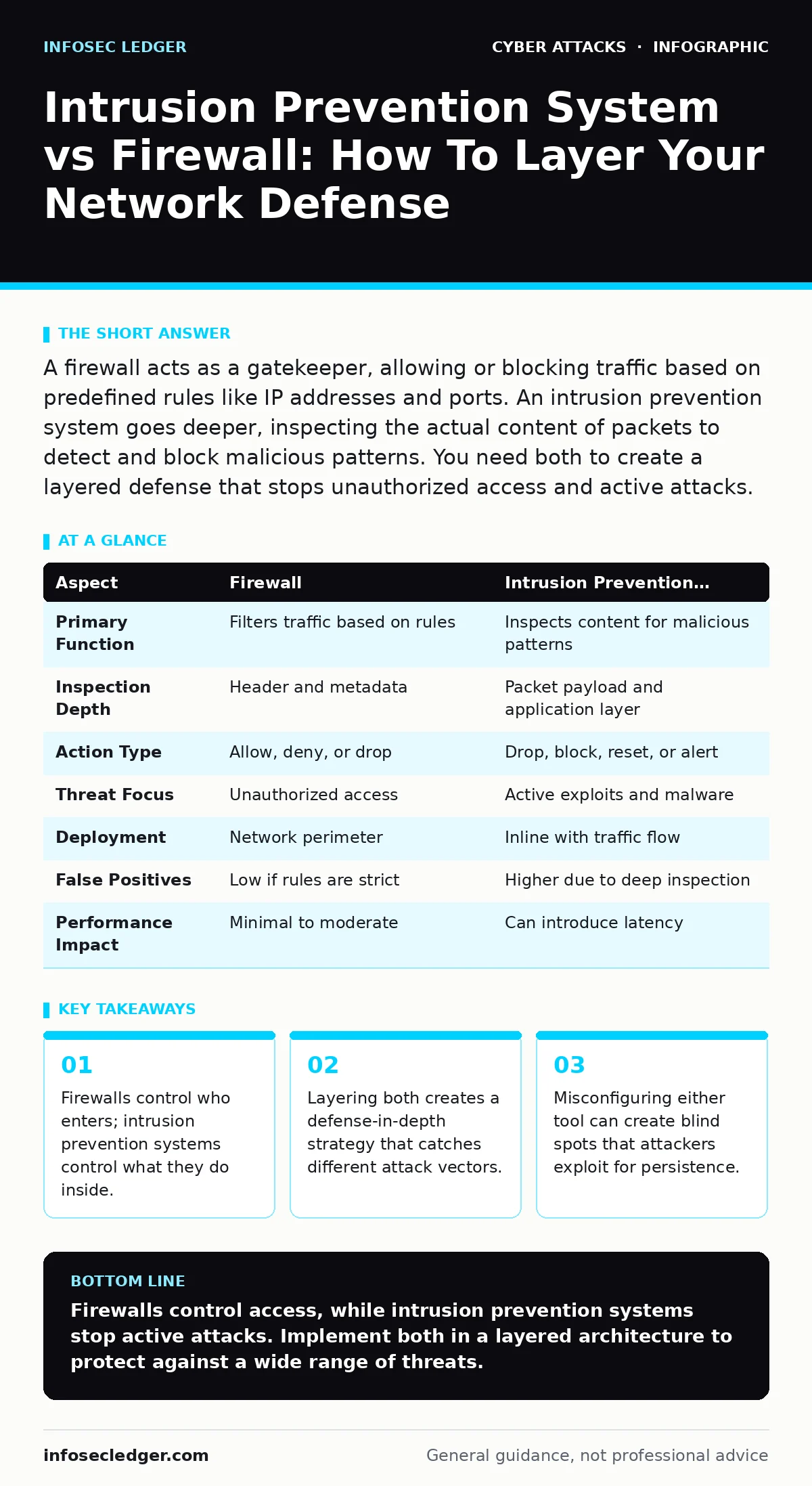
A firewall acts as a gatekeeper, allowing or blocking traffic based on predefined rules like IP addresses and ports. An intrusion prevention system goes deeper, inspecting the actual content of packets to detect and block malicious patterns. You need both to create a layered defense that stops unauthorized access and active attacks.
Intrusion Prevention System vs Firewall: The Core Difference
The primary distinction lies in the depth of inspection. A firewall operates like a bouncer at a club, checking IDs against a list to decide who gets in. An intrusion prevention system acts like a security guard inside the club, watching for suspicious behavior or weapons. Firewalls filter traffic based on metadata such as source IP, destination IP, and port numbers. Intrusion prevention systems analyze the payload, looking for known exploit signatures or anomalous behavior within the allowed traffic.
What Is A Firewall?
A firewall is a network security device that monitors and controls incoming and outgoing network traffic based on predetermined security rules. It establishes a barrier between a trusted internal network and an untrusted external network, such as the internet. Most modern firewalls are stateful, meaning they track the state of active connections and make decisions based on the context of the traffic flow. This prevents unauthorized users from accessing private network resources.
Firewalls are the first line of defense. They provide a foundational layer of security by enforcing access control policies. Without a firewall, your network is exposed to direct probing and unauthorized access attempts from the internet. Proper configuration ensures that only necessary services are exposed to external traffic.
What Is An Intrusion Prevention System?
An intrusion prevention system is a network security tool that monitors network traffic for suspicious activity and takes action to block it. Unlike an intrusion detection system, which only alerts administrators, an intrusion prevention system actively drops packets, blocks traffic, or resets connections when it identifies a threat. It uses signature-based detection, pattern recognition, and anomaly detection to identify malicious code or exploit attempts.
This technology inspects every packet that passes through it. If the content matches a known threat signature or violates a behavioral rule, the system intervenes immediately. This stops the attack before it reaches the target server or workstation. It provides real-time protection against zero-day exploits and known vulnerabilities.
Point-By-Point Comparison
| Aspect | Firewall | Intrusion Prevention System |
|---|---|---|
| Primary Function | Filters traffic based on rules | Inspects content for malicious patterns |
| Inspection Depth | Header and metadata | Packet payload and application layer |
| Action Type | Allow, deny, or drop | Drop, block, reset, or alert |
| Threat Focus | Unauthorized access | Active exploits and malware |
| Deployment | Network perimeter | Inline with traffic flow |
| False Positives | Low if rules are strict | Higher due to deep inspection |
| Performance Impact | Minimal to moderate | Can introduce latency |
When To Choose A Firewall
Choose a firewall when you need to establish basic network segmentation and access control. It is the mandatory foundation for any network security architecture. You need a firewall to enforce policies that define which services are available to which users. It protects against unauthorized access attempts and limits the attack surface exposed to the internet.
Implement a firewall to manage traffic flow between different network zones. It ensures that sensitive databases are not directly accessible from public-facing web servers. Firewalls also provide logging capabilities that help you understand traffic patterns and identify potential misconfigurations. They are cost-effective and widely supported by network hardware vendors.
See also: Third-Party Cookies: Hidden Risks and Protection for Small Businesses · DDoS Attacks Explained: How Flooding Works and What to Do
When To Choose An Intrusion Prevention System
Choose an intrusion prevention system when you need to protect against active attacks that bypass traditional filtering. It is essential for environments handling sensitive data or running critical applications. You need an IPS to detect and block sophisticated exploits, malware, and zero-day attacks that do not rely on unauthorized access attempts.
Deploy an IPS when your network faces high volumes of malicious traffic. It provides an additional layer of security that catches threats hiding in allowed traffic streams. This is particularly useful for web applications that are constantly probed by automated scanners. An IPS helps mitigate the risk of data breaches caused by application-layer vulnerabilities.
Where They Overlap And Intersect
Modern security appliances often combine both functions into a single device. This convergence simplifies deployment and management while providing comprehensive protection. However, understanding the distinct roles remains critical for effective configuration. A combined device can still suffer from performance bottlenecks if deep packet inspection is enabled on all traffic.
Integrating these technologies requires careful tuning. You must balance security needs with performance requirements. Misconfiguration can lead to blocked legitimate traffic or missed threats. Regular testing and monitoring ensure that the combined system operates as intended.
Strategic Implementation For Small Networks
For smaller networks, a unified threat management appliance may be the most practical solution. It provides both firewall and intrusion prevention capabilities in a single box. This reduces hardware costs and simplifies maintenance. However, it is vital to ensure the appliance has sufficient processing power to handle deep inspection without degrading network performance.
Consider the complexity of your network when choosing your approach. A simple setup might only need a basic firewall with strict rules. More complex environments with web applications and sensitive data benefit from dedicated intrusion prevention. Always layer your defenses to ensure that if one control fails, another catches the threat.
Key takeaways
- Firewalls control who enters; intrusion prevention systems control what they do inside.
- Layering both creates a defense-in-depth strategy that catches different attack vectors.
- Misconfiguring either tool can create blind spots that attackers exploit for persistence.
Firewalls control access, while intrusion prevention systems stop active attacks. Implement both in a layered architecture to protect against a wide range of threats.
Frequently asked questions
Can a firewall replace an intrusion prevention system?
No, a firewall filters traffic based on rules but does not inspect packet contents for malicious code, leaving you vulnerable to application-layer attacks.
Do I need both if I have a next-generation firewall?
Next-generation firewalls include intrusion prevention features, but dedicated IPS devices often offer deeper inspection and more advanced threat detection capabilities.
How do I reduce false positives from an IPS?
Tune the IPS rules to match your specific environment, whitelist known legitimate applications, and regularly update threat signatures to improve accuracy.
Does an IPS slow down my network?
Yes, deep packet inspection consumes processing power and can introduce latency, especially on high-speed networks or during peak traffic periods.
How this guide was produced: written by the InfoSec Ledger editorial team with AI assistance, checked against the public references listed below, and reviewed when the facts change. See our editorial policy or report an error.