
Third-Party Cookies: Hidden Risks and Protection for Small Businesses
Small businesses face legal exposure because third-party cookies often track employee behavior on company networks without explicit consent mechanisms.
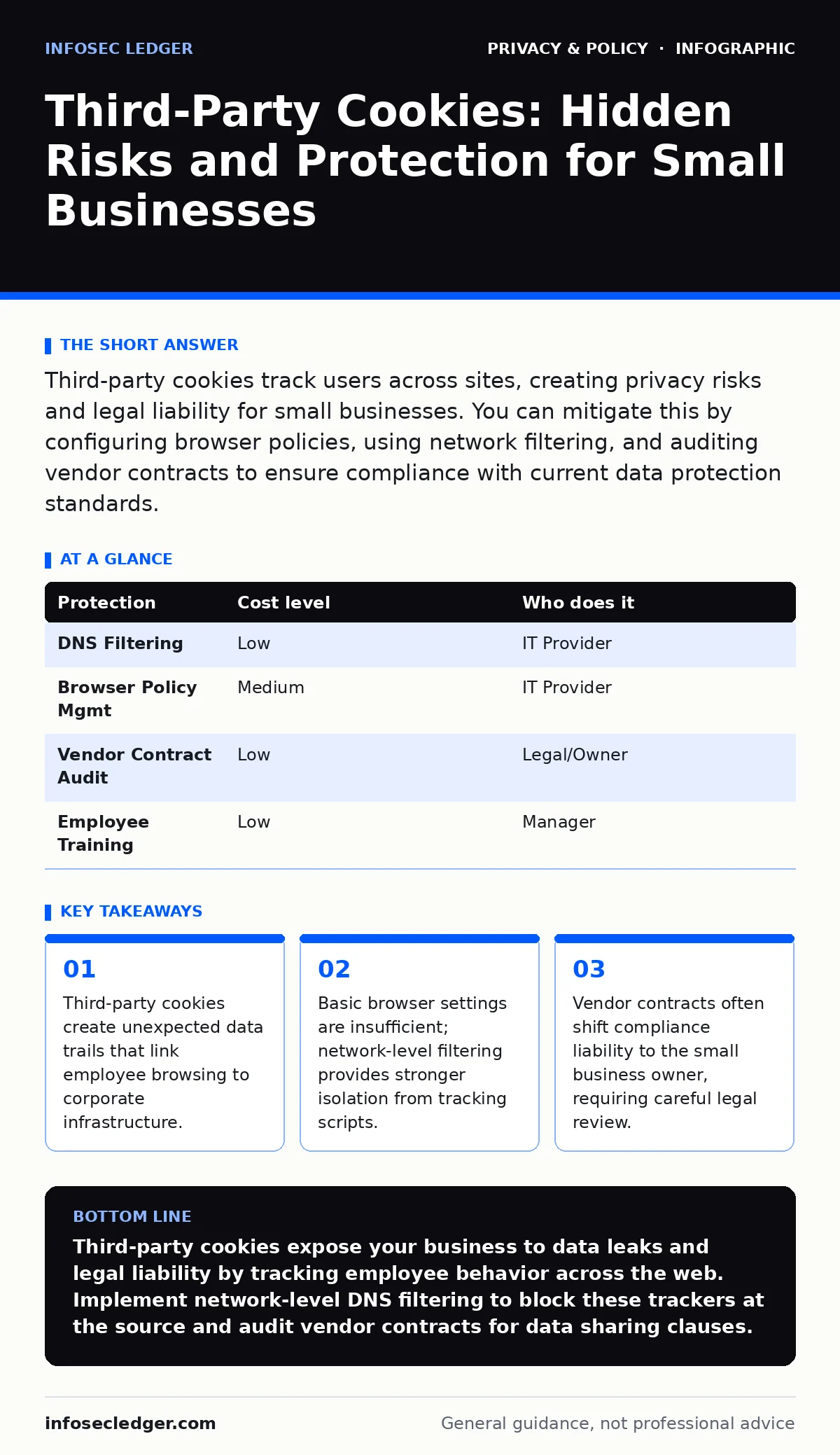
Third-party cookies track users across sites, creating privacy risks and legal liability for small businesses. You can mitigate this by configuring browser policies, using network filtering, and auditing vendor contracts to ensure compliance with current data protection standards.
The Silent Data Leak in Office Networks
Third-party cookies are small text files placed on a user’s device by domains other than the one being visited. They enable advertisers and analytics providers to track behavior across multiple websites. For a small business, the risk is not just about customer privacy. It is about the metadata your employees generate while working.
When staff browse the web on corporate networks, these cookies collect information about page views, time spent, and interaction patterns. This data is aggregated by large tech platforms. They sell insights to competitors or data brokers. Your business becomes a data point in a larger profile.
You might assume that customer data is the only liability. Employee browsing habits can reveal strategic direction. If staff research specific software or acquisition targets, those patterns appear in the tracking data. This creates an intelligence leak that costs nothing for the tracker to harvest.
Why Standard Advice Fails Small Teams
Many guides suggest using ad blockers on personal devices. This advice ignores the corporate environment. Employees often use work devices for personal tasks during breaks. These devices connect to the same internal network. The distinction between personal and professional browsing blurs.
Ad blockers on individual browsers are inconsistent. Users disable them for functionality. Updates break filters. A centralized approach is required to ensure uniform protection. Relying on individual discipline creates gaps. These gaps allow tracking scripts to execute and send data out of your control.
The hidden cost is compliance liability. Regulations like the CCPA require transparency about data collection. If third-party scripts collect data from your network without consent, you may be in violation. You are responsible for the data flowing through your infrastructure, regardless of who placed the cookie.
Network-Level Isolation Techniques
The most effective protection happens at the network level, not the browser level. You can configure your firewall to block known tracking domains. This stops the cookie from ever reaching the employee’s device. It is a blunt instrument but highly effective against common trackers.
Consider implementing a DNS filter. Domain Name System filters translate website names to IP addresses. A filtering service can intercept requests to known advertising and analytics domains. It returns a null result instead of the actual address. The tracking script fails to load. No cookie is placed.
This method requires no changes to employee habits. It works in the background. It protects all devices on the network, including smartphones and IoT sensors. It reduces the attack surface for other threats too. Many malicious ads carry malware. Blocking the ad network blocks the malware vector.
See our guide on VPNs for additional context on encrypting outbound traffic, though note that VPNs do not block tracking scripts. They only hide the destination from local observers. For tracking prevention, blocking is superior to encryption.
Browser Policy Management
For organizations that allow remote work, network filtering is not always possible. Employees connect from home Wi-Fi or coffee shops. In these cases, you must manage browser policies centrally. This ensures that privacy settings are consistent regardless of location.
You can deploy browser extensions that block third-party cookies. These extensions can be pushed out via management software. They prevent scripts from writing data to the local disk. This stops the accumulation of tracking profiles on individual devices.
This approach has a trade-off. Some legitimate web services rely on third-party cookies for functionality. Logging into a site via a social provider might break. You must test thoroughly after deployment. Balance security with usability to avoid productivity loss.
For more on managing personal digital footprints, see our guide on online tracking. Understanding how trackers operate helps you configure these tools more effectively.
Vendor Contract Audits
Many small businesses outsource IT support. Your provider manages your network and software. They may introduce services that use third-party cookies. You must audit these contracts. Look for clauses regarding data collection and sharing.
Ask for a data processing agreement. This document defines how the vendor handles data. It should limit the use of tracking technologies. It must specify that they do not sell or share browsing data with third parties. If they do, you are liable for the breach.
Do not assume compliance. Many standard contracts include broad data rights for the vendor. Negotiate these terms. Require explicit prohibition of cross-site tracking. This protects your business from indirect liability.
See our guide on two-factor authentication for personal accounts to understand how to secure access, but remember that authentication does not prevent data collection. It only controls who can enter.
See also: Botnet Attack Response: Step-by-Step Recovery and Containment · DDoS Attacks Explained: How Flooding Works and What to Do
Protections at a Glance
| Protection | Cost level | Who does it |
|---|---|---|
| DNS Filtering | Low | IT Provider |
| Browser Policy Mgmt | Medium | IT Provider |
| Vendor Contract Audit | Low | Legal/Owner |
| Employee Training | Low | Manager |
Questions for Your IT Provider
When discussing privacy with your IT provider, ask specific questions. Do not accept vague assurances. You need to know exactly how your network is configured.
- Does our firewall block known advertising and analytics domains?
- How do we manage browser policies for remote employees?
- Which third-party services have access to our network traffic?
- Do we have a process for auditing vendor data practices?
- How do we handle consent for data collection if required?
See our guide on public Wi-Fi risks for more on securing connections outside the office. See our guide on biometric data to understand the stakes of high-security data handling. See our guide on facial recognition risks for context on invasive tracking technologies. See our guide on people-search sites for managing public data exposure.
The Long-Term Privacy Posture
Privacy is not a one-time fix. It is an ongoing process. Trackers evolve. New domains emerge. Your blocking lists must update regularly. Ensure your IT provider monitors these changes.
Regular audits are necessary. Review network logs quarterly. Check for new tracking domains. Update browser policies as needed. This keeps your protection current.
By controlling the flow of data out of your network, you reduce liability. You protect employee privacy. You maintain a clean digital reputation. This is a low-cost investment with high returns in risk mitigation.
Key takeaways
- Third-party cookies create unexpected data trails that link employee browsing to corporate infrastructure.
- Basic browser settings are insufficient; network-level filtering provides stronger isolation from tracking scripts.
- Vendor contracts often shift compliance liability to the small business owner, requiring careful legal review.
Third-party cookies expose your business to data leaks and legal liability by tracking employee behavior across the web. Implement network-level DNS filtering to block these trackers at the source and audit vendor contracts for data sharing clauses.
Frequently asked questions
Do first-party cookies pose the same risk?
First-party cookies are set by the site you visit and are generally necessary for functionality. They do not track you across different websites, so they pose less privacy risk than third-party cookies.
Can I block cookies on my mobile devices?
Yes, most mobile browsers have settings to block third-party cookies. However, network-level filtering is more effective as it covers all devices and apps on the connection.
Does using Incognito mode stop tracking?
Incognito mode prevents local storage of history and cookies on your device. It does not hide your activity from the website or the network administrator. Trackers can still identify your session during the browsing period.
How do I know if a vendor is sharing my data?
Review the vendor’s privacy policy and data processing agreement. Look for sections on third-party sharing and data monetization. If the terms are vague, request clarification or seek a different provider.
How this guide was produced: written by the InfoSec Ledger editorial team with AI assistance, checked against the public references listed below, and reviewed when the facts change. See our editorial policy or report an error.