Implement Two-Factor Authentication for Personal Accounts Safely
Most users lose access to their accounts because they store backup codes insecurely, not because attackers bypass the security layer directly.
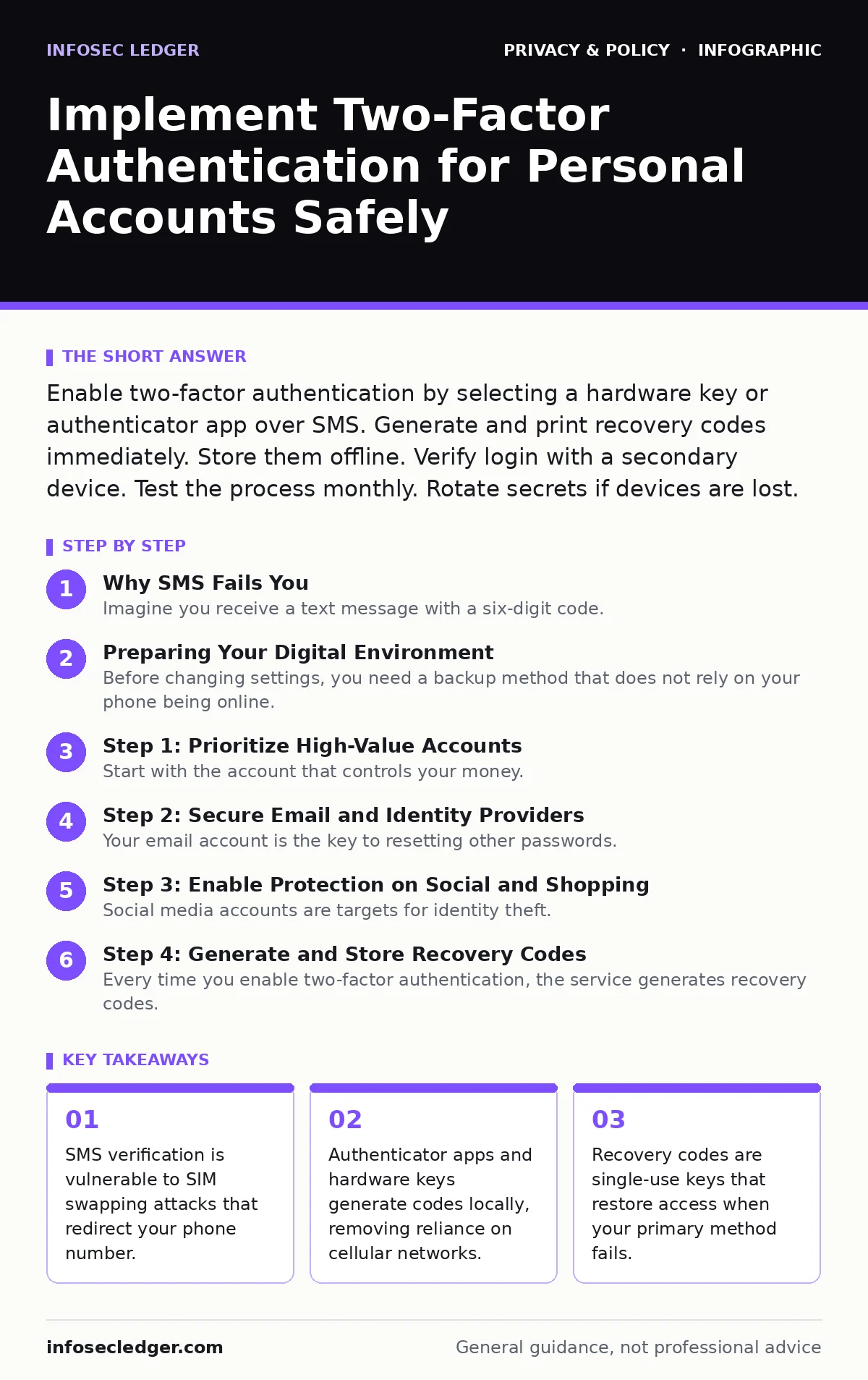
Enable two-factor authentication by selecting a hardware key or authenticator app over SMS. Generate and print recovery codes immediately. Store them offline. Verify login with a secondary device. Test the process monthly. Rotate secrets if devices are lost.
Why SMS Fails You
Imagine you receive a text message with a six-digit code. You enter it, and your account opens. This process relies on the cellular network to deliver the message. Attackers can exploit weaknesses in that network. They can convince your carrier to move your phone number to a new SIM card they control. This is known as SIM swapping. When this happens, you lose signal entirely. The attacker receives your verification codes. You cannot log in. They can. This attack vector makes SMS a weak second factor. It shifts the risk from your password to your phone carrier. You have little control over carrier security practices.
Preparing Your Digital Environment
Before changing settings, you need a backup method that does not rely on your phone being online. Download an authenticator app on your smartphone. These apps generate time-based one-time passwords locally on your device. They do not send data over the air. Examples include open-standard compatible apps. You will also need a secure place to store emergency recovery codes. Print these codes on paper. Store the paper in a physical lockbox. Do not save them in a cloud note or email draft. Those locations are vulnerable to the same account takeover you are trying to prevent. Ensure your operating system and browser are updated. Old software may not support modern authentication protocols.
Step 1: Prioritize High-Value Accounts
Start with the account that controls your money. This is usually your primary banking or investment platform. Log in and navigate to the security settings. Look for options labeled "two-factor authentication," "multi-factor authentication," or "2FA." Select the method that allows an authenticator app. Avoid SMS if the platform offers an alternative. Scan the QR code with your authenticator app. The app will generate a code. Enter that code into the website. You will see a confirmation message. This tells you the app and server are synchronized. If the code fails, check the time settings on your phone. Time drift causes code mismatches.
Step 2: Secure Email and Identity Providers
Your email account is the key to resetting other passwords. If an attacker gets your email, they can reset your banking, social, and shopping passwords. Enable two-factor authentication on your primary email provider. Use the same authenticator app from the previous step. This creates a single point of management for your security. Next, secure the identity provider you use for social logins. Services like Google or Apple often act as the login key for dozens of other sites. Protecting this hub prevents a cascade of account losses. Verify that the provider supports hardware security keys. These are physical USB or NFC devices. They offer the highest level of protection.
Step 3: Enable Protection on Social and Shopping
Social media accounts are targets for identity theft. Shopping accounts contain payment methods and addresses. Enable two-factor authentication on these platforms. Many now support passkeys. A passkey is a cryptographic credential stored in your device's secure enclave. It replaces passwords and codes with a biometric check or device pin. This method is resistant to phishing. You cannot be tricked into entering a passkey on a fake site. The device verifies the domain before releasing the credential. This reduces friction while increasing security. It also protects against server-side breaches. The private key never leaves your device.
See also: Privacy by Design Meaning: How to Embed Protection Early
Step 4: Generate and Store Recovery Codes
Every time you enable two-factor authentication, the service generates recovery codes. These are long, random strings of characters. They act as a master key. If you lose your phone or break your hardware key, these codes let you back in. Generate them now. Do not skip this step. Write them down on paper. Take a photo only if you encrypt the photo immediately. Store the paper in a fireproof safe or lockbox. Share one copy with a trusted family member. Label the paper with the service name and date. Do not write the codes next to your passwords. That combines risks. If someone finds your password file, they now have full access.
Verifying Your Setup
You must test your configuration before you need it. Log out of your account. Attempt to log back in. Enter your password. Then enter the code from your authenticator app. If it works, proceed. Next, simulate a lost device. Log out again. Try to log in using a recovery code. If the code works, your backup plan is viable. If it fails, check for typos. Ensure you are using the correct code for the correct service. Do not reuse codes. Each recovery code is single-use. After using one, generate a new set immediately. This verification step reveals configuration errors early. It prevents lockout during an actual emergency.
Maintaining Your Security Posture
Two-factor authentication is not a one-time task. You must maintain it. Review your authorized devices regularly. Remove old phones or laptops you no longer use. Check for unfamiliar login locations. Enable login alerts if the service offers them. These alerts notify you of attempts to access your account. If you change your phone number, update your SMS-based factors immediately. If you switch to an authenticator app, you can remove SMS entirely. This reduces the attack surface. Review your security settings quarterly. Technology changes. New methods like passkeys become available. Adopt them when they mature. Stay informed about changes in how services handle authentication.
Related considerations include understanding public Wi-Fi risks, as open networks can expose session tokens even when 2FA is active. For communication, encrypted messaging apps provide an extra layer of privacy for sensitive discussions. Be aware that biometric data used for device unlocks cannot be reset like a password if compromised. Finally, managing your digital footprint on people-search sites reduces the information attackers can use to target you.
Key takeaways
- SMS verification is vulnerable to SIM swapping attacks that redirect your phone number.
- Authenticator apps and hardware keys generate codes locally, removing reliance on cellular networks.
- Recovery codes are single-use keys that restore access when your primary method fails.
Frequently asked questions
Is two-factor authentication enough to secure my account?
It significantly reduces the risk of unauthorized access. It does not protect against malware on your device or phishing attacks that steal your session cookies. You still need a strong, unique password and software updates.
What happens if I lose my authenticator app phone?
You must use your printed recovery codes to log in. Once logged in, you can set up the authenticator app on your new device. If you lost both the phone and the codes, you must contact the service provider for identity verification, which can be slow.
Are hardware security keys worth the cost?
For high-value accounts like primary email and banking, they are highly recommended. They provide phishing-resistant authentication. The cost is low compared to the potential loss from account takeover. They are a small investment for critical protection.
Can I use the same 2FA app for all my accounts?
Yes, most authenticator apps support multiple accounts. This consolidates your security management. However, ensure you back up the app's data. If you lose the app data without a backup, you lose access to all linked accounts simultaneously.
How this guide was produced: written by the InfoSec Ledger editorial team with AI assistance, checked against the public references listed below, and reviewed when the facts change. See our editorial policy or report an error.