Biometric Data Explained: Why Your Body Is Not a Password
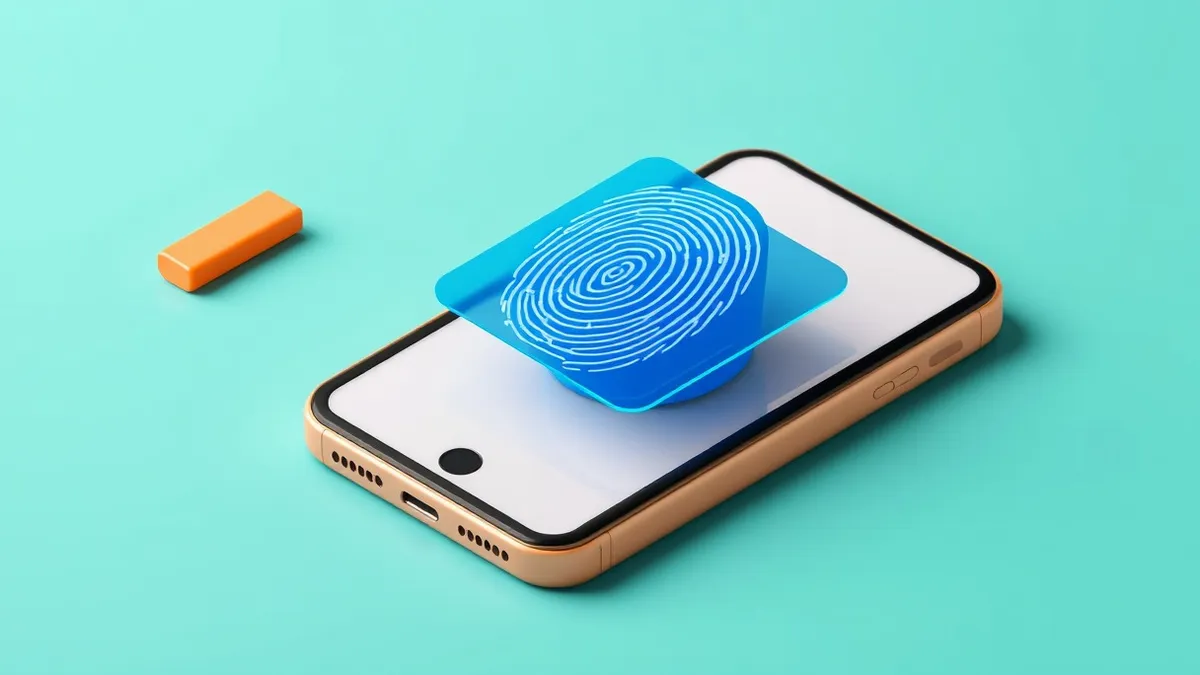
Unlike a PIN, biometric data cannot be changed if stolen, turning a convenient shortcut into a permanent identity risk that persists across all services.
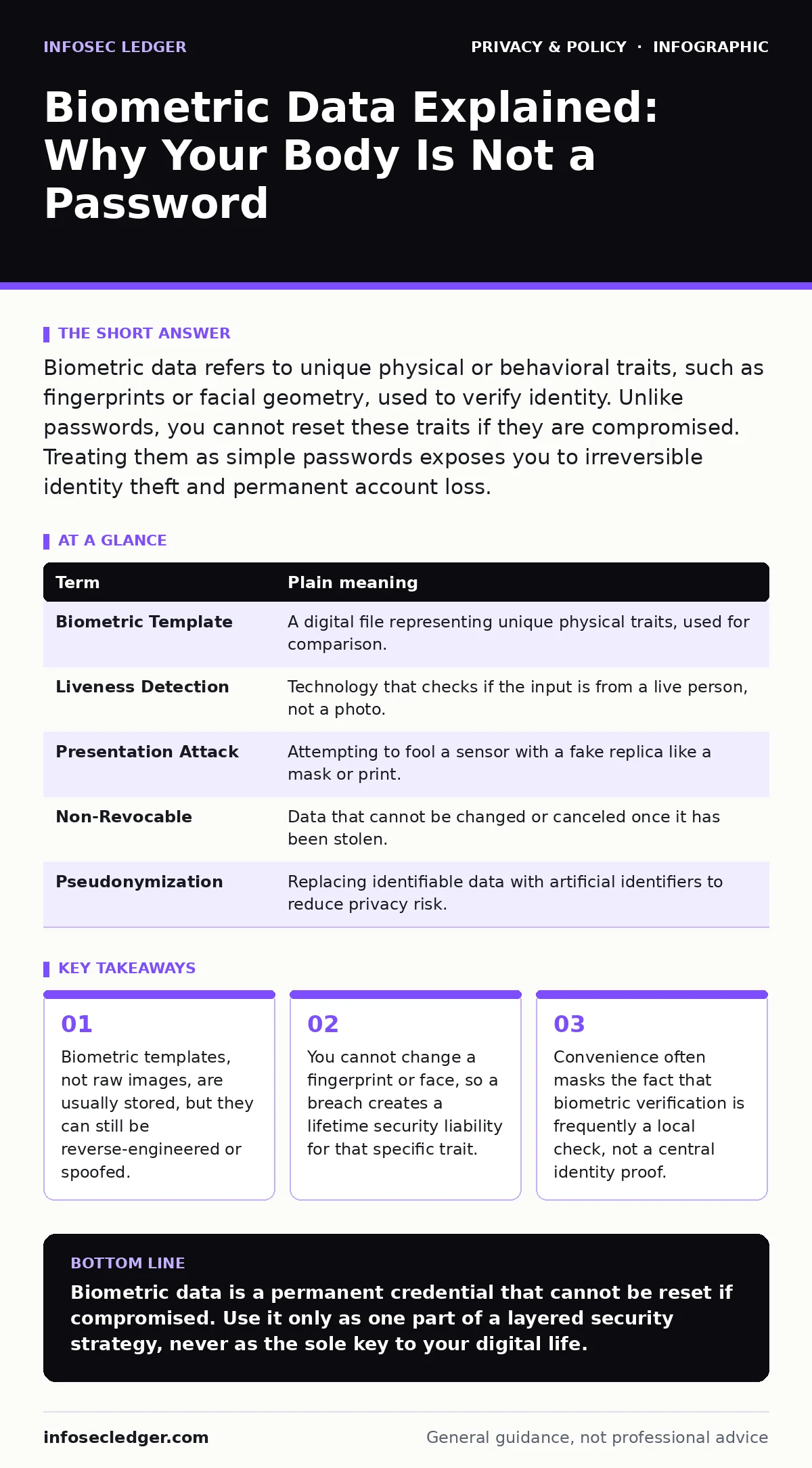
Biometric data refers to unique physical or behavioral traits, such as fingerprints or facial geometry, used to verify identity. Unlike passwords, you cannot reset these traits if they are compromised. Treating them as simple passwords exposes you to irreversible identity theft and permanent account loss.
The Master Key Analogy
Imagine your front door lock. You can change the key if you lose it. You can cut a new one and re-key the lock. Now imagine your fingerprint is the key. If someone steals the impression of your finger, you cannot grow a new fingerprint. You are locked out of your house forever, and anyone with that stolen impression can enter.
Biometric data operates on this same principle of permanence. It offers high convenience because you carry the credential with you. That convenience is the hidden cost of losing the ability to revoke access.
Defining the Biological Credential
Most people confuse the raw input with the stored data. When you scan your face, the system does not necessarily save a photograph. It saves a mathematical representation called a biometric template. This template is a string of numbers derived from the unique distances between your eyes, nose, and mouth.
This distinction matters for privacy. If the system stores only the template, the raw image may be discarded immediately. However, this protection is only as strong as the encryption protecting the template file.
The Irreversibility Problem
The central risk of biometric authentication is that it is non-revocable. If a hacker steals your password, you change it. If they steal your biometric template, you cannot change your face. You must accept that this specific method of identification is compromised for every service that uses it.
This creates a cascading failure. If one company’s database is breached, your biometric data can be used to attack other systems that rely on the same trait. This is why biometric data is considered highly sensitive personal information under privacy laws like the CCPA.
Confusion Over What Is Stored
A common misconception is that companies keep copies of your actual biometric scans. In reality, most modern systems use pseudonymization or hashing. The original data is transformed into an unreadable format that cannot be easily reversed.
However, researchers have demonstrated that sophisticated attacks can sometimes reconstruct facial features from certain types of templates. This means the "irreversible" transformation is not always one-way. The security depends entirely on the specific algorithm used, which you rarely know.
The Spoofing Edge Case
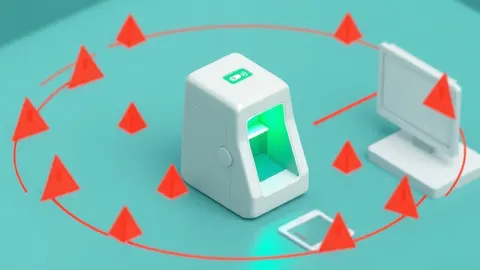
Biometric systems are not fooled by magic, but by physics. They can be tricked by high-resolution photos, silicone replicas, or even video playback. This is known as a presentation attack.
This is why you should understand that biometrics are not absolute proof of identity. They are proof that the person presenting the trait matches the stored template at that moment. They do not prove the trait was not copied beforehand.
See also: Securing AI Agents With Information-Flow Control: The Silent Boundary · Why is anonymization a challenge of cybersecurity for your data
Managing Risk with Layers
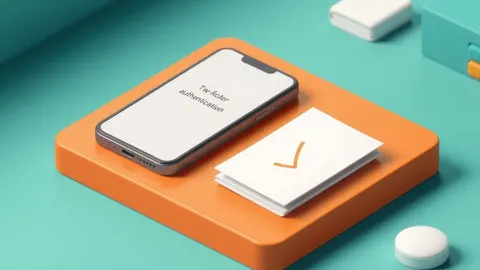
Because you cannot reset biometric data, you must never rely on it alone. Use it as one factor in a multi-step verification process. This approach, known as two-factor authentication for personal accounts, combines something you are (your face) with something you know (a PIN) or something you have (your phone).
If the biometric factor is compromised, the second factor still protects the account. This layering is the only way to mitigate the permanent risk of biometric theft.
Try This Now
- Audit your devices to see which apps request biometric access. Revoke permissions for any app that does not need it for core functionality.
- Disable biometric login for sensitive accounts like banking if the device does not support hardware-backed secure storage.
- Ensure your device requires a fallback PIN or password after a certain number of failed biometric attempts to prevent brute-force guessing.
| Term | Plain meaning |
|---|---|
| Biometric Template | A digital file representing unique physical traits, used for comparison. |
| Liveness Detection | Technology that checks if the input is from a live person, not a photo. |
| Presentation Attack | Attempting to fool a sensor with a fake replica like a mask or print. |
| Non-Revocable | Data that cannot be changed or canceled once it has been stolen. |
| Pseudonymization | Replacing identifiable data with artificial identifiers to reduce privacy risk. |
Key takeaways
- Biometric templates, not raw images, are usually stored, but they can still be reverse-engineered or spoofed.
- You cannot change a fingerprint or face, so a breach creates a lifetime security liability for that specific trait.
- Convenience often masks the fact that biometric verification is frequently a local check, not a central identity proof.
Biometric data is a permanent credential that cannot be reset if compromised. Use it only as one part of a layered security strategy, never as the sole key to your digital life.
Frequently asked questions
Can companies track me using my biometric data?
If a company stores your raw biometric data, it can potentially be used for **online tracking** or identification across different services, depending on their data sharing policies.
Is my face data safe on social media?
Social media platforms often use **facial recognition risks** to tag photos, but the security of that data depends on their internal controls and whether they share it with third parties.
Does private browsing protect my biometrics?
No. **Private browsing mode** only prevents your browser from storing history and cookies. It does not affect how your operating system handles biometric sensors.
Can I stop apps from using my fingerprint?
Yes. You can usually disable biometric authentication in the app settings or device security settings, forcing it to use a PIN or password instead.
How this guide was produced: written by the InfoSec Ledger editorial team with AI assistance, checked against the public references listed below, and reviewed when the facts change. See our editorial policy or report an error.