Botnet Attack Response: Step-by-Step Recovery and Containment
Reconnecting infected devices to the network before isolating them allows the botnet controller to map your entire internal infrastructure and accelerate lateral movement.
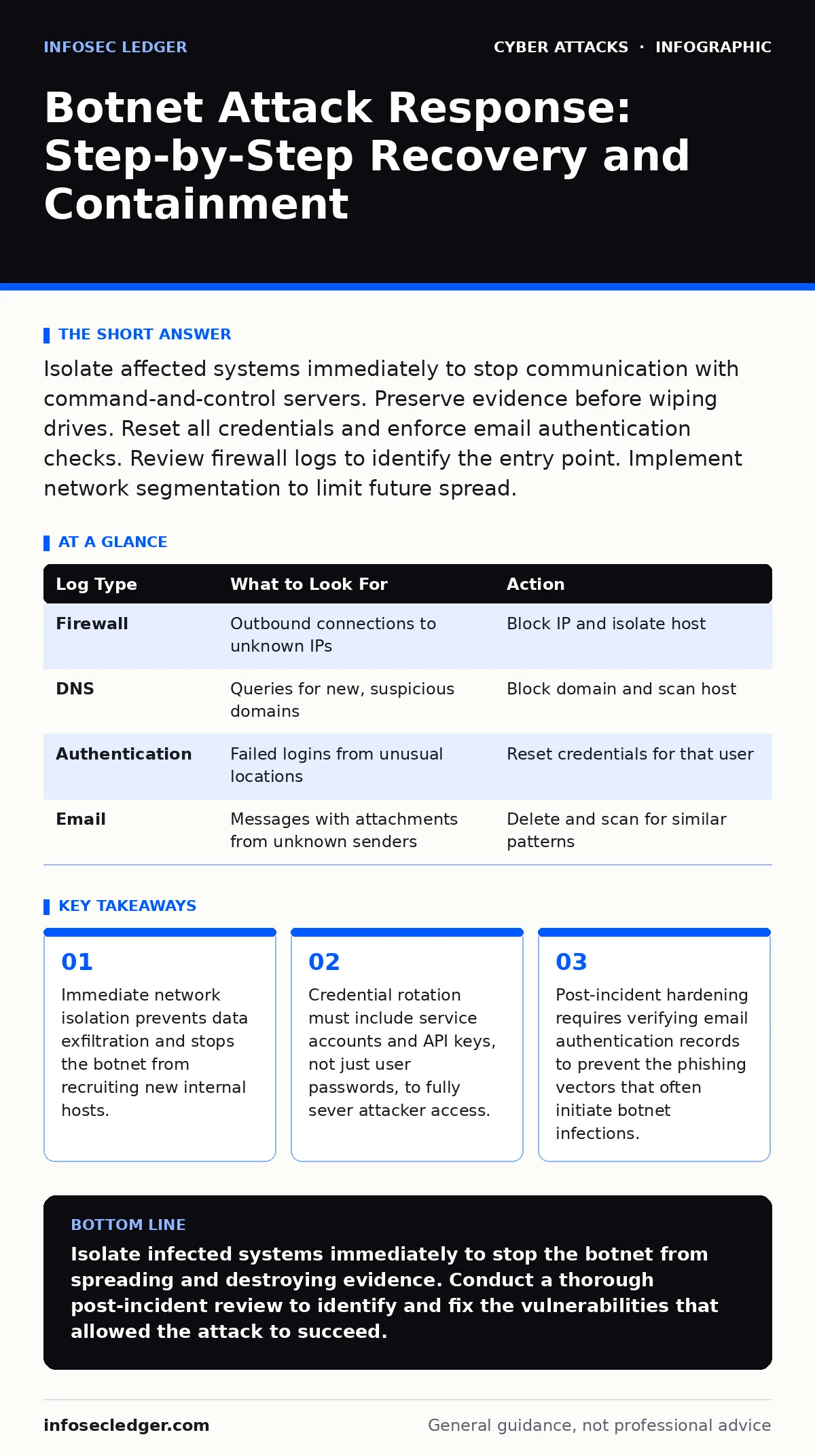
Isolate affected systems immediately to stop communication with command-and-control servers. Preserve evidence before wiping drives. Reset all credentials and enforce email authentication checks. Review firewall logs to identify the entry point. Implement network segmentation to limit future spread.
The First Hour: Containment and Isolation
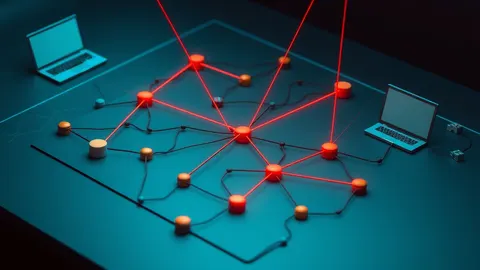
When you suspect a botnet infection, your primary goal is to cut the connection between your devices and the attacker’s command-and-control server. A botnet is a network of compromised computers controlled remotely by an attacker. These devices perform actions, such as sending spam or launching distributed denial-of-service attacks, without the owner’s knowledge.
Speed matters, but accuracy matters more. Disconnecting the wrong device can destroy evidence or disrupt critical operations unnecessarily. You must identify the specific hosts communicating with known malicious infrastructure.
- Disconnect suspected devices from the network physically or via switch port disablement.
- Preserve the current state by taking a memory dump if technical capability exists.
- Document the time, symptoms, and affected systems for later forensic analysis.
- Notify your incident response team or external forensic provider immediately.
If you cannot isolate devices individually, take the entire segment offline. This is a trade-off between business continuity and security risk. A botnet can spread laterally within minutes. Isolation stops the spread but halts work.
The First Day: Investigation and Scope
Once the immediate spread is halted, you must determine the extent of the compromise. Botnets often use legitimate protocols to communicate with their controllers, making them difficult to detect. They may use DNS queries or encrypted HTTPS traffic to receive instructions.
Review your firewall and proxy logs. Look for connections to unusual external IP addresses or domains that do not match your normal business patterns. Pay attention to outbound traffic from devices that should not be communicating with the internet, such as internal print servers or database servers.
You should also check for signs of credential theft. Many botnets are installed via phishing emails that trick users into revealing their login details. If an attacker has your credentials, they can move laterally to other systems even after you remove the malware. This is why understanding the difference between a direct exploit and social engineering is vital.
| Log Type | What to Look For | Action |
|---|---|---|
| Firewall | Outbound connections to unknown IPs | Block IP and isolate host |
| DNS | Queries for new, suspicious domains | Block domain and scan host |
| Authentication | Failed logins from unusual locations | Reset credentials for that user |
| Messages with attachments from unknown senders | Delete and scan for similar patterns |
The First Week: Recovery and Hardening
Recovery involves restoring systems to a clean state. This is not just about removing the malware; it is about ensuring the attacker cannot return. You should rebuild affected machines from known-good images rather than attempting to clean them.
Reset all passwords, including those for service accounts, API keys, and shared drives. The attacker may have harvested these credentials during the infection. If you use multi-factor authentication, force a re-enrollment for all users.
Review your email authentication settings. Attackers often spoof your domain to trick employees into downloading botnet payloads. Ensuring your SPF, DKIM, and DMARC records are correctly configured makes it much harder for attackers to send convincing phishing emails. You can learn more about protecting your domain in our guide on email authentication.
Who to Tell: Notification Obligations
You must notify your insurance provider immediately. Cyber insurance policies often require prompt reporting of incidents. Delaying notification can void your coverage. Provide them with the initial timeline and the steps you have taken to contain the breach.
Notify your customers if their personal data was likely accessed. Laws vary by region, but transparency builds trust. Be honest about what happened, what data was involved, and what you are doing to protect them. Avoid technical jargon. Focus on the impact and the remediation steps.
Inform your legal counsel. They can guide you through regulatory requirements and help manage communications. They can also advise on whether you need to notify law enforcement.
Stopping the Repeat: Attack Surface Reduction
A botnet infection is a symptom of a larger vulnerability. You must address the root cause to prevent recurrence. This often involves reducing your attack surface. This means minimizing the number of entry points an attacker can use to compromise your systems.
Disable unnecessary services and ports. Close remote management interfaces that are not required for daily operations. Ensure all software is patched and up to date. Outdated software is a common entry point for botnet malware.
Implement network segmentation. Divide your network into smaller zones. This limits the lateral movement of an attacker. If one device is compromised, the attacker cannot easily access the entire network. This strategy is covered in detail in our guide on attack surface reduction.
See also: Third-Party Cookies: Hidden Risks and Protection for Small Businesses · DDoS Attacks Explained: How Flooding Works and What to Do
Long-Term Vigilance: Monitoring and Response
You must establish ongoing monitoring to detect future attempts. Botnet controllers change their infrastructure frequently. Static blacklists are ineffective. You need behavioral analysis that looks for unusual patterns in network traffic.
Review and update your incident response plans. Ensure your team knows who to call and what steps to take. Conduct regular drills to test your readiness. A plan on paper is useless if your team does not know how to execute it. Our guide on incident response plans provides a framework for building this capability.
Be aware that attackers are constantly evolving. They may use adversary-in-the-middle phishing techniques to intercept your communications. Stay informed about the latest threats and adjust your defenses accordingly.
Technical Edge Cases and Hidden Costs
Botnets can be hidden in plain sight. Some malware uses "low and slow" techniques to avoid detection. They send small amounts of data at irregular intervals. This makes them look like normal traffic.
Another hidden cost is the loss of trust. Even if you recover your systems, customers and partners may lose confidence in your security. Rebuilding this trust takes time and effort. It requires consistent, transparent communication and demonstrable improvements in your security posture.
Be cautious of session cookie theft. If an attacker steals a session cookie, they can bypass password protections entirely. This is a common tactic in botnet-driven attacks. Ensure your web applications use secure, http-only cookies and enforce short session timeouts.
Final Steps: Documentation and Review
Document every step of the response and recovery process. This record is valuable for future incidents and for regulatory compliance. It also helps you identify gaps in your procedures.
Conduct a post-incident review. Invite stakeholders from IT, legal, HR, and communications. Discuss what went well and what did not. Identify areas for improvement. Update your policies and procedures based on these findings.
Security is not a one-time fix. It is an ongoing process. You must remain vigilant and adapt to new threats. By following these steps, you can minimize the damage of a botnet attack and strengthen your defenses for the future.
Key takeaways
- Immediate network isolation prevents data exfiltration and stops the botnet from recruiting new internal hosts.
- Credential rotation must include service accounts and API keys, not just user passwords, to fully sever attacker access.
- Post-incident hardening requires verifying email authentication records to prevent the phishing vectors that often initiate botnet infections.
Isolate infected systems immediately to stop the botnet from spreading and destroying evidence. Conduct a thorough post-incident review to identify and fix the vulnerabilities that allowed the attack to succeed.
Frequently asked questions
How do I know if my computer is part of a botnet?
Look for unusual network activity, high CPU usage, or failed login attempts. You can also check if your IP address is listed on public botnet blocklists.
Can antivirus software detect all botnets?
No, many modern botnets use sophisticated techniques to evade detection. Behavioral analysis and network monitoring are often more effective than signature-based antivirus.
Should I pay a ransom if the botnet has encrypted my data?
No, paying a ransom does not guarantee you will get your data back. It also encourages further attacks. Restore from backups instead.
How long does it take to recover from a botnet attack?
Recovery time varies depending on the scope of the infection. It can take days to weeks to fully isolate, investigate, and rebuild systems.
How this guide was produced: written by the InfoSec Ledger editorial team with AI assistance, checked against the public references listed below, and reviewed when the facts change. See our editorial policy or report an error.