
DDoS Attacks Explained: How Flooding Works and What to Do
A distributed denial-of-service attack does not steal data; it simply overwhelms your service with traffic until legitimate users cannot connect.
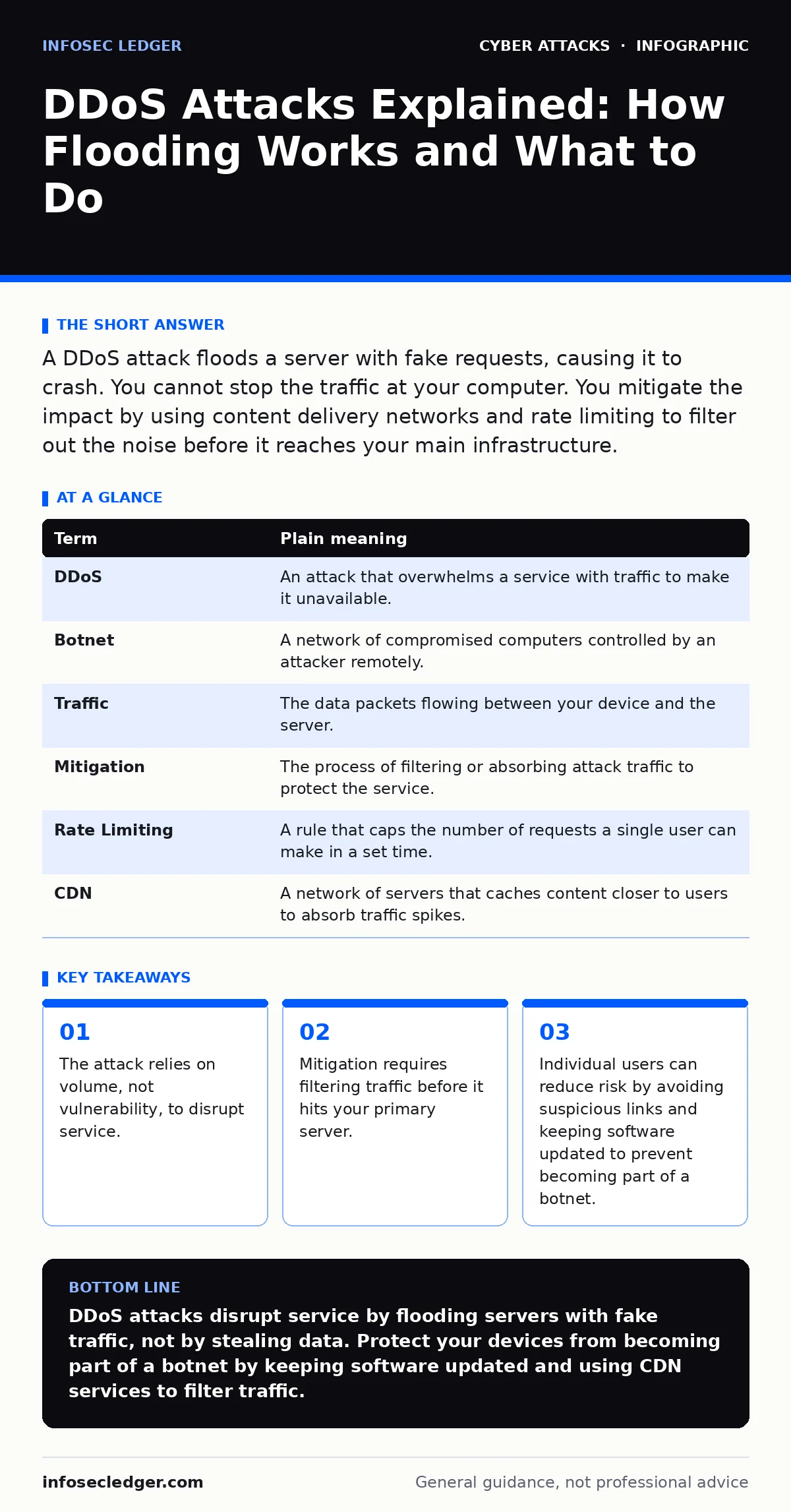
A DDoS attack floods a server with fake requests, causing it to crash. You cannot stop the traffic at your computer. You mitigate the impact by using content delivery networks and rate limiting to filter out the noise before it reaches your main infrastructure.
The Highway Bottleneck
Imagine a single-lane toll booth that serves a quiet town. Cars arrive steadily, pay their fee, and drive through. Now imagine a coordinated group sends thousands of empty trucks to the booth. They do not want to enter the town. They simply line up, blocking the lane. The real cars behind them cannot reach the booth. The toll operator is not hacked. The system is not broken. It is just too busy dealing with the fake traffic to serve anyone else.
This is exactly how a distributed denial-of-service attack works. The attacker does not care about your data. They care about your availability. By clogging your digital "toll booth," they make your website or service unreachable for everyone else.
Why Distributed Matters
A single computer sending too many requests is easy to block. You just note its address and ignore it. The power of a DDoS attack comes from the "distributed" part. The attacker uses thousands of compromised devices around the world. This network of hijacked computers is called a botnet. Each device sends a small amount of traffic. Alone, it is harmless. Together, they create a tsunami.
Because the traffic comes from many different locations, it looks like normal interest in your service. Filtering it out is difficult. You cannot just block one country or one IP address. You have to distinguish between a real customer and a fake request. This is the core challenge of defense.
The Impact on Ordinary Users
You might think DDoS attacks only target big banks or governments. That is a common misconception. Small businesses are frequent targets. Why? Because they often lack the infrastructure to absorb the hit. A few hours of downtime can destroy trust. Customers who cannot reach your site will go to a competitor. They may not come back.
For an individual user, the impact is different. You are usually the victim of the attack, not the target. If a site you use is under attack, you simply see an error page. You cannot fix it. However, you can be part of the problem. If your computer is infected with malware, it might be part of a botnet. Your device could be sending traffic to attack others without your knowledge. This slows down your connection and exposes you to legal or ethical risks.
Key Terms Defined
Understanding the mechanics helps you talk to your IT provider or security team. Here are the terms you need to know.
| Term | Plain meaning |
|---|---|
| DDoS | An attack that overwhelms a service with traffic to make it unavailable. |
| Botnet | A network of compromised computers controlled by an attacker remotely. |
| Traffic | The data packets flowing between your device and the server. |
| Mitigation | The process of filtering or absorbing attack traffic to protect the service. |
| Rate Limiting | A rule that caps the number of requests a single user can make in a set time. |
| CDN | A network of servers that caches content closer to users to absorb traffic spikes. |
Hidden Costs of Defense
Most people focus on stopping the attack. Few consider the cost of the solution. Effective mitigation often requires paying for extra bandwidth or specialized filtering services. These services charge based on the volume of traffic you need to clean. A large attack can cost more than your normal monthly hosting bill.
There is also a hidden cost in complexity. Adding layers of protection can slow down your site for legitimate users. If your filtering is too aggressive, it might block real customers. You have to tune your settings carefully. This requires time and expertise. For a small business, this trade-off is difficult. You want security, but you also need speed and simplicity.
See also: Botnet Attack Response: Step-by-Step Recovery and Containment · Third-Party Cookies: Hidden Risks and Protection for Small Businesses
Simple Safety Habits
You cannot stop a DDoS attack on your own if you are the target. But you can reduce your risk of being part of one. Keep your software updated. Outdated operating systems and apps have known holes that malware uses to join botnets. Patching these holes removes your device from the attacker's pool.
Be careful with links and downloads. Malware often enters through social engineering tricks that make you click something dangerous. If you avoid these traps, your computer stays clean. A clean computer cannot be used to attack others. This reduces the overall attack surface of the internet.
Try This Now
- Update your devices: Check for pending updates on your computer, phone, and router. Install them immediately. This closes known security holes that botnets use to recruit devices.
- Use a Content Delivery Network: If you run a website, sign up for a CDN service. It sits in front of your server, caching content and filtering out suspicious traffic patterns before they cause damage.
- Enable rate limiting: Work with your hosting provider to set limits on how many requests a single IP address can make. This stops a single compromised device from overwhelming your server, even if it is not a full-scale DDoS.
Key takeaways
- The attack relies on volume, not vulnerability, to disrupt service.
- Mitigation requires filtering traffic before it hits your primary server.
- Individual users can reduce risk by avoiding suspicious links and keeping software updated to prevent becoming part of a botnet.
DDoS attacks disrupt service by flooding servers with fake traffic, not by stealing data. Protect your devices from becoming part of a botnet by keeping software updated and using CDN services to filter traffic.
Frequently asked questions
Can an antivirus stop a DDoS attack?
No. Antivirus software protects your local device from malware. It cannot stop external traffic from overwhelming your server or network connection.
Is a DDoS attack the same as a hack?
No. A hack usually involves stealing data or gaining unauthorized access. A DDoS attack only aims to make a service unavailable by flooding it with traffic.
How do I know if I am under attack?
You will see a sudden, massive spike in traffic that does not match your normal patterns. Your site will become slow or unreachable for users, while your server resources max out.
Can I get sued for using a botnet?
Yes. Even if your device was hijacked without your knowledge, using it to attack others can have legal consequences. Keeping your software updated helps prove you were not negligent.
How this guide was produced: written by the InfoSec Ledger editorial team with AI assistance, checked against the public references listed below, and reviewed when the facts change. See our editorial policy or report an error.