Network Scanning Explained: How Attackers Map Your Digital Perimeter
Network scanning reveals hidden entry points by testing every connection, turning invisible infrastructure into a target list for attackers.
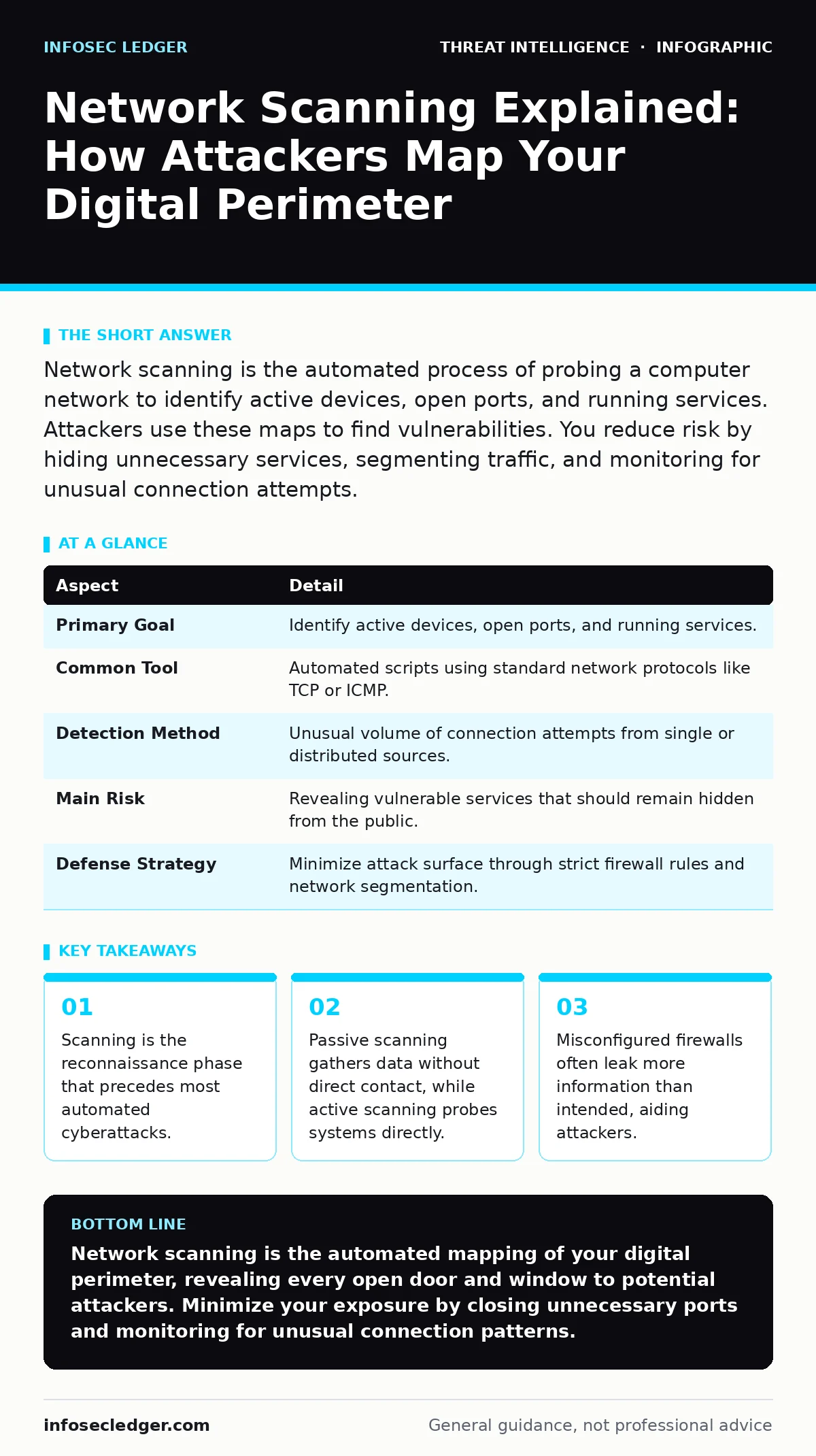
Network scanning is the automated process of probing a computer network to identify active devices, open ports, and running services. Attackers use these maps to find vulnerabilities. You reduce risk by hiding unnecessary services, segmenting traffic, and monitoring for unusual connection attempts.
The Digital Census
Imagine a burglar standing outside a large office building. Instead of trying every door randomly, they walk the perimeter, noting which windows are open, which doors have broken locks, and where the security cameras are blind. They are not breaking in yet. They are gathering intelligence to find the easiest path inside.
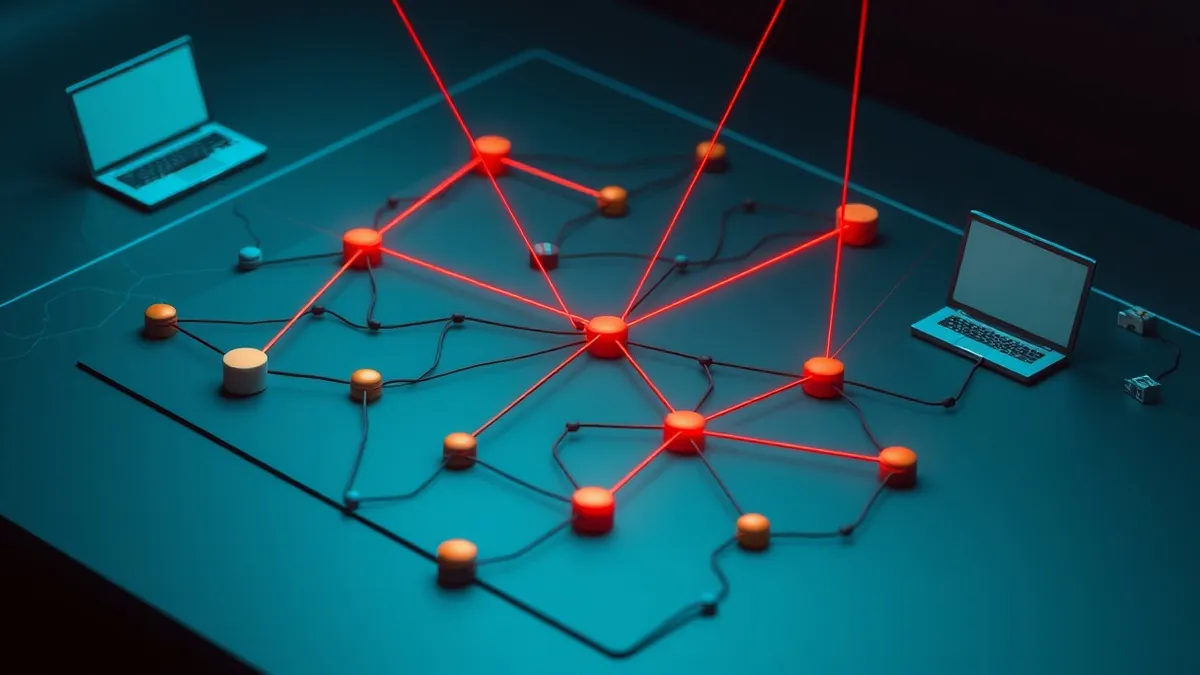
Network scanning is the digital equivalent of that perimeter walk. It is the systematic process of probing a network to discover active hosts, open ports, and running services. An attacker or an automated script sends specific packets to a range of IP addresses. It waits for responses. Based on how the target responds, the scanner builds a map of the environment.
This activity is rarely random. Modern scanning tools are highly efficient. They can test thousands of ports on hundreds of machines in minutes. The goal is not to disrupt the network immediately. The goal is to find a weakness that allows deeper access.
| Aspect | Detail |
|---|---|
| Primary Goal | Identify active devices, open ports, and running services. |
| Common Tool | Automated scripts using standard network protocols like TCP or ICMP. |
| Detection Method | Unusual volume of connection attempts from single or distributed sources. |
| Main Risk | Revealing vulnerable services that should remain hidden from the public. |
| Defense Strategy | Minimize attack surface through strict firewall rules and network segmentation. |
How the Probe Works
At the technical level, scanning relies on the fundamental rules of how computers talk to each other. The most common method involves the Transmission Control Protocol (TCP). This protocol ensures reliable data delivery. It uses a three-way handshake to establish a connection.
A scanner sends a request to a specific port on a target machine. If the port is open and listening for connections, the machine sends back an acknowledgment. If the port is closed, the machine may send a rejection packet. If the packet is dropped entirely, the scanner assumes a firewall is blocking it. By analyzing these responses, the scanner determines what is running on the machine.
This process generates significant network traffic. Even a single host being scanned on all 65,535 possible ports creates a distinct pattern. Security tools look for these patterns. A sudden spike in connection attempts from an unknown IP address is a strong indicator of scanning activity.
Who Gets Mapped
Network scanning affects any organization connected to the internet. It does not matter if you run a small local business or a global enterprise. If your servers have public IP addresses, they are visible to scanners.
Automated bots scan the entire public IP space continuously. They are not looking for you specifically. They are looking for any system that responds. If your system responds, it gets added to a database of potential targets. Later, other attackers may use that database to launch targeted attacks.
Small organizations are often easier targets. They may lack the resources to monitor traffic closely. They may run outdated software that is known to be vulnerable. A scanner identifies these outdated services quickly. Once identified, the attacker can exploit known weaknesses in that specific software version.
Forms of Reconnaissance
There are two main categories of scanning: active and passive. Active scanning involves sending packets directly to the target. This is the most common form. It is noisy and easy to detect if you have proper monitoring in place. Tools like Nmap are standard examples of active scanners. They send probes and analyze the replies to fingerprint the operating system and services.
Passive scanning is quieter. It involves observing traffic without sending any packets to the target. An attacker might sit on the same network segment and watch the data flowing by. They can learn about your network structure, the devices you communicate with, and the protocols you use. This method is harder to detect because it generates no new traffic.
Another form is banner grabbing. After finding an open port, the scanner requests a banner. This is a text string that many services send automatically when a connection is made. The banner often contains the software name and version number. This information allows the attacker to look up known vulnerabilities for that specific version.
What People Usually Get Wrong
Many administrators believe that if they do not see an attack, they are not being scanned. This is a dangerous assumption. Most scanning happens below the threshold of alert fatigue. Security teams receive thousands of alerts daily. Low-volume scanning blends into the background noise.
Another common mistake is assuming that hiding IP addresses provides security. You cannot hide a public IP address. You can only make it harder to find the services running behind it. Obfuscation is not a substitute for proper configuration. If a service is exposed, it will eventually be found.
Some believe that scanning is only done by malicious actors. This is incorrect. Internal security teams use the same tools to audit their own networks. This is called vulnerability scanning. The difference is intent. Internal scanning helps you fix problems before attackers find them. External scanning helps attackers find problems to exploit.
See also: Third-Party Cookies: Hidden Risks and Protection for Small Businesses · DDoS Attacks Explained: How Flooding Works and What to Do
Reducing the Attack Surface
The most effective defense against scanning is to minimize what you expose. This is known as reducing the attack surface. Every open port is a potential entry point. Every running service is a potential vulnerability.
Start by auditing your public-facing services. Close any ports that are not strictly necessary. If you do not need a file transfer service exposed to the internet, disable it. If you do not need remote desktop access from the public web, block it at the firewall.
Use network segmentation to isolate critical systems. Even if an attacker scans the perimeter and finds a weakness, segmentation prevents them from moving laterally to sensitive data. This limits the damage of a successful breach.
Integrating Detection and Response
Detecting scanning is the first step. Responding to it is the second. You need a way to distinguish between harmless background noise and a targeted reconnaissance effort. This requires good log management. You must collect and store connection logs centrally. Without centralized logs, you cannot correlate events across different systems.
Detection engineering focuses on creating rules that identify suspicious behavior. Instead of blocking every scan, which is impossible, you create alerts for high-risk patterns. For example, an alert might trigger if a single IP address scans more than 100 ports in one minute. This approach reduces false positives while catching serious threats.
Threat intelligence platforms can help here. They provide lists of known malicious IP addresses. If a scanner originates from an IP address on a bad reputation list, you can block it automatically. This reduces the noise and allows your team to focus on genuine threats.
Remember that scanning is just the first step. It is part of a larger attack chain. Understanding this chain helps you prioritize your defenses. The Pyramid of Pain model illustrates how difficult it is for attackers to change their infrastructure compared to changing their tactics. By focusing on indicators that are hard for attackers to change, such as IP addresses and domain names, you can disrupt their operations more effectively.
Final Thoughts on Visibility
Network scanning is inevitable. You cannot stop the internet from probing your perimeter. What you can control is what information those probes reveal. The less you expose, the harder it is for attackers to find a foothold.
Regularly audit your external-facing services. Ensure that only necessary ports are open. Monitor your logs for unusual patterns. Treat every open port as a potential risk. By maintaining a minimal attack surface and vigilant monitoring, you make your network a less attractive target for automated scanners and manual attackers alike.
Key takeaways
- Scanning is the reconnaissance phase that precedes most automated cyberattacks.
- Passive scanning gathers data without direct contact, while active scanning probes systems directly.
- Misconfigured firewalls often leak more information than intended, aiding attackers.
Network scanning is the automated mapping of your digital perimeter, revealing every open door and window to potential attackers. Minimize your exposure by closing unnecessary ports and monitoring for unusual connection patterns.
Frequently asked questions
Is network scanning illegal?
Scanning your own network is legal. Scanning a network you do not own or have explicit permission to test is generally illegal and considered unauthorized access in many jurisdictions.
Can I block all network scanning?
You can block many scans using firewalls and intrusion prevention systems, but you cannot block all scanning. Determined attackers can use slow or stealthy techniques that mimic legitimate traffic.
How is scanning different from hacking?
Scanning is the reconnaissance phase where an attacker gathers information. Hacking is the exploitation phase where they use that information to gain unauthorized access or cause damage.
Do I need special software to detect scanning?
Most modern firewalls and network monitoring tools can detect scanning patterns. You do not need expensive specialized software, but you do need proper configuration and log analysis.
How this guide was produced: written by the InfoSec Ledger editorial team with AI assistance, checked against the public references listed below, and reviewed when the facts change. See our editorial policy or report an error.