Secure File Sharing Mistakes That Expose Your Business Data
Most secure file sharing failures stem from weak access controls and encrypted local copies, not from the transport channel itself.
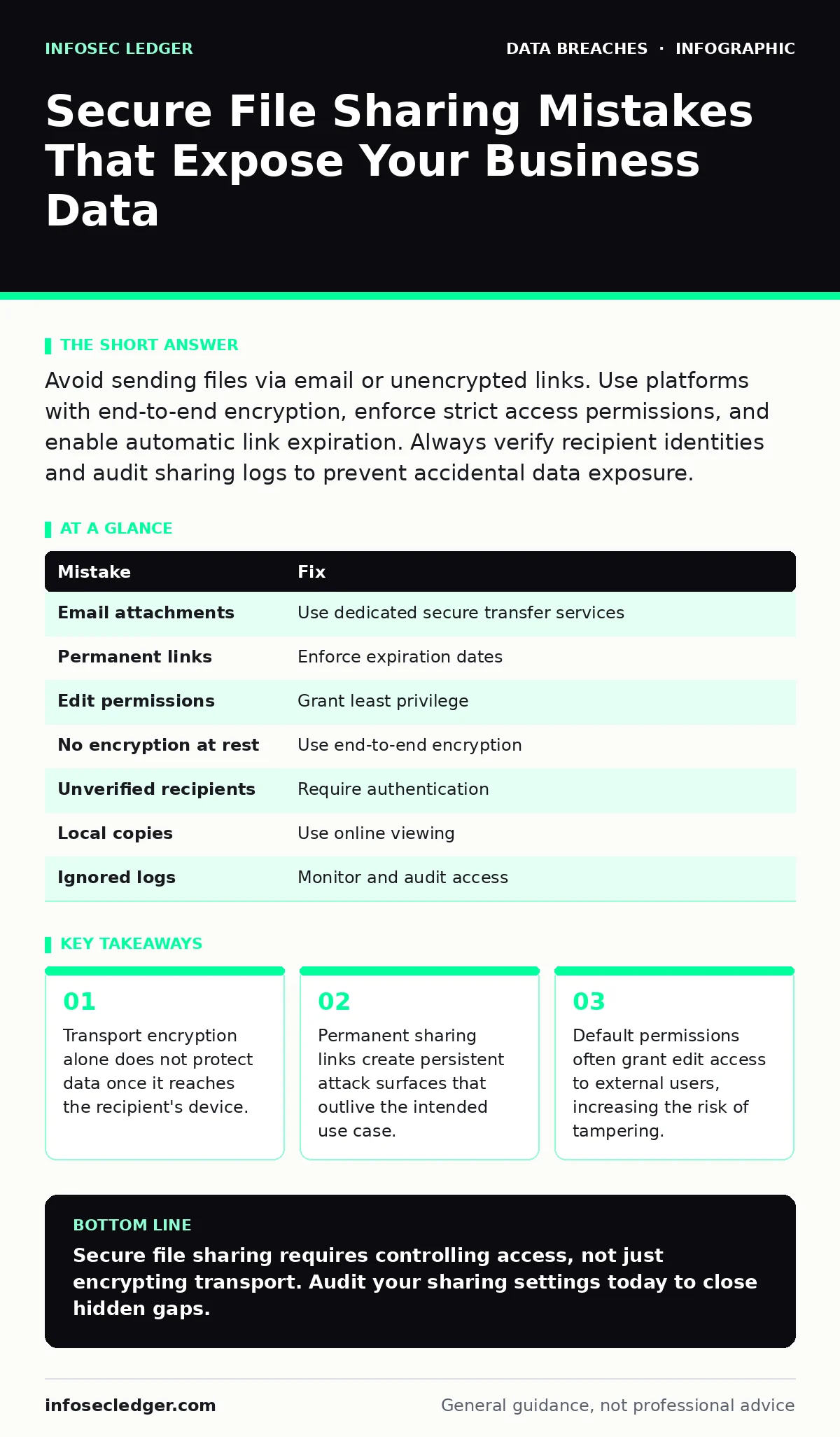
Avoid sending files via email or unencrypted links. Use platforms with end-to-end encryption, enforce strict access permissions, and enable automatic link expiration. Always verify recipient identities and audit sharing logs to prevent accidental data exposure.
Mistake 1: Using Standard Email for Sensitive Attachments
Email protocols were designed for open communication, not secure data transfer. When you attach a file to an email, it travels through multiple servers in plain text or with weak encryption. If any server in that chain is compromised, the attachment is exposed.
Why it hurts:
Email attachments lack granular access controls. Once the recipient receives the file, they can forward it, print it, or store it on an insecure drive. You lose all visibility and control over the data the moment it leaves your outbox.
The fix:
Replace email attachments with dedicated secure file transfer services. These services encrypt the data in transit and at rest. They allow you to set expiration dates and require authentication for access.
Mistake 2: Sharing Links Without Expiration Dates
Many secure sharing platforms generate permanent URLs for uploaded files. This convenience is dangerous because the link remains accessible indefinitely. If the link is shared beyond the intended recipient, anyone with the URL can access the data.
Why it hurts:
Permanent links create a hidden attack surface. Employees may share these links on public forums or social media without realizing the risk. Even if the employee leaves the company, the link remains active, granting former staff or attackers persistent access.
The fix:
Configure your sharing platform to enforce short expiration windows. Set links to expire after 24 hours or after a single download. This limits the window of opportunity for unauthorized access.
Mistake 3: Granting Edit Permissions to External Users
When inviting external collaborators, the default permission is often "Edit" or "Full Access." This allows the recipient to modify, delete, or move files within your shared directory. It also permits them to change permissions for others.
Why it hurts:
External users with edit rights can introduce malware into your file structure. They can also delete critical backups or alter permissions to grant access to their own contacts. This bypasses your internal security policies.
The fix:
Apply the principle of least privilege. Grant external users "View Only" or "Comment Only" permissions unless editing is strictly necessary. Review these permissions regularly to ensure they align with current business needs.
Mistake 4: Ignoring Encryption at Rest
Many services encrypt data while it moves across the internet. However, they may store the files on their servers in an unencrypted state. This is known as encryption at rest. Without it, a breach of the service provider’s storage exposes your raw data.
Why it hurts:
If the provider’s servers are compromised, attackers can read your files directly from the disk. You rely entirely on the provider’s security posture. You have no way to verify if your data is protected while stored.
The fix:
Choose platforms that use end-to-end encryption. This ensures that only you and the intended recipient hold the keys to decrypt the data. The service provider cannot read the files, even if their systems are breached.
Mistake 5: Failing to Verify Recipient Identities
Phishing attacks often involve attackers registering email addresses that look similar to legitimate business contacts. If you share a secure link with a typo in the email address, the data goes to the attacker.
Why it hurts:
You assume the recipient is who they say they are. The attacker receives the sensitive data without triggering any alerts. You may not discover the breach until the attacker uses the information.
The fix:
Use two-factor authentication for personal accounts to secure the sender’s identity. Require recipients to authenticate before accessing shared files. Verify email addresses through a secondary channel, such as a phone call, before sharing sensitive data.
See also: Privilege Escalation Vulnerabilities: How Attackers Steal Admin Control · Access Controls for AI Agents: Secure Autonomous Systems
Mistake 6: Storing Local Copies of Shared Files
Users often download shared files to their local desktops for convenience. These local copies are vulnerable to theft, loss, or malware infection. They are not protected by the cloud service’s security controls.
Why it hurts:
Local files bypass your centralized security policies. If a laptop is stolen, the data is lost. If malware infects the device, the files are exfiltrated. You cannot track or delete these copies remotely.
The fix:
Disable local download capabilities where possible. Use online viewing tools that prevent saving or printing. If downloads are necessary, enforce device encryption and strong passwords on all endpoints.
Mistake 7: Neglecting Audit Logs
Most secure sharing platforms keep logs of who accessed what file and when. Many organizations ignore these logs. Without review, you cannot detect unauthorized access or insider threats.
Why it hurts:
You operate blind to data usage. If an employee shares data improperly, you may not know until a breach occurs. This delays your incident communication plans and data breach response plans.
The fix:
Review access logs regularly. Set up alerts for unusual activity, such as downloads from unfamiliar locations. Integrate these logs into your broader security monitoring strategy.
| Mistake | Fix |
|---|---|
| Email attachments | Use dedicated secure transfer services |
| Permanent links | Enforce expiration dates |
| Edit permissions | Grant least privilege |
| No encryption at rest | Use end-to-end encryption |
| Unverified recipients | Require authentication |
| Local copies | Use online viewing |
| Ignored logs | Monitor and audit access |
Key takeaways
- Transport encryption alone does not protect data once it reaches the recipient's device.
- Permanent sharing links create persistent attack surfaces that outlive the intended use case.
- Default permissions often grant edit access to external users, increasing the risk of tampering.
Secure file sharing requires controlling access, not just encrypting transport. Audit your sharing settings today to close hidden gaps.
Frequently asked questions
Is password-protected ZIP files secure for sharing?
No. Passwords can be shared, guessed, or cracked. ZIP encryption is often weak. Use dedicated secure platforms with built-in authentication and encryption.
How long should I keep file sharing logs?
Keep logs for at least one year to support log retention policies. Longer retention helps detect slow-moving threats and supports forensic analysis.
Can cyber insurance cover file sharing breaches?
Coverage varies. Most policies require specific security controls. Poor sharing practices may void coverage. Check your policy details.
What if an employee accidentally shares data?
Revoke access immediately. Monitor for misuse. Update your data breach response plans to include accidental sharing scenarios.
How this guide was produced: written by the InfoSec Ledger editorial team with AI assistance, checked against the public references listed below, and reviewed when the facts change. See our editorial policy or report an error.