
Stop Tailgating: 7 Mistakes That Compromise Physical Security
Physical access controls fail when staff ignore social dynamics, allowing unauthorized entry that bypasses digital defenses and grants direct system access.
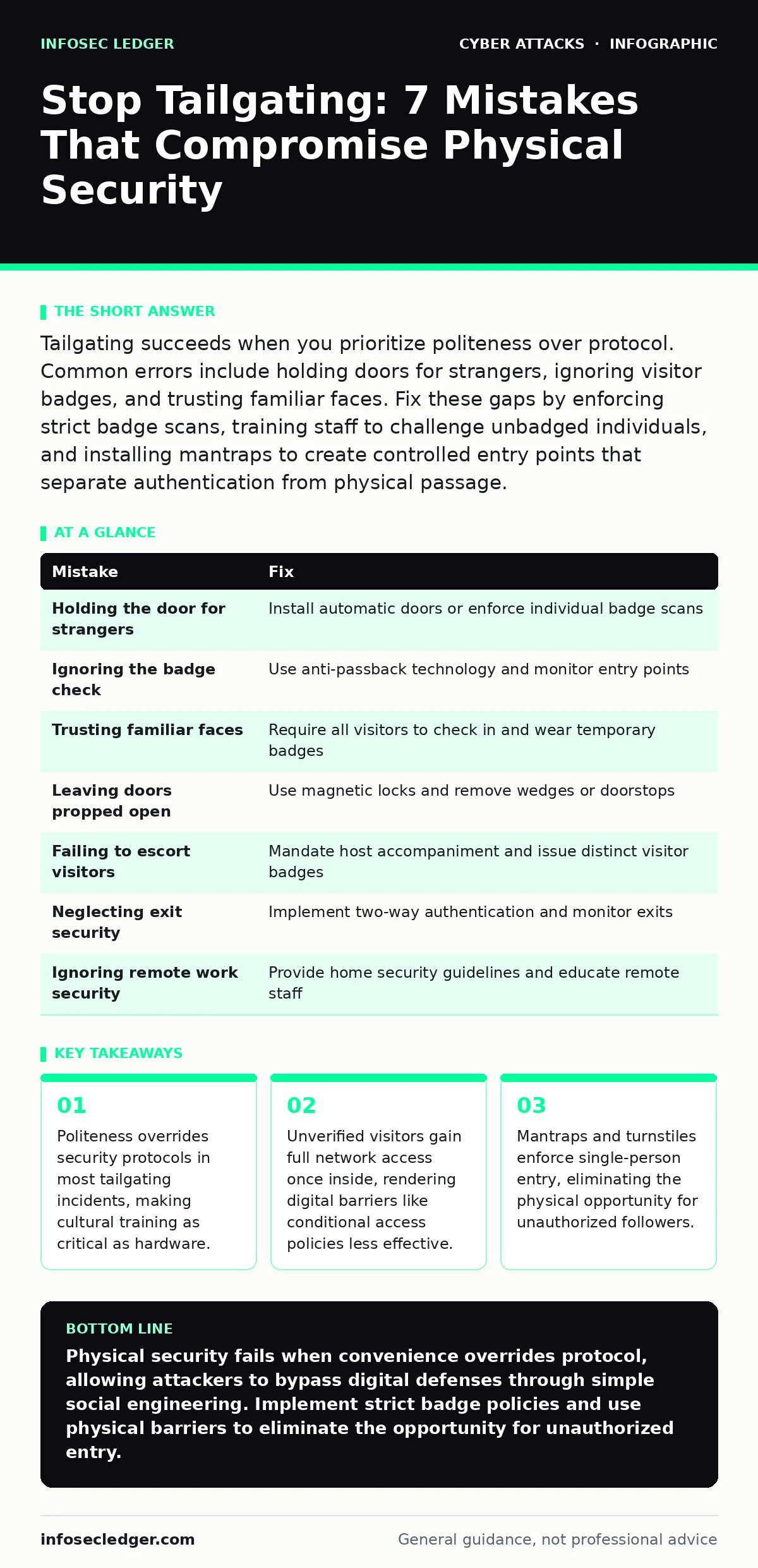
Tailgating succeeds when you prioritize politeness over protocol. Common errors include holding doors for strangers, ignoring visitor badges, and trusting familiar faces. Fix these gaps by enforcing strict badge scans, training staff to challenge unbadged individuals, and installing mantraps to create controlled entry points that separate authentication from physical passage.
Mistake 1: Holding the door for strangers
You open the door for someone behind you because it feels rude to walk away. This instinct is the primary vector for tailgating attacks. Attackers exploit social conditioning that rewards helpfulness. When you hold the door, you perform the authentication step for them. They bypass the need for credentials entirely.
Why it hurts: An attacker inside your facility has physical access to workstations, servers, and network jacks. They can plug in a device to intercept traffic or steal data from an unlocked screen. This physical presence often allows them to bypass multi-factor authentication by observing codes or using stolen badges.
The fix: Install automatic doors that close quickly after a scan. If you must use manual doors, train staff to wait for the person behind to scan their own badge before proceeding. Use turnstiles or mantraps that only allow one person through per credential scan. This removes the social choice from the equation.
Mistake 2: Ignoring the badge check
You see a colleague with a badge and assume everyone following them is also authorized. You do not verify that the person behind scans their own credential. This assumption creates a blind spot in your access control logic. Attackers often follow legitimate employees closely to blend into the flow of traffic.
Why it hurts: Your security system records only one successful entry event. The auditor sees a valid user entering, but does not know an unauthorized person followed them. This gap compromises the integrity of your access logs. You lose the ability to trace physical movement accurately during an incident.
The fix: Enforce a policy where each person must scan individually. Supervisors should monitor entry points and challenge groups entering together. Consider using anti-passback technology, which prevents a badge from being used again until the user exits. This ensures one badge corresponds to one person at one time.
Mistake 3: Trusting familiar faces
You recognize a delivery driver or a regular client and let them in without checking their badge. You rely on memory rather than verification. This mistake assumes that familiarity equals authorization. Attackers may scout your building for days, noting routines and faces, before executing their entry.
Why it hurts: Recognized individuals may have expired access or limited permissions that do not cover the area you are letting them into. By bypassing the scan, you grant them access beyond their authorized scope. This expands your attack surface reduction efforts by creating unmonitored entry points for potential threats.
The fix: Require all visitors, regardless of familiarity, to check in at the reception desk. Issue temporary badges that are time-limited and area-specific. Train staff to politely insist on a badge scan even for regulars. Consistency builds a culture where exceptions are the rule, not the exception.
Mistake 4: Leaving doors propped open
You wedge a door open with a chair or a doorstop for convenience during busy periods. This action completely disables the access control mechanism for that entry point. It turns a secured door into a standard architectural feature. Any passerby can enter without restriction.
Why it hurts: An open door invites casual tailgating and opportunistic theft. It allows attackers to enter and exit freely without triggering alarms. This creates a permanent vulnerability that is easy to exploit. It also violates compliance requirements that mandate controlled access to sensitive areas.
The fix: Remove wedges and doorstops immediately. Use magnetic locks that release only upon valid credential presentation. If foot traffic is high, consider installing speed gates or revolving doors that facilitate flow while maintaining security. Monitor door status with sensors that alert security if a door remains open too long.
Mistake 5: Failing to escort visitors
You allow a visitor to wander freely after signing in at the front desk. You assume they will stay in the lobby or with their host. This lack of supervision gives attackers time to scout the premises. They can identify server rooms, executive offices, or unattended workstations.
Why it hurts: Unescorted visitors can move to areas they are not authorized to access. They may plug in rogue devices to steal data or install malware. This physical access can facilitate session cookie theft if they approach an unlocked terminal. It also increases the risk of insider threats collaborating with external actors.
The fix: Require hosts to escort visitors at all times. Issue badges that are distinct in color or shape to make unescorted individuals easily identifiable. Conduct briefings for visitors on where they can and cannot go. Security staff should periodically check on visitors to ensure compliance.
See also: Access Controls for AI Agents: Secure Autonomous Systems · Conditional Access Policies Best Practices for Secure Identity
Mistake 6: Neglecting exit security
You focus heavily on entry points but ignore exit controls. You assume that once someone is inside, the threat is over. This oversight allows attackers to remove stolen equipment or data without detection. It also prevents you from verifying that everyone who entered has left.
Why it hurts: Attackers can steal laptops, hard drives, or documents during their exit. They can also plant devices that exfiltrate data later. Without exit controls, you cannot balance your entry logs. This makes it difficult to determine if an unauthorized person remains inside the building after hours.
The fix: Implement two-way authentication for all doors. Require badge scans to exit as well as enter. Use cameras at exits to monitor for suspicious behavior, such as carrying large items. Integrate exit logs with your security information system to detect anomalies in movement patterns.
Mistake 7: Ignoring remote work security
You secure your physical office but neglect the home offices of remote employees. You assume that tailgating is only a concern at the main headquarters. This narrow view leaves distributed teams vulnerable. Attackers may target employees at their homes to gain access to corporate networks.
Why it hurts: Remote workers often lack physical security controls. They may share passwords or leave devices unattended. An attacker who gains physical access to a home office can steal a laptop or observe screen content. This breach can lead to adversary-in-the-middle phishing attacks if the attacker intercepts credentials.
The fix: Provide remote workers with security guidelines for their home environments. Encourage the use of privacy screens and secure storage for devices. Educate employees on the risks of tailgating in shared living spaces. Ensure that incident response plans cover remote access breaches and physical security failures.
| Mistake | Fix |
|---|---|
| Holding the door for strangers | Install automatic doors or enforce individual badge scans |
| Ignoring the badge check | Use anti-passback technology and monitor entry points |
| Trusting familiar faces | Require all visitors to check in and wear temporary badges |
| Leaving doors propped open | Use magnetic locks and remove wedges or doorstops |
| Failing to escort visitors | Mandate host accompaniment and issue distinct visitor badges |
| Neglecting exit security | Implement two-way authentication and monitor exits |
| Ignoring remote work security | Provide home security guidelines and educate remote staff |
Key takeaways
- Politeness overrides security protocols in most tailgating incidents, making cultural training as critical as hardware.
- Unverified visitors gain full network access once inside, rendering digital barriers like conditional access policies less effective.
- Mantraps and turnstiles enforce single-person entry, eliminating the physical opportunity for unauthorized followers.
Physical security fails when convenience overrides protocol, allowing attackers to bypass digital defenses through simple social engineering. Implement strict badge policies and use physical barriers to eliminate the opportunity for unauthorized entry.
Frequently asked questions
What is the difference between tailgating and piggybacking?
Tailgating occurs when an unauthorized person follows an authorized user without their knowledge, while piggybacking involves the authorized user knowingly allowing the other person to enter. Both result in unauthorized access.
How can I prevent tailgating in a high-traffic building?
Use mantraps, turnstiles, or speed gates that enforce single-person entry. Combine these physical barriers with clear signage and regular staff training to reinforce the importance of individual credential scanning.
Does a security guard prevent tailgating?
A security guard can deter tailgating but cannot stop it entirely. Guards can be distracted or overwhelmed. Physical controls like mantraps and electronic locks provide a consistent barrier that does not rely on human vigilance alone.
What should I do if I suspect someone tailed me?
Report the incident immediately to your security team. Do not confront the individual yourself. Security can review camera footage and access logs to determine if unauthorized access occurred and take appropriate action.
How this guide was produced: written by the InfoSec Ledger editorial team with AI assistance, checked against the public references listed below, and reviewed when the facts change. See our editorial policy or report an error.