
How Session Cookie Theft Works: The Step-by-Step Breakdown
Session cookies grant immediate access without passwords, meaning a single stolen token bypasses most multi-factor authentication controls entirely.
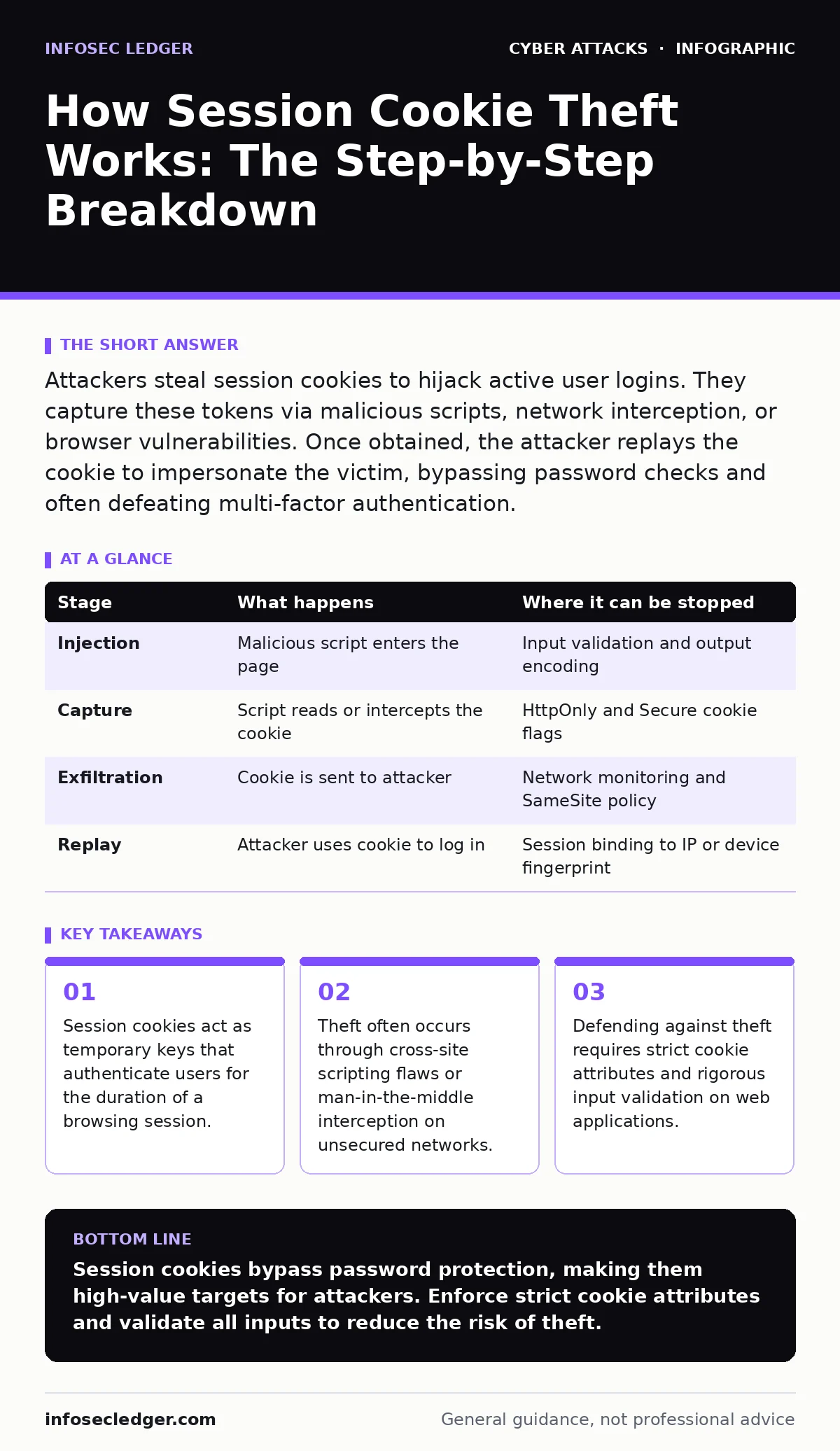
Attackers steal session cookies to hijack active user logins. They capture these tokens via malicious scripts, network interception, or browser vulnerabilities. Once obtained, the attacker replays the cookie to impersonate the victim, bypassing password checks and often defeating multi-factor authentication.
The Value of the Session Token
When you log into a web application, the server creates a session identifier. This unique string, stored in your browser as a session cookie, tells the server who you are for every subsequent request. The server does not ask for your password again. It trusts the cookie.
This trust model is efficient but dangerous. If an attacker obtains this cookie, they do not need your password. They do not need to bypass multi-factor authentication. They simply present the cookie, and the server grants them your exact privileges. The session cookie is a bearer token. Possession equals authority.
### Stage 1: The Injection Vector
The theft begins when the attacker introduces malicious code into the environment you trust. This is rarely a direct attack on the server itself. It is usually an attack on the application’s ability to handle user input.
Imagine a comment section on a blog. If the application displays your comment without sanitizing it, an attacker can inject JavaScript. This is known as cross-site scripting. When another user views that comment, their browser executes the attacker’s script. The script runs with the privileges of the website, allowing it to read sensitive data from your browser’s memory.
### Stage 2: The Capture Mechanism
Once the malicious code is running, it must extract the session cookie. Modern browsers implement SameSite attributes and HttpOnly flags to limit this access. HttpOnly prevents JavaScript from reading the cookie. SameSite restricts how cookies are sent with cross-site requests.
If the website administrator has not enabled HttpOnly, the script can read the cookie directly. If HttpOnly is set, the attacker must use a different method. They might force the browser to make a request to the target site, capturing the response which might leak session data. Alternatively, they might exploit a browser vulnerability that bypasses these protections entirely.
### Stage 3: The Exfiltration Path
The stolen cookie must leave your device. The attacker’s script typically sends the data to a remote server they control. This happens in the background, often without any visible change to the webpage you are viewing.
The transmission is usually a simple HTTP POST or GET request. Because the data is just a string of characters, it blends in with normal web traffic. If the connection to the attacker’s server is unencrypted, anyone monitoring the network can also see the stolen cookie. Even if encrypted, the attacker receives the token immediately.
### Stage 4: The Replay Attack
The attacker now possesses the session cookie. They insert this cookie into their own browser or automated tool. When they visit the target website, their browser sends the cookie with the request.
The server receives the cookie and checks its database. It finds a valid session associated with that identifier. It does not know the request is coming from a different computer or a different location. It assumes the request is legitimate. The attacker is now logged in as you.
This stage highlights a critical flaw: the server verifies the token, not the user. There is no secondary check for device fingerprinting or behavioral analysis in many standard implementations. The theft is complete.
See also: Warning Signs of Insecure Direct Object References (IDOR) in Web Apps · Online Tracking Risks: How Small Firms Lose Data and Regain Control
Interrupting the Chain
You can stop this process at multiple points. The most effective defense is preventing the injection in the first place. This requires rigorous attack surface reduction by validating and sanitizing all user inputs. If an attacker cannot inject script, they cannot read the cookie.
You can also mitigate the impact of a successful injection. Setting the HttpOnly flag ensures that JavaScript cannot access the cookie. Setting the Secure flag ensures the cookie is only sent over encrypted connections. Setting SameSite=Strict prevents the cookie from being sent with cross-site requests, blocking many automated theft techniques.
| Stage | What happens | Where it can be stopped |
|---|---|---|
| Injection | Malicious script enters the page | Input validation and output encoding |
| Capture | Script reads or intercepts the cookie | HttpOnly and Secure cookie flags |
| Exfiltration | Cookie is sent to attacker | Network monitoring and SameSite policy |
| Replay | Attacker uses cookie to log in | Session binding to IP or device fingerprint |
The Hidden Cost of Trust
Many organizations assume that multi-factor authentication stops account takeovers. This is a dangerous misconception. MFA protects the login page. It does not protect the session. Once the user is logged in, MFA is irrelevant. The session cookie is the key to the kingdom.
This is why adversary-in-the-middle phishing attacks are so effective. They do not steal passwords. They steal the live session. The victim thinks they are logging in, but they are actually handing over an active ticket. The attacker uses that ticket before the victim even notices the login attempt.
Beyond Network Interception
While cross-site scripting is a common vector, it is not the only one. An attacker on the same local network can use ARP spoofing to intercept traffic between your device and the router. If the website does not enforce HTTPS, the attacker can see the session cookie in plain text.
This is why the Secure flag is non-negotiable. It forces the browser to only send the cookie over encrypted channels. Without it, anyone on the Wi-Fi network can capture your session. This is particularly relevant for mobile users who connect to public networks.
Managing the Lifecycle
Session cookies should have a short lifespan. If a cookie is stolen, a short expiration limits the window of opportunity for the attacker. Long-lived sessions increase the risk. If a user leaves a computer unlocked, a long session allows an attacker to walk up and use the browser.
Implementing incident response plans that include session revocation is also vital. When a suspicious login is detected, the system should invalidate the session immediately. This forces the attacker to log out, even if they still possess the cookie.
The Reality of Defense
No single control stops all session cookie theft. You need layers. Input validation prevents injection. Cookie flags limit access. Short lifespans reduce impact. Monitoring detects anomalies.
If you suspect a breach, treat it as a compromise of the account, not just the device. Change passwords and revoke all active sessions. This forces a new authentication event, which may trigger multi-factor authentication and alert the user to the unauthorized access.
Key takeaways
- Session cookies act as temporary keys that authenticate users for the duration of a browsing session.
- Theft often occurs through cross-site scripting flaws or man-in-the-middle interception on unsecured networks.
- Defending against theft requires strict cookie attributes and rigorous input validation on web applications.
Session cookies bypass password protection, making them high-value targets for attackers. Enforce strict cookie attributes and validate all inputs to reduce the risk of theft.
Frequently asked questions
Can antivirus software detect session cookie theft?
Antivirus software typically scans for known malware signatures. It rarely detects logical flaws like cross-site scripting or the exfiltration of cookie data in real-time.
Does logging out prevent session cookie theft?
Logging out invalidates the current session cookie. If an attacker has not yet stolen the active cookie, logging out renders their effort useless. They must wait for you to log in again.
Is HTTPS enough to protect session cookies?
HTTPS encrypts the transmission, preventing network interception. It does not protect against cross-site scripting, where the cookie is stolen directly from the browser’s memory by malicious code.
How do I know if my session has been stolen?
Look for unfamiliar login locations or times in your account activity log. Unexpected changes to account settings or unauthorized transactions are strong indicators of a compromised session.
How this guide was produced: written by the InfoSec Ledger editorial team with AI assistance, checked against the public references listed below, and reviewed when the facts change. See our editorial policy or report an error.