
Spot Mass Assignment Vulnerabilities Before Attackers Exploit Them
Mass assignment flaws let attackers rewrite hidden data fields by submitting extra parameters in standard web forms, often bypassing basic input validation entirely.
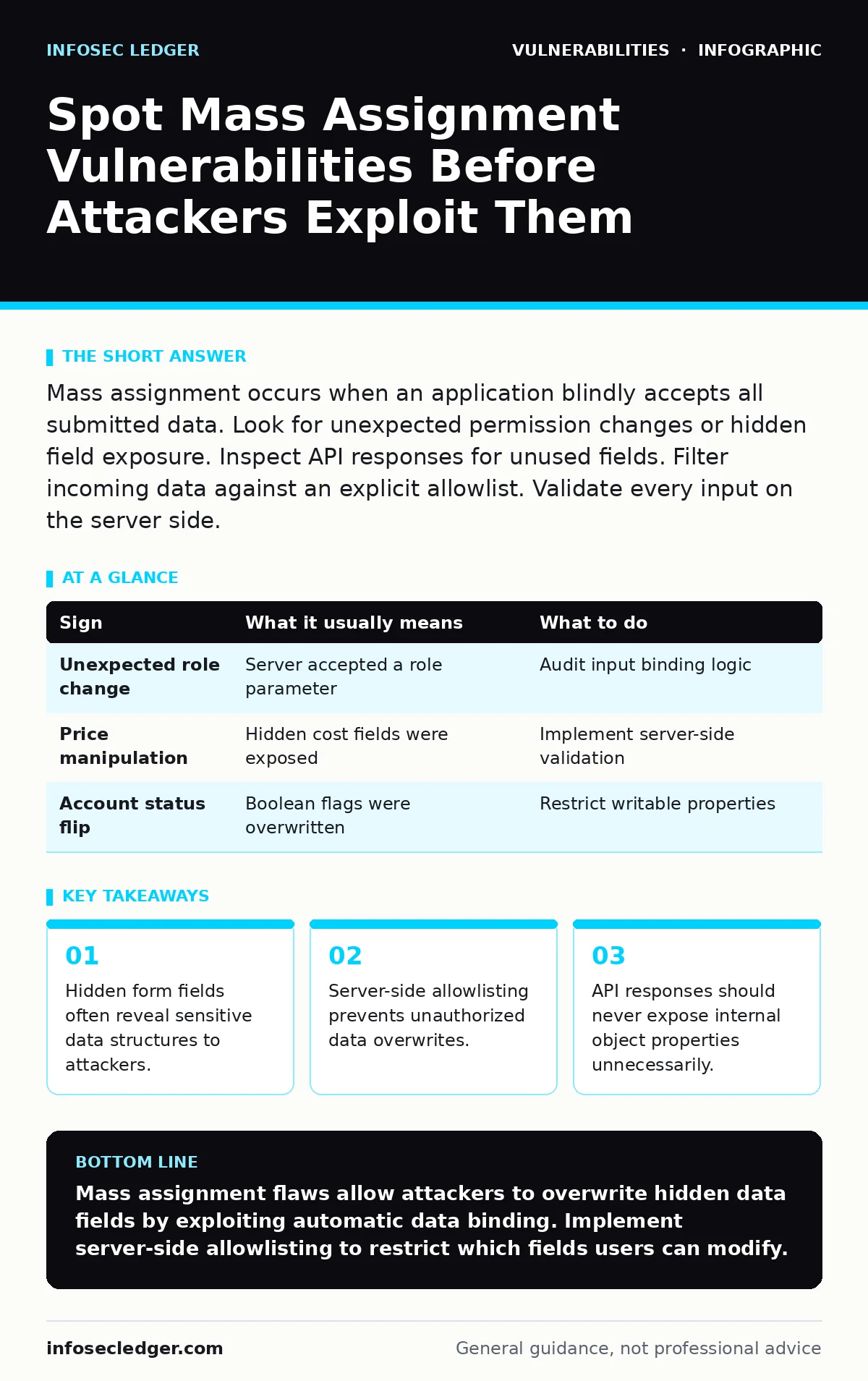
Mass assignment occurs when an application blindly accepts all submitted data. Look for unexpected permission changes or hidden field exposure. Inspect API responses for unused fields. Filter incoming data against an explicit allowlist. Validate every input on the server side.
Why Mass Assignment Happens in Web Apps
Mass assignment vulnerabilities arise when an application accepts user input and directly maps it to an internal data model. Developers often use frameworks that automatically bind form data to database records. This convenience removes the manual step of verifying each field. The application trusts the client to send only allowed data.
Attackers exploit this trust by adding extra parameters to requests. These extra fields might control user roles, account balances, or access levels. The server processes them because the binding mechanism does not distinguish between intended and malicious data. This flaw exists in many modern web frameworks that prioritize developer speed over strict data isolation.
Signs People Notice First
You will often see obvious behavioral changes when mass assignment is active. A user might suddenly gain administrative privileges without clicking any upgrade button. An order total might change after submission, indicating a manipulated price field. These signs appear because the attacker successfully overwrote a protected property. The application displays the new state because it trusts the modified data. Users may report that their account settings changed without their action. These visible anomalies are the loudest warning signs. They indicate that the server accepted and processed unauthorized data fields. Investigating these changes reveals the underlying binding flaw.
| Sign | What it usually means | What to do |
|---|---|---|
| Unexpected role change | Server accepted a role parameter | Audit input binding logic |
| Price manipulation | Hidden cost fields were exposed | Implement server-side validation |
| Account status flip | Boolean flags were overwritten | Restrict writable properties |
Signs That Are Easy to Miss
Subtle signs often hide in plain sight within API responses. An API might return internal IDs or configuration flags that users do not need. These fields are not displayed in the user interface but exist in the raw JSON or XML response. Attackers use these exposed fields as targets for mass assignment. Another hidden sign is the presence of extra parameters in form submissions that have no visible effect. These parameters might be ignored by the current version but could become dangerous later. Inspect network traffic to find these silent fields. They indicate a lack of strict input filtering.
How Attackers Discover Hidden Fields
Attackers do not guess field names randomly. They analyze the application’s source code or API documentation. They look at the JSON structure returned by the server. If a user profile returns an "isAdmin" field, attackers know they can try to set it to true. They also inspect HTML forms for hidden inputs. These inputs often contain IDs or status flags. By modifying these values in the browser developer tools, attackers test for mass assignment. This reconnaissance phase is quick and automated. It relies on the application leaking internal data structures to the client.
What to Do When You See One
Immediate action requires isolating the affected endpoint. Stop accepting unvalidated input from that specific form or API route. Review the server-side code that handles the data binding. Identify which fields are intended to be user-editable. Create an explicit allowlist of those fields. Reject any incoming data that does not match the allowlist. This approach ensures that only known, safe properties are updated. Do not rely on blocking specific bad fields. New fields might be added later, creating new risks. An allowlist is more secure than a blocklist.
See also: Malicious Bot Traffic: Detection, Mitigation, and Hidden Costs · Warning Signs of Insecure Direct Object References (IDOR) in Web Apps
Preventing Future Mass Assignment Issues
Prevention starts with architectural decisions. Use data transfer objects that separate API input from database models. Map only the specific fields needed for the operation. Frameworks often provide decorators or annotations to ignore certain fields. Use these features to explicitly mark fields as read-only. Another method is to use view models that contain only the data you want to expose. This separation ensures that internal state never reaches the client. Regular code reviews should focus on input handling logic. Check for direct binding of request bodies to persistent entities.
The Trade-Off of Strict Validation
Strict validation adds complexity to development. Developers must maintain allowlists for every endpoint. This work increases when the data model changes. New fields require updates to the validation logic. However, the cost of a breach is far higher. Mass assignment can lead to full account takeover. It can alter financial records or bypass security controls. The effort to implement allowlisting is small compared to the damage. Balancing developer convenience with security is necessary. Automated testing can help catch missing validation rules.
Related Security Considerations
Mass assignment often works in tandem with other flaws. If an application also suffers from privilege escalation vulnerabilities, the impact increases. An attacker might use mass assignment to gain a higher role, then exploit that role. Understanding how these flaws interact is key. Reviewing guides on server-side template injection can also help, as both involve untrusted input processing. Ensuring HTTP security headers are correct helps mitigate some data exposure risks. However, headers do not stop mass assignment. Input validation remains the primary control.
Key takeaways
- Hidden form fields often reveal sensitive data structures to attackers.
- Server-side allowlisting prevents unauthorized data overwrites.
- API responses should never expose internal object properties unnecessarily.
Mass assignment flaws allow attackers to overwrite hidden data fields by exploiting automatic data binding. Implement server-side allowlisting to restrict which fields users can modify.
Frequently asked questions
Can mass assignment happen in mobile apps?
Yes, if the mobile app sends data to an API that blindly binds input to database records. The vulnerability is on the server side.
Does HTTPS prevent mass assignment?
No, HTTPS encrypts data in transit but does not validate the content. The server still processes malicious fields if validation is missing.
How do I test for mass assignment?
Inspect API responses for hidden fields. Try adding those fields to your requests. Check if the server accepts and processes them.
Is mass assignment common in modern frameworks?
It is common in frameworks that support automatic data binding. Developers must explicitly configure these frameworks to ignore unwanted fields.
How this guide was produced: written by the InfoSec Ledger editorial team with AI assistance, checked against the public references listed below, and reviewed when the facts change. See our editorial policy or report an error.