
Online Tracking Risks: How Small Firms Lose Data and Regain Control
Browser tracking scripts often bypass basic firewalls, silently mapping your customer’s behavior and exposing your network to subtle data leaks.
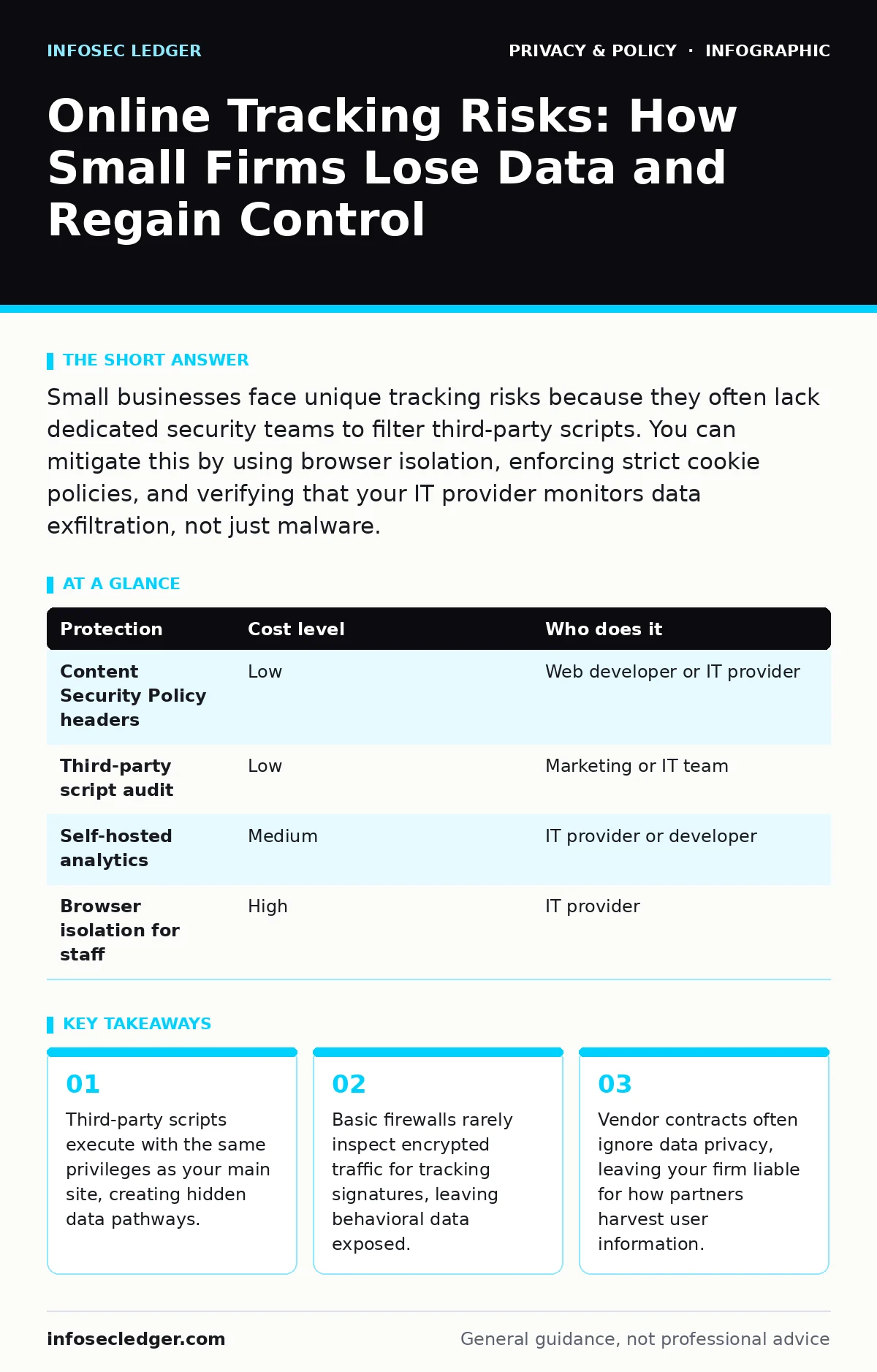
Small businesses face unique tracking risks because they often lack dedicated security teams to filter third-party scripts. You can mitigate this by using browser isolation, enforcing strict cookie policies, and verifying that your IT provider monitors data exfiltration, not just malware.
The Hidden Architecture of Tracking
Most organizations view online tracking as a marketing nuisance. It is actually a structural vulnerability. When you embed a script from an analytics or advertising provider, you grant that third party direct access to your user’s session. This script runs in the visitor’s browser with the same permissions as your own code. It can read cookies, access local storage, and observe page interactions.
The risk escalates when these scripts communicate with external servers. Your web server acts as a middleman, relaying sensitive behavioral data to entities you do not control. If a tracking script is compromised, attackers can inject malicious code into your legitimate traffic. This is known as a supply chain attack. You are trusting the security posture of every vendor whose badge appears on your site.
Why Small Organizations Remain Exposed
Smaller entities often assume they are too insignificant to attract sophisticated tracking or exploitation. This assumption fails because tracking tools are automated. They do not care about your revenue; they care about volume. Your site is just another node in a global network of data collection.
Small teams also lack the bandwidth to audit third-party integrations. A single employee might install a chat widget, a map plugin, and a social media feed without realizing each adds a new data pipe. These tools often bypass standard security reviews because they appear benign. The cumulative effect is a sprawling, unmanaged perimeter.
Furthermore, many small businesses reuse infrastructure. The same server that hosts your public website may also process internal forms or connect to your email system. If a tracking script finds a way to manipulate input fields, it can pivot from collecting anonymized metrics to harvesting specific personal data. This blurring of lines is a common failure point.
The Limits of Standard Security Tools
Standard firewalls are designed to block unauthorized access to your server, not to filter outbound data from your users. They look for known malicious signatures or blocked IP addresses. Tracking scripts usually originate from legitimate, high-reputation domains. Your firewall sees the traffic as normal web browsing and allows it to pass.
Encryption adds another layer of complexity. Most modern websites use HTTPS, which encrypts data in transit. This protects against eavesdropping but also hides the content from your network security tools. You cannot easily inspect the payload of an encrypted connection without performing man-in-the-middle decryption, which requires specialized certificates and significant processing power. Consequently, tracking data flows freely through your encrypted tunnels.
This is why network segmentation is critical. You must isolate your public-facing web servers from your internal database and employee workstations. If a tracking script is compromised, segmentation ensures the attacker cannot move laterally to your sensitive systems. For more on securing your network edges, see our guide on public Wi-Fi risks.
Low-Cost Protections for Your Stack
You do not need expensive enterprise software to reduce tracking exposure. Several architectural changes provide significant protection with minimal cost. The first step is to audit your third-party scripts. Remove any analytics or marketing tools that do not serve a direct business function. Every script you remove is a potential leak you have closed.
Next, implement Content Security Policy headers. This is a standard HTTP header that tells the browser which sources of content are allowed to execute. By specifying a strict allowlist of domains, you prevent unauthorized scripts from loading. If a tracking script tries to call home to a domain not on your list, the browser blocks it. This stops the data exfiltration at the source.
Another effective measure is to host your own analytics using open-source solutions. This keeps the data on your servers, under your control. You can anonymize the data before storage, reducing privacy liabilities. This approach aligns with pseudonymization practices, where you strip direct identifiers from the data while retaining its utility for analysis.
| Protection | Cost level | Who does it |
|---|---|---|
| Content Security Policy headers | Low | Web developer or IT provider |
| Third-party script audit | Low | Marketing or IT team |
| Self-hosted analytics | Medium | IT provider or developer |
| Browser isolation for staff | High | IT provider |
What to Ask Your IT Provider
Your IT provider is your first line of defense, but only if you ask the right questions. Do not settle for vague promises about "security." You need specific assurances about data flow and third-party management.
- How do you audit third-party scripts for data exfiltration risks?
- Do you implement Content Security Policy headers on all public-facing sites?
- How do you segment public web traffic from internal corporate networks?
- What is your process for removing abandoned or unused plugins and widgets?
- How do you monitor for unusual outbound traffic patterns that might indicate tracking?
If your provider cannot answer these questions with technical precision, they may not be equipped to handle modern privacy threats. They might be focused on keeping the lights on rather than securing the data pipeline. Consider this part of your broader vendor risk management, similar to how you would evaluate the security of VPNs for remote access.
See also: GDPR vs HIPAA: Key Differences for Data Protection Compliance
Navigating Compliance and Policy
Regulations like the CCPA and similar privacy laws impose strict requirements on how you handle consumer data. Ignorance is not a defense. If a third-party script collects data that you are legally required to disclose or protect, you are liable for that collection. The law treats your data practices as a single ecosystem, regardless of who operates the tools.
You must maintain a detailed inventory of all data processors. This includes every script, widget, and plugin on your website. You need to know what data each tool collects, where it sends it, and how long it retains it. This documentation is not just for auditors; it is for your own operational clarity. If a vendor changes its privacy policy, you need to know immediately so you can adjust your configuration or remove the tool.
Additionally, consider the impact of third-party cookies and their deprecation. The industry is moving toward privacy-preserving alternatives, but the transition is messy. Many tracking tools will attempt to circumvent these restrictions using fingerprinting techniques, which are often more invasive. You must stay ahead of these shifts by regularly reviewing your tracking consent mechanisms.
The Human Element of Tracking
Your employees are also targets. Tracking is not limited to your customers. Internal monitoring tools, remote management software, and productivity apps often collect detailed usage data. This data can reveal sensitive business operations or employee behavior. If this data is breached, it can lead to espionage or harassment.
Ensure that your internal tools are subject to the same scrutiny as your public-facing ones. Do not allow unchecked installation of monitoring software. Define clear policies on what data can be collected internally and who has access to it. This protects your staff and reduces the attack surface. For personal protection, remind staff to use two-factor authentication for personal accounts to prevent their personal data from being used in targeted attacks against your firm.
Key takeaways
- Third-party scripts execute with the same privileges as your main site, creating hidden data pathways.
- Basic firewalls rarely inspect encrypted traffic for tracking signatures, leaving behavioral data exposed.
- Vendor contracts often ignore data privacy, leaving your firm liable for how partners harvest user information.
Frequently asked questions
Does using a privacy browser stop all tracking?
Privacy browsers block many common trackers and scripts, but they cannot stop all data collection. Sophisticated fingerprinting techniques can still identify users based on browser configuration and behavior.
How do I know if a script is malicious?
You typically cannot tell by looking at the code. You must rely on reputation, regular auditing, and strict Content Security Policy headers to block unauthorized scripts from executing.
Can I be fined for third-party tracking errors?
Yes. Privacy regulations hold the website operator liable for data collection practices, even if the collection is performed by a third-party vendor integrated into your site.
What is the difference between first-party and third-party tracking?
First-party tracking is done by the website you are visiting, while third-party tracking is done by external services embedded in the page. Third-party tracking is generally more invasive and harder to control.
How this guide was produced: written by the InfoSec Ledger editorial team with AI assistance, checked against the public references listed below, and reviewed when the facts change. See our editorial policy or report an error.