
Data Loss Prevention Strategies That Actually Protect Your Business
Most data loss prevention failures stem from ignoring internal workflows rather than external hackers, making process mapping more valuable than firewall rules.
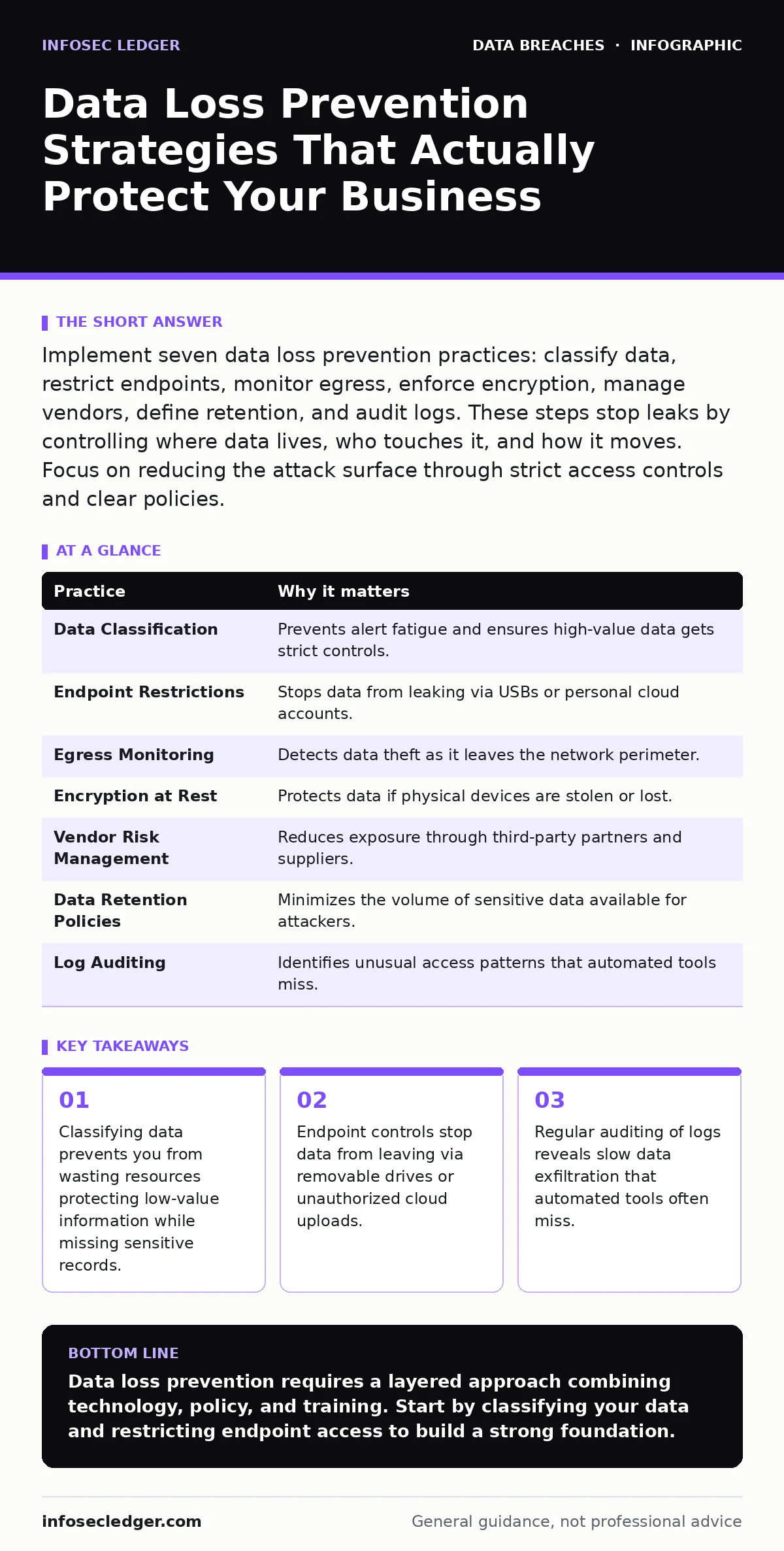
Implement seven data loss prevention practices: classify data, restrict endpoints, monitor egress, enforce encryption, manage vendors, define retention, and audit logs. These steps stop leaks by controlling where data lives, who touches it, and how it moves. Focus on reducing the attack surface through strict access controls and clear policies.
1. Classify Data by Sensitivity Level
Data loss prevention begins with knowing what you have. You cannot protect what you do not identify. Treating all files as equally sensitive creates alert fatigue and wastes storage resources. You must categorize data into public, internal, confidential, and restricted tiers. This classification drives the security controls applied to each file.
Why it matters: Unlabeled data travels freely across networks. Attackers exploit this ambiguity to move sensitive records out of the organization without triggering alarms. Clear labels allow automated tools to apply the right restrictions.
Practical tip: Tag files at creation. Configure your document management system to require a sensitivity label before saving. This forces users to consider the data type before storing it.
2. Restrict Endpoint Data Movement
Laptops and mobile devices are high-risk vectors for data theft. USB drives, Bluetooth transfers, and personal cloud accounts bypass network security controls. You must disable unnecessary ports and block unauthorized applications on company devices. This prevents data from leaving the corporate environment through physical or digital shortcuts.
Why it matters: Endpoint security is often the weakest link. A lost laptop or a careless employee can expose years of customer records in seconds. Blocking these paths forces data to stay within monitored channels.
Practical tip: Use group policy to disable USB mass storage devices on all workstations. Allow only encrypted, company-issued drives if physical transfer is absolutely necessary.
3. Monitor Network Egress Traffic
Data leaves your organization through the network. You must inspect outbound traffic for anomalies. Large data transfers, unusual destinations, or encrypted uploads to unknown services are red flags. Monitoring egress helps you detect data exfiltration attempts before the data reaches an external server.
Why it matters: Internal threats and compromised accounts often use standard ports to hide stolen data. Without egress monitoring, you only see the connection, not the content. This visibility is critical for early detection.
Practical tip: Set alerts for outbound transfers exceeding a specific size threshold. Investigate any large upload to a non-business-related domain immediately.
4. Enforce Encryption at Rest
Encryption at rest ensures that stolen hardware or backup tapes remain unreadable. You must encrypt all databases, file servers, and endpoint drives. This adds a layer of security that protects data even if physical security fails. It turns readable files into scrambled data without the correct key.
Why it matters: Physical theft is a real risk. If an attacker steals a server or a laptop, encryption prevents them from accessing the data. This is a critical component of your overall encryption at rest strategy.
Practical tip: Enable full-disk encryption on all company devices. Ensure keys are managed centrally and rotated regularly to maintain security integrity.
5. Implement Strict Vendor Risk Management
Third-party vendors often have access to your data. You must assess their security practices before sharing information. A weak link in your supply chain can lead to a breach. Review their contracts and security certifications regularly. This ensures they meet your data protection standards.
Why it matters: Vendors can be targeted to access your data indirectly. If a vendor is breached, your data is at risk. Proper vendor risk management reduces this exposure by ensuring partners are secure.
Practical tip: Require vendors to sign data processing agreements. Include clauses that mandate immediate notification of any breach involving your data.
See also: How AI Usage Policies Work: From Data Capture to Risk Control · Secure File Sharing Mistakes That Expose Your Business Data
6. Define Clear Data Retention Policies
Holding data longer than necessary increases risk. You must define how long each data type is kept. Delete data that is no longer needed for business or legal reasons. This reduces the amount of sensitive information available for attackers to steal. It also simplifies compliance efforts.
Why it matters: Stale data is often overlooked in security audits. Attackers target old backups and archives because they are less protected. A strict data retention policies framework ensures you only keep what you need.
Practical tip: Automate deletion of expired records. Configure your systems to purge data after its retention period ends. This removes human error from the process.
7. Audit Access Logs Regularly
Access logs show who viewed or modified data. You must review these logs for unusual activity. Look for access outside business hours, from unusual locations, or by users who do not need the data. Regular audits help you identify compromised accounts or insider threats early.
Why it matters: Automated tools may miss subtle anomalies. Human review adds a layer of context. You can spot patterns that algorithms might ignore. This is vital for detecting unauthorized access attempts.
Practical tip: Schedule weekly log reviews. Assign this task to a security officer who is not involved in daily operations. This ensures objective analysis.
| Practice | Why it matters |
|---|---|
| Data Classification | Prevents alert fatigue and ensures high-value data gets strict controls. |
| Endpoint Restrictions | Stops data from leaking via USBs or personal cloud accounts. |
| Egress Monitoring | Detects data theft as it leaves the network perimeter. |
| Encryption at Rest | Protects data if physical devices are stolen or lost. |
| Vendor Risk Management | Reduces exposure through third-party partners and suppliers. |
| Data Retention Policies | Minimizes the volume of sensitive data available for attackers. |
| Log Auditing | Identifies unusual access patterns that automated tools miss. |
8. Train Employees on Data Handling
Human error is a leading cause of data breaches. Employees must understand how to handle sensitive information. Regular training reinforces security policies and keeps threats top-of-mind. Teach them to recognize phishing attempts and social engineering tactics. This creates a culture of security awareness.
Why it matters: Technology cannot stop every threat. Employees are the first line of defense. If they recognize suspicious activity, they can prevent a breach. Training reduces the risk of accidental data exposure.
Practical tip: Conduct quarterly security simulations. Test employees with mock phishing emails and provide immediate feedback. This reinforces learning through practice.
9. Establish Secure File Sharing Protocols
Sending files via email is risky. You must use secure file sharing platforms for sensitive documents. These platforms provide encryption, access controls, and audit trails. They prevent unauthorized access and ensure that only intended recipients can view the data. This reduces the risk of interception or accidental forwarding.
Why it matters: Email is not secure by default. Attachments can be intercepted or opened by the wrong person. Secure sharing platforms add layers of protection that email lacks. This is critical for protecting medical identity theft risks in healthcare sectors.
Practical tip: Disable email attachments for large or sensitive files. Require users to upload files to a secure portal instead. This ensures consistent security controls.
Key takeaways
- Classifying data prevents you from wasting resources protecting low-value information while missing sensitive records.
- Endpoint controls stop data from leaving via removable drives or unauthorized cloud uploads.
- Regular auditing of logs reveals slow data exfiltration that automated tools often miss.
Data loss prevention requires a layered approach combining technology, policy, and training. Start by classifying your data and restricting endpoint access to build a strong foundation.
Frequently asked questions
How do I know if my DLP strategy is working?
Review your logs for blocked attempts and conduct regular audits. A decrease in successful data exfiltration attempts indicates effectiveness.
Is DLP only for large enterprises?
No, small businesses are frequent targets. Basic DLP measures like encryption and access controls are affordable and effective for any size.
Can DLP tools slow down my network?
Yes, scanning all traffic can impact performance. Configure rules to prioritize high-risk data and optimize scanning frequencies to balance security and speed.
What is the difference between DLP and encryption?
Encryption scrambles data to make it unreadable. DLP monitors and controls data movement to prevent unauthorized access or leakage. They work together.
How this guide was produced: written by the InfoSec Ledger editorial team with AI assistance, checked against the public references listed below, and reviewed when the facts change. See our editorial policy or report an error.