unauthorized access example: how intruders enter and how to block them
Most unauthorized entry events succeed not through complex code, but by exploiting valid credentials that were never properly revoked or monitored for unusual usage patterns.
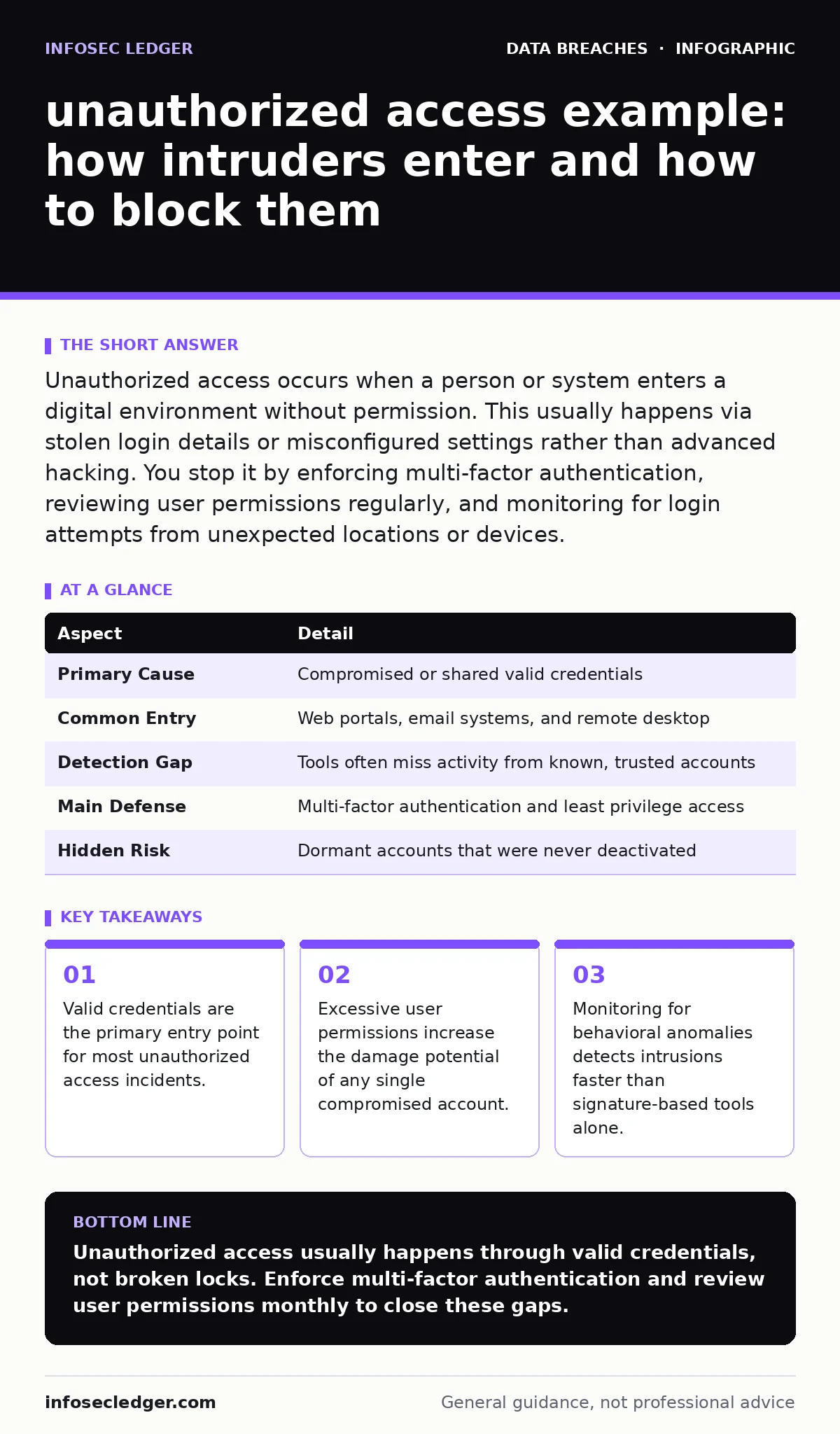
Unauthorized access occurs when a person or system enters a digital environment without permission. This usually happens via stolen login details or misconfigured settings rather than advanced hacking. You stop it by enforcing multi-factor authentication, reviewing user permissions regularly, and monitoring for login attempts from unexpected locations or devices.
The Door That Never Locks
Imagine leaving your office key in the front door lock overnight. A thief does not need to pick the lock or break the window. They simply turn the key and walk in. This is how most unauthorized access works in digital systems. The barrier is not broken. The barrier is opened by someone who appears to have the right to enter.
Unauthorized access is the act of viewing, changing, or deleting data without explicit permission. It affects any organization that uses networked computers or cloud services. The intruder might be a former employee, a hacker who stole passwords, or even a legitimate user who clicked a malicious link. The result is the same. The system accepts the entry as valid.
| Aspect | Detail |
|---|---|
| Primary Cause | Compromised or shared valid credentials |
| Common Entry | Web portals, email systems, and remote desktop |
| Detection Gap | Tools often miss activity from known, trusted accounts |
| Main Defense | Multi-factor authentication and least privilege access |
| Hidden Risk | Dormant accounts that were never deactivated |
How Intruders Enter Without Breaking In
Attackers rarely spend months writing new code to bypass a firewall. They look for paths of least resistance. The most common path is a username and password pair. These credentials are obtained through phishing emails, data dumps from other breaches, or simple guessing. Once the attacker has the keys, the system treats them as the real user.
The system logs a successful login. No alarm sounds. The firewall sees traffic from a known user. The intrusion detection system sees standard commands. The attacker moves laterally, accessing files they should not see. They may copy data, alter records, or install software. Because they are using a valid account, their actions look like normal work. This is why credential theft is so effective. It hides in plain sight.
Who Gets Hit and Why It Matters
You might think only large corporations with sensitive data are targets. This is a dangerous misconception. Small and medium-sized organizations are frequent targets because they often lack dedicated security teams. They rely on default settings and shared accounts. The cost of a breach here can be existential.
The impact extends beyond lost data. Trust erodes when clients learn their information was exposed. Regulatory fines can follow if personal data was handled incorrectly. Operational disruption occurs when systems are locked down for investigation. The financial hit is immediate, but the reputational damage lasts for years. Every connected device is a potential entry point. Every user is a potential weak link.
What People Usually Get Wrong
Many organizations believe that a strong firewall is enough. A firewall controls traffic at the network edge. It does not stop someone who logs in from inside the network. Another common error is assuming that employees will never click a phishing link. Human error is inevitable. Systems must be designed to withstand it.
A third mistake is keeping old accounts active. When staff leave or change roles, their permissions often remain. These dormant accounts become ghost entries. Attackers scan for these inactive but valid accounts. They are easy targets because no one is watching them. You must treat account lifecycle management as a security control, not an HR task. Reviewing access rights is as critical as updating software.
How to Block Unauthorized Access
Start with identity verification. Require multi-factor authentication for all users. This adds a second step, such as a code from a phone app, before granting access. Even if a password is stolen, the attacker cannot proceed without the second factor. This stops the vast majority of automated attacks.
Next, enforce the principle of least privilege. Users should only have access to the data they need for their job. If a customer service rep does not need financial records, block that access. This limits the damage if their account is compromised. Review these permissions quarterly. Remove access that is no longer needed.
Monitor for anomalies. Look for logins at unusual times or from new countries. Flag rapid downloads of large files. Set up alerts for these events. This is not about watching every click. It is about spotting patterns that deviate from the norm. Combine this with data loss prevention tools to stop sensitive files from leaving the network.
See also: Document retention policies for nonprofits: reduce risk and save space · Medical Identity Theft Description: How It Works and What To Do
The Hidden Cost of Over-Permissioning
Giving users too much access creates a hidden liability. It is convenient for employees, but it is dangerous for the business. When every user has admin rights, a single phishing click can compromise the entire system. Attackers exploit this trust. They move from a low-level account to high-level controls.
This is why vendor risk management is critical. Third-party vendors often have access to your systems. If they are compromised, you are compromised. Verify their security practices. Limit their access to only what is necessary. Revoke it immediately when the contract ends. Your security perimeter includes everyone who touches your data.
Responding When Access Is Granted
If you detect unauthorized access, act quickly. Isolate the affected system to prevent further spread. Change the compromised credentials immediately. Investigate what data was accessed or modified. Document every step. This documentation is vital for data breach response plans and potential legal review.
Do not assume the intruder is gone. They may have created backdoor accounts. Scan for new users or changed settings. Restore systems from clean backups if necessary. Communicate with affected parties as required by law. Transparency builds trust, even in bad news. Use this incident to tighten controls. Implement encryption at rest to ensure that stolen data remains unreadable without the decryption key.
Building Long-Term Resilience
Security is not a product you buy. It is a process you maintain. Regular training helps employees recognize phishing attempts. Clear data retention policies ensure you do not keep data longer than needed. Less data means less to steal.
Integrate security into your daily workflow. Make it easy to do the right thing. If multi-factor authentication is cumbersome, users will find ways around it. Choose solutions that balance security and usability. Review your cyber insurance coverage to ensure it matches your risk profile. Insurance pays for the aftermath, but it does not prevent the breach.
The goal is to make unauthorized access difficult and detectable. You cannot stop every attempt. But you can make the effort so high that attackers move on to easier targets. Stay proactive. Review your controls. Adapt to new threats. Your digital doors must remain locked, even when everyone thinks they are open.
Key takeaways
- Valid credentials are the primary entry point for most unauthorized access incidents.
- Excessive user permissions increase the damage potential of any single compromised account.
- Monitoring for behavioral anomalies detects intrusions faster than signature-based tools alone.
Unauthorized access usually happens through valid credentials, not broken locks. Enforce multi-factor authentication and review user permissions monthly to close these gaps.
Frequently asked questions
What is the difference between unauthorized access and a data breach?
Unauthorized access is the act of entering a system without permission. A data breach is the result, where sensitive information is exposed or stolen. Access is the cause; the breach is the effect.
Can multi-factor authentication stop all unauthorized access?
No, it stops most credential-based attacks. It does not stop attacks that exploit software vulnerabilities or social engineering tricks that bypass the second factor. It is a critical layer, but not a complete shield.
How often should I review user permissions?
Review them at least quarterly. Trigger immediate reviews when employees change roles or leave the organization. Dormant accounts with excessive permissions are a major risk.
Is cloud storage safer against unauthorized access?
Cloud storage offers strong security features, but misconfiguration is a common risk. You must set permissions correctly and enable multi-factor authentication. The cloud provider secures the infrastructure; you secure the access.
How this guide was produced: written by the InfoSec Ledger editorial team with AI assistance, checked against the public references listed below, and reviewed when the facts change. See our editorial policy or report an error.