
CNAPP Checklist: Secure Cloud-Native Apps with 20 Critical Controls
Consolidating cloud security tools reduces blind spots but requires strict identity governance to prevent privilege escalation across hybrid environments.
Use this CNAPP checklist to unify container, Kubernetes, and cloud infrastructure security. Verify identity controls, enforce container image scanning, and monitor runtime behavior. Grouping these checks prevents configuration drift and ensures consistent protection across your entire cloud-native application lifecycle.
Why Consolidation Matters for Cloud Security
Cloud-native application protection platforms (CNAPP) combine multiple security tools into a single workflow. This integration addresses the fragmentation that occurs when teams use separate solutions for container security, cloud infrastructure protection, and vulnerability management. You gain a unified view of your environment. This visibility reduces the time required to correlate alerts. It also ensures that security policies apply consistently from the development phase through to production.
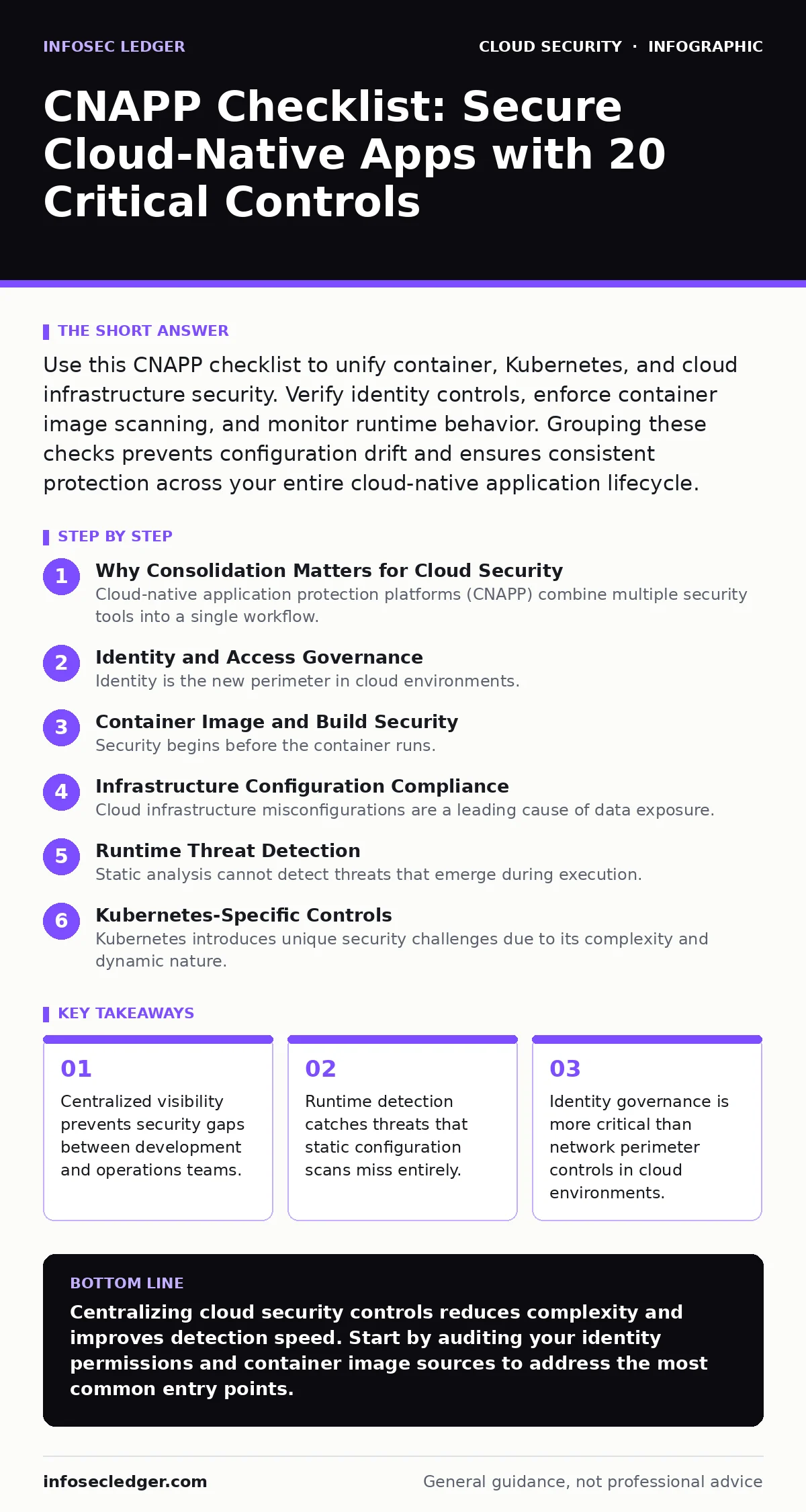
Identity and Access Governance
Identity is the new perimeter in cloud environments. Traditional network boundaries dissolve when workloads run in dynamic containers. You must verify that every service and user has the minimum permissions required for their function.
- Enforce least-privilege access for all cloud accounts: Excessive permissions allow attackers to move laterally after a breach.
- Implement role-based access control (RBAC) for Kubernetes: Prevents unauthorized users from modifying cluster configurations or accessing sensitive data.
- Audit service account keys regularly: Compromised keys provide persistent access without triggering standard login alerts.
- Enable multi-factor authentication for administrative consoles: Adds a layer of defense against stolen credentials and phishing attacks.
- Review cross-account access policies: Ensures that trust relationships between cloud accounts do not create unintended entry points.
Container Image and Build Security
Security begins before the container runs. Vulnerabilities in base images or dependencies propagate through your entire application stack. You must inspect images during the build process to catch issues early. This approach aligns with shift-left security principles, where defects are identified before deployment.
- Scan container images for known vulnerabilities: Identifies outdated libraries and software components with public exploits.
- Verify image signatures and provenance: Confirms that images originate from trusted sources and have not been tampered with.
- Remove unnecessary packages from base images: Reduces the attack surface by eliminating unused software that could be exploited.
- Enforce non-root execution for containers: Prevents attackers from gaining elevated privileges if they compromise a running container.
- Block images with high-severity vulnerabilities: Stops insecure applications from reaching production environments entirely.
Infrastructure Configuration Compliance
Cloud infrastructure misconfigurations are a leading cause of data exposure. Settings that are secure in one environment may be insecure in another due to configuration drift. You need automated checks to ensure that resources remain compliant with your security standards.
- Enable encryption for data at rest: Protects stored information from unauthorized access if storage volumes are stolen or leaked.
- Verify public access settings for storage buckets: Prevents accidental exposure of sensitive data to the internet.
- Audit logging configurations for all services: Ensures that you have a record of actions taken within your cloud environment for forensic analysis.
- Check network security group rules: Blocks unnecessary inbound traffic and restricts communication between services.
- Validate resource tagging policies: Helps identify ownership and purpose, reducing the risk of shadow IT resources going unnoticed.
Runtime Threat Detection
Static analysis cannot detect threats that emerge during execution. Malware, cryptojacking, or unauthorized processes may only appear after the container is running. Runtime protection monitors behavior in real time to catch anomalies that bypass initial security checks.
- Monitor for unexpected process executions: Detects malicious scripts or binaries that run outside normal application behavior.
- Alert on network connection anomalies: Identifies containers communicating with known malicious domains or unusual IP addresses.
- Detect file system modifications: Flags changes to critical system files that may indicate rootkit installation or data tampering.
- Track resource usage spikes: Helps identify cryptojacking attempts that consume excessive CPU or memory resources.
- Enable automated response actions: Allows the platform to isolate compromised containers automatically without human intervention.
See also: Conditional Access Policies Best Practices for Secure Identity · Cloud Cryptojacking: Warning Signs and Immediate Response Steps
Kubernetes-Specific Controls
Kubernetes introduces unique security challenges due to its complexity and dynamic nature. Misconfigured clusters can expose dashboards or allow privilege escalation. You must apply specific controls to protect the orchestration layer that manages your containers.
- Secure the Kubernetes API server: Prevents unauthorized access to the cluster management interface.
- Enable Pod Security Standards: Restricts containers from running with privileged capabilities or host namespaces.
- Audit RBAC bindings for cluster roles: Ensures that no service account has unnecessary cluster-wide administrative privileges.
- Monitor for exposed Kubernetes dashboards: Prevents attackers from accessing the cluster UI without authentication.
- Validate network policies between namespaces: Isolates workloads to limit lateral movement in case of a breach.
Continuous Monitoring and Response
Security is not a one-time setup. Threats evolve, and configurations change over time. You need a feedback loop that connects detection to remediation. This ensures that identified risks are addressed promptly and do not persist in your environment.
- Integrate CNAPP with incident response tools: Automates the creation of tickets and alerts for security operations teams.
- Review false positive rates regularly: Tuning alerts reduces noise and ensures that critical threats are not ignored.
- Test response playbooks periodically: Validates that automated actions work as intended and do not disrupt business operations.
- Monitor for configuration drift: Detects when resources deviate from approved security baselines over time.
- Audit third-party integrations: Ensures that external tools connected to your CNAPP do not introduce new vulnerabilities.
Finalizing Your Security Posture
Implementing these controls requires coordination across development, operations, and security teams. Start with identity and access governance, as these are the foundation of cloud security. Then move to container and infrastructure checks. Finally, add runtime monitoring to catch threats that evade static defenses. This layered approach provides depth without overwhelming your team.
Key takeaways
- Centralized visibility prevents security gaps between development and operations teams.
- Runtime detection catches threats that static configuration scans miss entirely.
- Identity governance is more critical than network perimeter controls in cloud environments.
Centralizing cloud security controls reduces complexity and improves detection speed. Start by auditing your identity permissions and container image sources to address the most common entry points.
Frequently asked questions
How does CNAPP differ from traditional cloud security tools?
CNAPP integrates container, Kubernetes, and infrastructure security into a single platform, whereas traditional tools often operate in silos with limited correlation capabilities.
Can CNAPP replace a cloud access security broker (CASB)?
No, CNAPP focuses on cloud-native workloads and infrastructure, while CASB monitors user access to SaaS applications and data movement outside the cloud.
Is runtime detection necessary if I scan images before deployment?
Yes, image scanning only identifies known vulnerabilities at build time. Runtime detection catches threats that emerge during execution, such as malware or unauthorized processes.
How do I handle configuration drift in a CNAPP?
Use automated compliance checks that continuously compare current resource states against your defined security baselines and alert on any deviations.
How this guide was produced: written by the InfoSec Ledger editorial team with AI assistance, checked against the public references listed below, and reviewed when the facts change. See our editorial policy or report an error.