
Implementing AI Usage Policies at Work: A Step-by-Step Framework
Most policy failures stem from ignoring the hidden cost of context leakage, not from a lack of technical controls or employee intent.
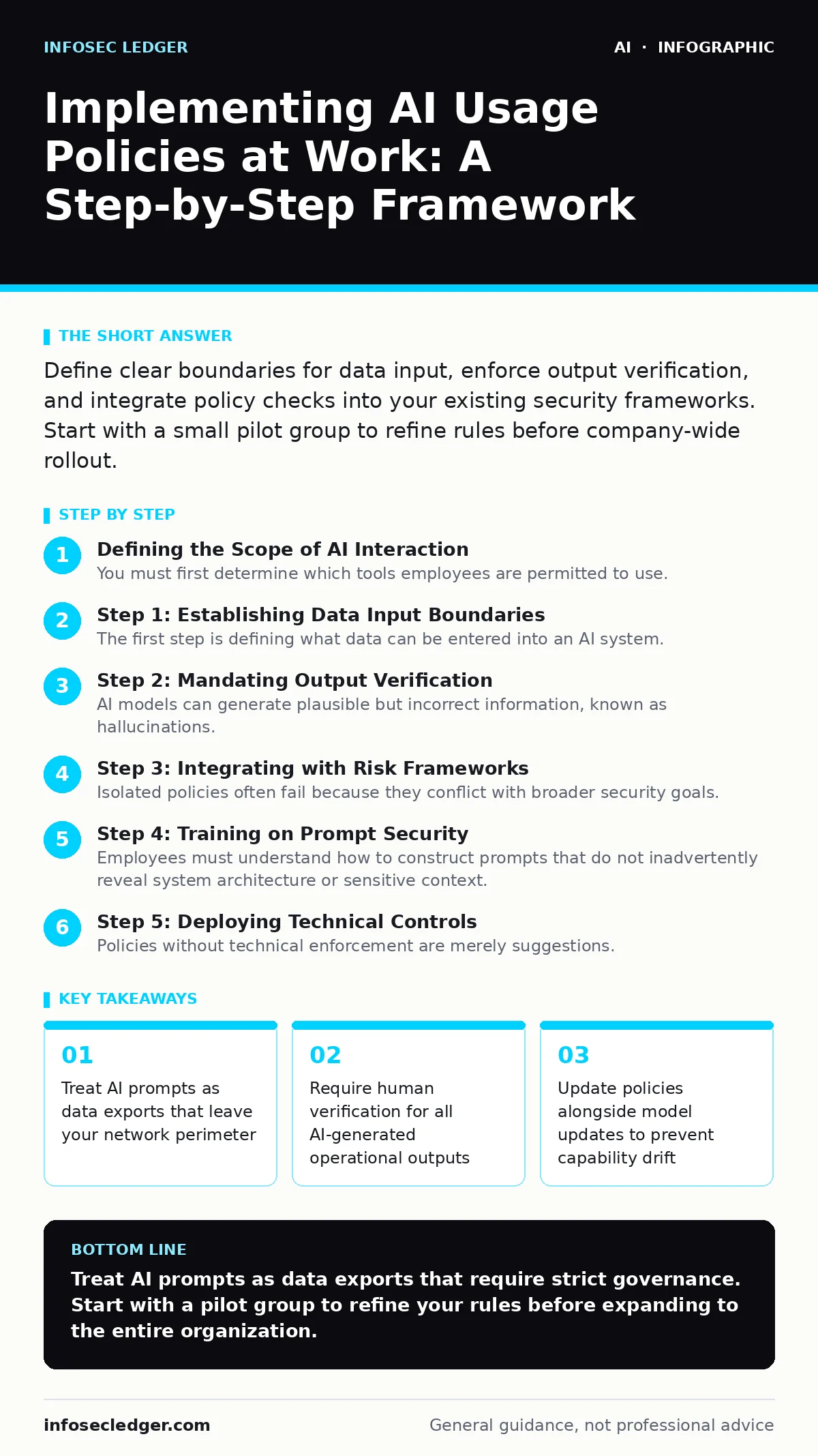
Define clear boundaries for data input, enforce output verification, and integrate policy checks into your existing security frameworks. Start with a small pilot group to refine rules before company-wide rollout.
Defining the Scope of AI Interaction
You must first determine which tools employees are permitted to use. Unvetted applications often lack enterprise-grade security controls, creating blind spots in your data governance. Define a whitelist of approved platforms that meet your security standards. This prevents shadow IT, where users bypass restrictions to access convenient but risky tools.
The distinction between internal and external AI usage is critical. Internal models may keep data within your infrastructure, while public models often use input data to improve their general capabilities. You need to know where your proprietary information travels when it leaves your device.
Step 1: Establishing Data Input Boundaries
The first step is defining what data can be entered into an AI system. You must prohibit the input of personally identifiable information, intellectual property, and confidential business strategies. Create a clear list of prohibited data types. This reduces the risk of accidental data exfiltration, which occurs when employees copy-paste sensitive text into a chat interface.
To verify this step worked, audit recent chat logs for prohibited keywords. If you find instances of sensitive data, the policy definition was unclear or enforcement is missing. You may need to reference guides on securing AI agents to understand how automated systems handle data differently than human users.
Step 2: Mandating Output Verification
AI models can generate plausible but incorrect information, known as hallucinations. Your policy must require employees to verify all factual claims, code snippets, and financial data before using them. This step shifts the responsibility for accuracy back to the human operator. It prevents the spread of misinformation within internal communications and external client deliverables.
Verification works when you see a consistent pattern of citations or source checks in employee workflows. If errors persist, the verification step is being treated as optional. You should consider AI content detection tools to help identify AI-generated text, but never rely on them as the sole source of truth.
Step 3: Integrating with Risk Frameworks
Isolated policies often fail because they conflict with broader security goals. Align your AI usage rules with established frameworks like the NIST AI Risk Management Framework. This ensures your AI policy supports your overall risk posture rather than creating siloed exceptions. It also provides a structured approach to measuring and mitigating AI-specific risks.
Check that your incident response plans include AI-related events. If your team does not know how to respond to a data leak via AI, the integration is incomplete. This alignment reduces friction between security teams and operational departments.
Step 4: Training on Prompt Security
Employees must understand how to construct prompts that do not inadvertently reveal system architecture or sensitive context. Training should cover techniques like jailbreaking AI chatbots, showing how easily security filters can be bypassed with clever phrasing. When employees understand these attacks, they become less likely to engage in risky behavior.
Measure training effectiveness by running simulated phishing exercises that use AI-generated lures. If click rates drop significantly after training, the education was effective. You might also explore fine-tuning strategies to create internal tools that are safer by design, though this requires more resources.
See also: AI Generated Phishing: How Automated Fraud Bypasses Human Defense · AI Agents for Small Businesses: Secure Automation Risks
Step 5: Deploying Technical Controls
Policies without technical enforcement are merely suggestions. Implement data loss prevention rules that block sensitive keywords from entering AI applications. Use network-level controls to restrict access to unapproved AI services. These controls act as a safety net when human judgment fails.
You know this step works when your security logs show blocked attempts to access prohibited services. If employees frequently complain about blocked access, your whitelist may be too restrictive, hindering productivity. Balance is key to long-term compliance.
Step 6: Monitoring and Continuous Improvement
AI capabilities evolve rapidly, and your policy must adapt. Regularly review new features and security advisories for your approved tools. Update your guidelines to address new risks like voice cloning scams or advanced social engineering. Static policies become obsolete quickly in this field.
Set up a quarterly review cycle with stakeholders from legal, security, and operations. If you are not updating your policy at least twice a year, you are likely falling behind emerging threats. Consider how machine learning for fraud detection principles can apply to monitoring unusual AI usage patterns within your organization.
Verification Checklist and Common Pitfalls
Use this checklist to ensure your implementation is complete:
- Data classification rules are mapped to AI tools
- All staff have completed prompt security training
- Technical controls block unapproved AI services
- Incident response plans include AI data leaks
- Quarterly policy reviews are scheduled
Maintaining Policy Relevance Over Time
Upkeep is not a one-time task. It requires ongoing attention to new threats and changing business needs. Assign ownership of the AI policy to a specific team or individual. Without clear ownership, policies drift and become ineffective.
Regularly communicate updates to staff to reinforce the importance of compliance. Use real-world examples, anonymized if necessary, to illustrate the consequences of non-compliance. This keeps the policy top-of-mind and reduces accidental violations.
Key takeaways
- Treat AI prompts as data exports that leave your network perimeter
- Require human verification for all AI-generated operational outputs
- Update policies alongside model updates to prevent capability drift
Treat AI prompts as data exports that require strict governance. Start with a pilot group to refine your rules before expanding to the entire organization.
Frequently asked questions
Should I ban all public AI tools for employees?
A total ban often drives usage underground, making it harder to monitor. Instead, implement strict data input rules and use approved enterprise versions with better security controls.
How do I handle AI-generated code in development?
Require peer review for all AI-generated code. Treat it like code from an unknown external contributor, verifying security and functionality before integration.
Is AI content detection reliable enough for policy enforcement?
Detection tools are imperfect and can produce false positives. Use them as a secondary check, not as the primary method for identifying AI-generated content.
Who is responsible for AI policy violations?
Responsibility should be shared between the user and the department head. Clear accountability ensures that violations are taken seriously and addressed promptly.
How this guide was produced: written by the InfoSec Ledger editorial team with AI assistance, checked against the public references listed below, and reviewed when the facts change. See our editorial policy or report an error.