
OAuth Misconfigurations: Warning Signs and Remediation Steps
Silent authorization leaks often bypass perimeter defenses because tokens grant access without passwords, making configuration errors more dangerous than weak credentials.
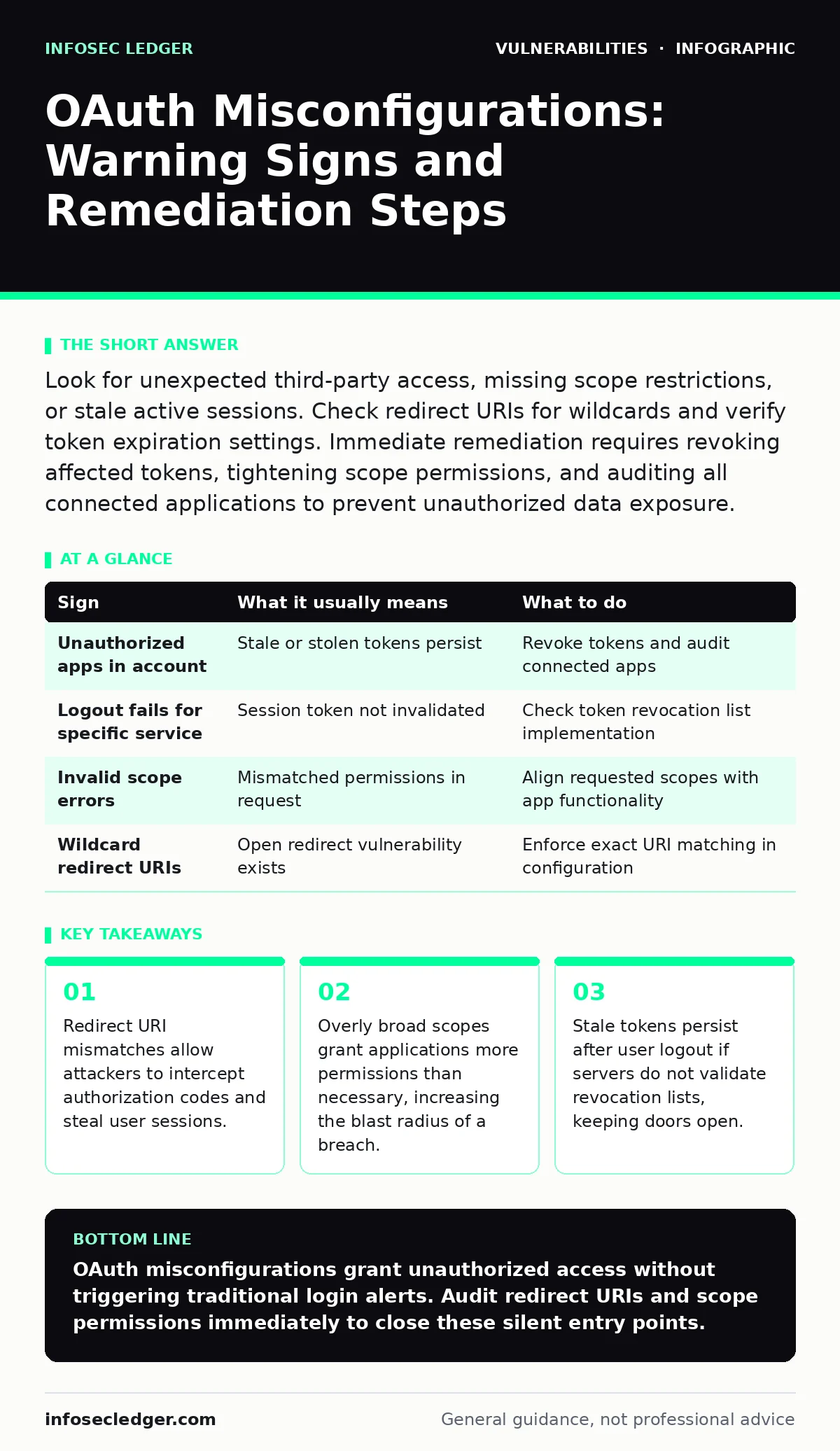
Look for unexpected third-party access, missing scope restrictions, or stale active sessions. Check redirect URIs for wildcards and verify token expiration settings. Immediate remediation requires revoking affected tokens, tightening scope permissions, and auditing all connected applications to prevent unauthorized data exposure.
Redirect URI Misconfigurations
Redirect URI errors are the most common entry point for authorization code interception attacks. The redirect URI is the address where the authorization server sends the user after they grant permission. If this address is not strictly validated, an attacker can substitute their own URL. Imagine a user clicks a malicious link that initiates an OAuth flow.
The attacker’s site receives the authorization code instead of your application. The attacker then exchanges that code for an access token, effectively logging in as the user. You must enforce an exact match for redirect URIs. Wildcards or open redirects create a gap where attackers inject their endpoints. This bypasses the login screen entirely because the user already authenticated.
Overly Broad Permission Scopes
Scopes define the specific actions an application can perform on behalf of a user. A common mistake is requesting "full access" when only read permissions are needed. This violates the principle of least privilege. When an application holds excessive scopes, a compromise of that application grants the attacker broader control. Suppose a calendar app requests email sending permissions.
If that app is breached, the attacker can send phishing emails from your domain. Users rarely scrutinize the list of permissions during the consent screen. They see a long list and click agree. You must audit each integration to ensure scopes match the actual functionality. Remove any scope that does not serve a direct business purpose.
Missing Token Expiration and Refresh Logic
Access tokens should have a short lifespan to limit the window of abuse. Refresh tokens allow applications to obtain new access tokens without re-authenticating. If refresh tokens do not expire or cannot be revoked, a stolen token provides permanent access. Many systems configure refresh tokens to be long-lived for user convenience. This trade-off increases risk significantly. An attacker who steals a refresh token can maintain access indefinitely. You must implement rotation for refresh tokens. Each use of a refresh token should generate a new one and invalidate the previous one. This breaks the chain if an attacker intercepts a token mid-session.
Silent Authorization Leaks
Some misconfigurations do not trigger immediate alerts because they do not involve direct data exfiltration. These silent leaks are harder to detect. An attacker might enumerate valid user IDs by observing error messages returned during the authorization flow. If the system returns different errors for valid versus invalid users, the attacker can build a list of active accounts.
This information feeds into credential stuffing or targeted phishing campaigns. You must ensure error messages are generic. Do not reveal whether a user exists or whether a token is expired. Standardize all error responses to prevent information leakage. This reduces the intelligence an attacker can gather during reconnaissance.
Signs People Notice First
Users often report the first signs of OAuth misconfigurations. These symptoms are visible in the user interface or daily workflow.
- Unauthorized third-party apps appear in the connected accounts list.
- Users cannot log out of specific services even after signing out of the main application.
- Error messages indicate invalid scopes or rejected tokens during normal operations.
- Notifications from unknown sources appear in the user’s inbox or dashboard.
See also: Business Logic Vulnerabilities: Why Standard Scanners Miss Them · Application Threat Modeling: 8 Best Practices for Secure Design
Signs That Are Easy to Miss
Administrators and security teams often miss subtle misconfigurations. These issues require technical inspection rather than user feedback.
- Redirect URIs allow localhost or unspecified domains for testing purposes that were never removed.
- Access tokens lack audience claims, allowing them to be used against unintended services.
- State parameters are missing, leaving the flow vulnerable to cross-site request forgery attacks.
- Token introspection endpoints are publicly accessible, allowing anyone to validate tokens.
What to Do When You See One
Immediate action is required when you detect an OAuth misconfiguration. Follow these steps to contain the issue.
- Revoke all active tokens associated with the affected application or client ID.
- Update the redirect URI whitelist to enforce exact matches only.
- Audit scope permissions and remove any that are not strictly necessary.
- Review server logs for unusual token exchange patterns or failed validation attempts.
- Notify users to change passwords if session hijacking is suspected.
| Sign | What it usually means | What to do |
|---|---|---|
| Unauthorized apps in account | Stale or stolen tokens persist | Revoke tokens and audit connected apps |
| Logout fails for specific service | Session token not invalidated | Check token revocation list implementation |
| Invalid scope errors | Mismatched permissions in request | Align requested scopes with app functionality |
| Wildcard redirect URIs | Open redirect vulnerability exists | Enforce exact URI matching in configuration |
Integrating with Other Security Controls
OAuth misconfigurations rarely exist in isolation. They often combine with other weaknesses to create severe vulnerabilities. For instance, if an application suffers from host header injection, an attacker might manipulate the redirect URI parameter to point to a malicious domain. This combines network-level manipulation with authorization flaws. Similarly, insecure direct object references (IDOR) can allow an attacker to access resources if they obtain a valid token with broad scopes.
You should review your patch management processes to ensure OAuth libraries are up to date. Older versions may contain known flaws in token validation. Consider creating a software bill of materials (SBOM) to track all dependencies. This helps you identify when a library with a known vulnerability is in use. Understanding vulnerability chaining helps you see how a small config error leads to full system compromise.
Key takeaways
- Redirect URI mismatches allow attackers to intercept authorization codes and steal user sessions.
- Overly broad scopes grant applications more permissions than necessary, increasing the blast radius of a breach.
- Stale tokens persist after user logout if servers do not validate revocation lists, keeping doors open.
OAuth misconfigurations grant unauthorized access without triggering traditional login alerts. Audit redirect URIs and scope permissions immediately to close these silent entry points.
Frequently asked questions
How do I know if my redirect URIs are secure?
Check if your configuration allows wildcards or open domains. Secure configurations require an exact match for every allowed URI, preventing attackers from substituting their own endpoints to intercept authorization codes.
Should I use short-lived tokens for all applications?
Yes, short-lived access tokens limit the damage if a token is stolen. Combine them with refresh token rotation to maintain user convenience while ensuring that compromised tokens become useless quickly.
Can OAuth replace password authentication entirely?
OAuth handles authorization, not authentication. It grants access to resources but does not verify identity on its own. You still need strong identity verification methods, such as multi-factor authentication, to secure the initial login.
What is the risk of using localhost for development?
Using localhost for redirect URIs is acceptable during development but dangerous in production. If a production setting allows localhost, attackers can use it to bypass certain security controls or intercept codes in local network attacks.
How this guide was produced: written by the InfoSec Ledger editorial team with AI assistance, checked against the public references listed below, and reviewed when the facts change. See our editorial policy or report an error.