
Business Logic Vulnerabilities: Why Standard Scanners Miss Them
Automated tools fail to detect business logic flaws because they cannot understand the intent behind your application’s specific rules and workflows.
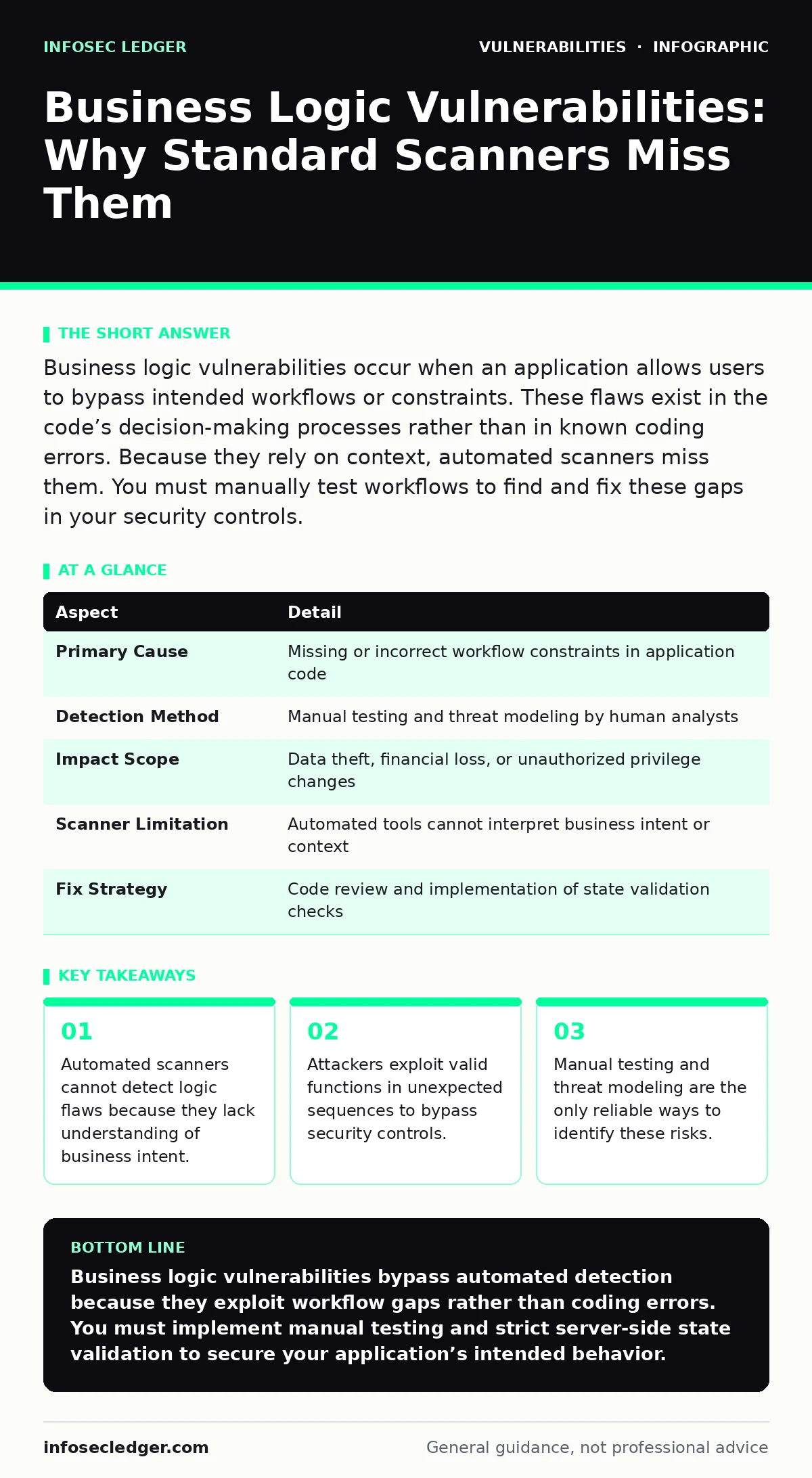
Business logic vulnerabilities occur when an application allows users to bypass intended workflows or constraints. These flaws exist in the code’s decision-making processes rather than in known coding errors. Because they rely on context, automated scanners miss them. You must manually test workflows to find and fix these gaps in your security controls.
Understanding the Core Definition
Business logic vulnerabilities represent flaws in the application’s workflow or decision-making processes. Unlike traditional coding errors, these issues arise when the software behaves exactly as written but fails to enforce intended business rules. The code executes correctly, yet the outcome violates the organization’s security or operational policies. This distinction separates logic flaws from standard technical vulnerabilities.
Consider a library system where books must be returned before new ones can be checked out. The software tracks inventory and user accounts accurately. However, if the system lacks a check for overdue returns, a user can borrow unlimited books. The code works perfectly, but the business rule fails. This gap is a business logic vulnerability. It exists because the developer omitted a constraint that the business relies on for integrity.
| Aspect | Detail |
|---|---|
| Primary Cause | Missing or incorrect workflow constraints in application code |
| Detection Method | Manual testing and threat modeling by human analysts |
| Impact Scope | Data theft, financial loss, or unauthorized privilege changes |
| Scanner Limitation | Automated tools cannot interpret business intent or context |
| Fix Strategy | Code review and implementation of state validation checks |
How These Flaws Emerge in Code
Developers often focus on syntax errors and known security patterns while overlooking workflow constraints. The application’s architecture may assume users follow a linear path. When an attacker deviates from this path, the system processes the request without validating the context. This happens because the code lacks state verification between steps.
Imagine an e-commerce platform that processes orders through three distinct pages: cart review, shipping selection, and payment. The developer writes the payment module to accept any valid cart ID. An attacker modifies the cart ID in the browser to reference a high-value item they do not own. The payment module processes the transaction because it trusts the ID passed from the previous step. The flaw is not in the payment code but in the lack of validation between steps.
Common Forms of Logic Errors
Several patterns recur across different applications. Understanding these forms helps you anticipate where your own systems might fail. Each form exploits the gap between technical functionality and business intent.
- State Manipulation: The attacker alters the sequence of operations. They might skip a required verification step or repeat a step to gain an advantage.
- Parameter Tampering: The user changes input values that should be read-only. This includes modifying prices, quantities, or user IDs in hidden form fields.
- Access Control Bypass: The system grants access based on the presence of a token rather than verifying the user’s actual permissions. An attacker reuses a token from a previous session or another user.
- Race Conditions: The application processes multiple requests simultaneously without proper locking. This allows an attacker to withdraw funds twice before the balance updates.
These forms often overlap. A single attack might involve state manipulation and parameter tampering. The complexity increases when you consider vulnerability chaining, where an attacker combines multiple minor flaws to achieve a significant breach.
Who Is Most at Risk
Any organization with complex workflows faces this risk. Small businesses often rely on off-the-shelf software with limited customization options. If the software vendor does not patch logic flaws, the business inherits the risk. Large enterprises with custom-built applications face higher risks due to unique workflows that lack standard security patterns.
Finance and e-commerce sectors are particularly vulnerable. These industries handle transactions that require strict state validation. A flaw in a banking app might allow a user to transfer money without sufficient funds. In e-commerce, a logic error might allow a user to apply multiple discount codes simultaneously. The impact scales with the value of the transaction and the sensitivity of the data involved.
Why Automated Tools Fail Here
Security scanners operate by matching code against known vulnerability signatures. They look for patterns associated with SQL injection or cross-site scripting. These tools do not understand the purpose of your application. They cannot determine if a user is supposed to be able to skip a step or modify a price.
This limitation means that a high scanner score does not guarantee security. An application can pass all automated tests while remaining vulnerable to logic flaws. You must supplement automated scanning with manual testing. Human analysts can interpret the business rules and design test cases that violate those rules intentionally. This approach reveals gaps that machines miss.
See also: Detect Host Header Injection: Warning Signs and Immediate Response · OAuth Misconfigurations: Warning Signs and Remediation Steps
What People Usually Get Wrong
Many teams assume that fixing technical vulnerabilities eliminates logic risks. They patch SQL injection flaws and believe the application is secure. This view ignores the workflow layer. An attacker does not need to inject code if the application allows them to manipulate the workflow directly.
Another common error is assuming that complex interfaces prevent manipulation. Users might think that hiding price fields in the interface protects them. Attackers use browser developer tools to intercept and modify requests before they reach the server. The interface is irrelevant; the server-side validation is what matters.
Teams also underestimate the value of threat modeling. Without mapping out every possible path a user can take, developers miss edge cases. They design for the happy path, where users behave as expected. Logic vulnerabilities thrive in the unhappy paths, where users behave unexpectedly or maliciously.
Reducing the Risk Effectively
Mitigating business logic vulnerabilities requires a shift in development practices. Start with threat modeling during the design phase. Map out every workflow and identify potential deviations. Ask how an attacker could bypass or manipulate each step. This proactive approach catches flaws before code is written.
Implement strict state validation on the server. Never trust client-side inputs. Verify that each request follows the expected sequence. Check that users have the necessary permissions for every action. Use session tokens that expire quickly and bind them to specific actions. This reduces the window for privilege escalation vulnerabilities.
Conduct manual penetration testing regularly. Hire experts who understand your business rules. They can design attack scenarios that automated tools cannot. Review code changes for logic impacts, not just syntax. Ensure that new features do not introduce workflow gaps.
Integrate security into the development lifecycle. Train developers to think like attackers. Encourage them to question assumptions about user behavior. This cultural shift reduces the likelihood of logic flaws entering production. Regular audits and reviews keep the application aligned with business intent.
Key takeaways
- Automated scanners cannot detect logic flaws because they lack understanding of business intent.
- Attackers exploit valid functions in unexpected sequences to bypass security controls.
- Manual testing and threat modeling are the only reliable ways to identify these risks.
Business logic vulnerabilities bypass automated detection because they exploit workflow gaps rather than coding errors. You must implement manual testing and strict server-side state validation to secure your application’s intended behavior.
Frequently asked questions
Can I fix business logic vulnerabilities with a web application firewall?
No, a web application firewall filters known attack patterns but cannot understand your specific business rules or workflow intent.
How do I start threat modeling for my application?
Begin by mapping all user workflows and identifying every decision point where the system validates user input or state.
Are open-source applications safe from logic flaws?
Open-source code is visible, but logic flaws depend on implementation. You must still review the configuration and workflow for gaps.
Should I hire external testers for this?
External testers bring fresh perspectives and can identify blind spots that internal teams may overlook due to familiarity.
How this guide was produced: written by the InfoSec Ledger editorial team with AI assistance, checked against the public references listed below, and reviewed when the facts change. See our editorial policy or report an error.