
Stop Exposed Kubernetes Dashboards From Leaking Data
Leaving the Kubernetes dashboard open to the internet grants attackers direct control over your entire cluster infrastructure immediately.
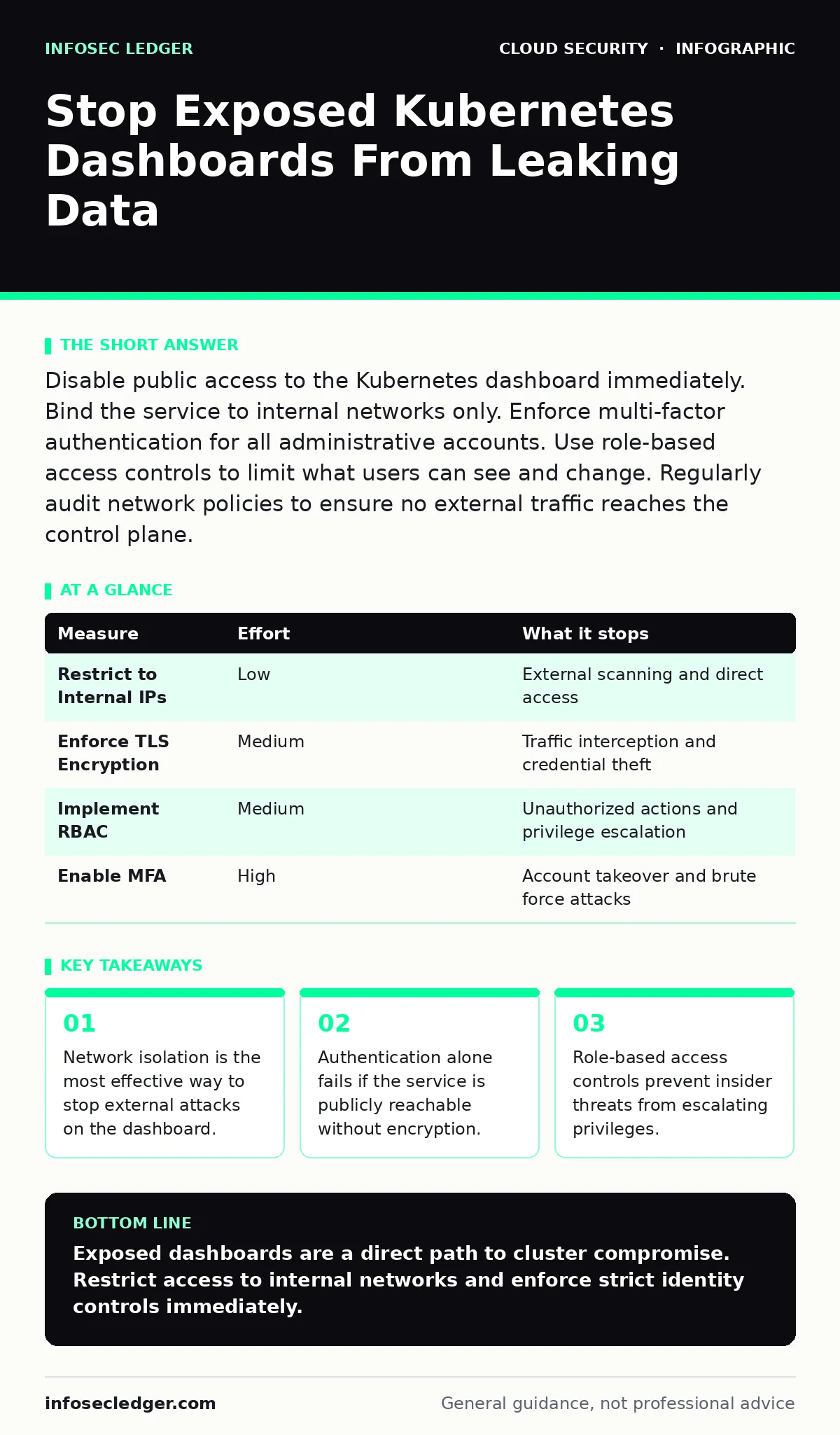
Disable public access to the Kubernetes dashboard immediately. Bind the service to internal networks only. Enforce multi-factor authentication for all administrative accounts. Use role-based access controls to limit what users can see and change. Regularly audit network policies to ensure no external traffic reaches the control plane.
The Silent Gateway to Your Cluster
The Kubernetes dashboard provides a visual interface for managing cluster resources. It is designed for administrators who need to monitor pods, services, and nodes. However, this convenience creates a high-value target for attackers. If the dashboard is exposed to the public internet, it becomes a direct gateway into your infrastructure.
Attackers do not need to guess weak passwords if they can simply access the interface. Once inside, they can inspect sensitive data, modify configurations, or deploy malicious workloads. The risk is not theoretical; it is a structural flaw in how many organizations deploy their clusters. You must treat the dashboard as a critical control plane component, not just another web application.
Network Isolation as Primary Defense
The most effective way to protect the dashboard is to remove it from public reach. By default, many Kubernetes distributions expose the dashboard on a public IP address. This configuration assumes that users will connect from anywhere, which is rarely the case for administrative tasks. You should bind the dashboard service to internal network addresses only.
This ensures that only machines within your trusted network segment can attempt to connect. Imagine a bank vault that has no door on the street, only a corridor inside the building. That is the goal of network isolation. You can achieve this by setting the service type to ClusterIP or by using network policies to deny ingress from external sources. This single step removes the vast majority of automated scanning threats.
| Measure | Effort | What it stops |
|---|---|---|
| Restrict to Internal IPs | Low | External scanning and direct access |
| Enforce TLS Encryption | Medium | Traffic interception and credential theft |
| Implement RBAC | Medium | Unauthorized actions and privilege escalation |
| Enable MFA | High | Account takeover and brute force attacks |
Authentication and Encryption Layers
Removing public access is not enough if the internal network is compromised. You must ensure that all communication with the dashboard is encrypted. Transport Layer Security (TLS) prevents attackers from reading credentials in transit. Without TLS, an attacker on the same network segment can capture login details using simple packet sniffing. You should configure the dashboard to reject non-TLS connections.
Additionally, enforce strong authentication mechanisms. Relying on username and password pairs is insufficient. Implement multi-factor authentication to add a second layer of verification. This ensures that even if credentials are stolen, the attacker cannot log in without the second factor. These measures address the cloud identity governance challenges that often plague cloud-native environments.
Role-Based Access Control Limits
Authentication proves who you are; authorization determines what you can do. The Kubernetes dashboard should never run with full administrative privileges by default. Instead, use Role-Based Access Control (RBAC) to assign the minimum permissions necessary for each user. An operator may need to view logs but should not be able to delete namespaces. A developer may need to deploy applications but should not access secrets.
By scoping permissions tightly, you limit the blast radius of a compromised account. This approach aligns with shift-left security principles by defining permissions early in the development lifecycle. It also simplifies auditing because you can track which roles performed which actions. Review RBAC policies regularly to ensure they reflect current operational needs.
The Danger of Default Configurations
Many organizations deploy Kubernetes clusters using default settings. These settings prioritize ease of use over security. The dashboard is often enabled and accessible by default in development environments. When these environments are promoted to production without review, the exposure follows. You must treat default configurations as untrusted. Perform a manual review of the dashboard deployment manifest before applying it.
Check for annotations that allow public access. Verify that the service does not have a public load balancer attached. This discipline helps prevent secrets in source code from becoming accessible through the dashboard interface. It also supports the broader goals of cloud-native security by ensuring that every component is hardened before deployment.
See also: Data Residency Explained: Where Your Files Actually Live · CASB for Small Business: Control Cloud Access Without the Headache
Continuous Monitoring and Auditing
Security is not a one-time configuration. You must continuously monitor access to the dashboard. Enable audit logging to record every request made to the API server. These logs provide a trail of who accessed the dashboard, when, and what actions they took. Analyze these logs for unusual patterns, such as access from unexpected IP addresses or during off-hours.
Integrate these logs with your security information and event management system for real-time alerts. This practice complements cloud access security brokers (CASB) by providing visibility into internal traffic that external tools might miss. Regular audits help identify misconfigurations before they are exploited. They also ensure that RBAC policies remain effective as teams and roles evolve.
What Does Not Work
Some measures provide a false sense of security. Changing the default port number does not stop determined attackers. Security through obscurity fails because automated scanners check common ports and variations. Similarly, relying solely on IP whitelisting is risky. If an attacker compromises a system within the allowed IP range, they have full access.
Dynamic IP addresses used by remote workers can break whitelisting rules, leading to operational friction. Instead of these weak controls, focus on the structural changes outlined above. Isolate the dashboard, encrypt traffic, and enforce strict identity and access controls. These measures address the root causes of exposure rather than hiding the symptoms.
Immediate Action Checklist
You can reduce risk significantly by taking three steps today. First, verify that the Kubernetes dashboard is not exposed to the public internet. Check the service definition for any public IP addresses or load balancers. Second, ensure that TLS is enabled and that non-encrypted connections are rejected. Third, review the RBAC roles assigned to dashboard users and remove any unnecessary privileges. These actions form the foundation of a secure dashboard configuration. They are quick to implement and provide immediate protection against the most common attack vectors.
Key takeaways
- Network isolation is the most effective way to stop external attacks on the dashboard.
- Authentication alone fails if the service is publicly reachable without encryption.
- Role-based access controls prevent insider threats from escalating privileges.
Exposed dashboards are a direct path to cluster compromise. Restrict access to internal networks and enforce strict identity controls immediately.
Frequently asked questions
Can I use a VPN to access the Kubernetes dashboard securely?
A VPN provides encrypted tunneling but does not replace the need for network isolation. You should still restrict the dashboard to internal IPs and enforce strong authentication.
How do I know if my dashboard is exposed?
Use external scanning tools to check if the dashboard port is accessible from the internet. You can also review your cloud provider’s network configuration for public endpoints.
Is the Kubernetes dashboard deprecated?
The dashboard is not deprecated, but its usage has declined due to security concerns. Many administrators prefer command-line tools or specialized monitoring platforms for better security and control.
What happens if an attacker gains dashboard access?
An attacker can view sensitive data, modify deployments, and potentially take control of the entire cluster. This can lead to data breaches, service disruption, and resource abuse.
How this guide was produced: written by the InfoSec Ledger editorial team with AI assistance, checked against the public references listed below, and reviewed when the facts change. See our editorial policy or report an error.