Credential Dumping Explained: How Attackers Steal Passwords from Memory
See how attackers extract login tokens from your computer’s active memory and the specific steps to stop them from reusing your access.
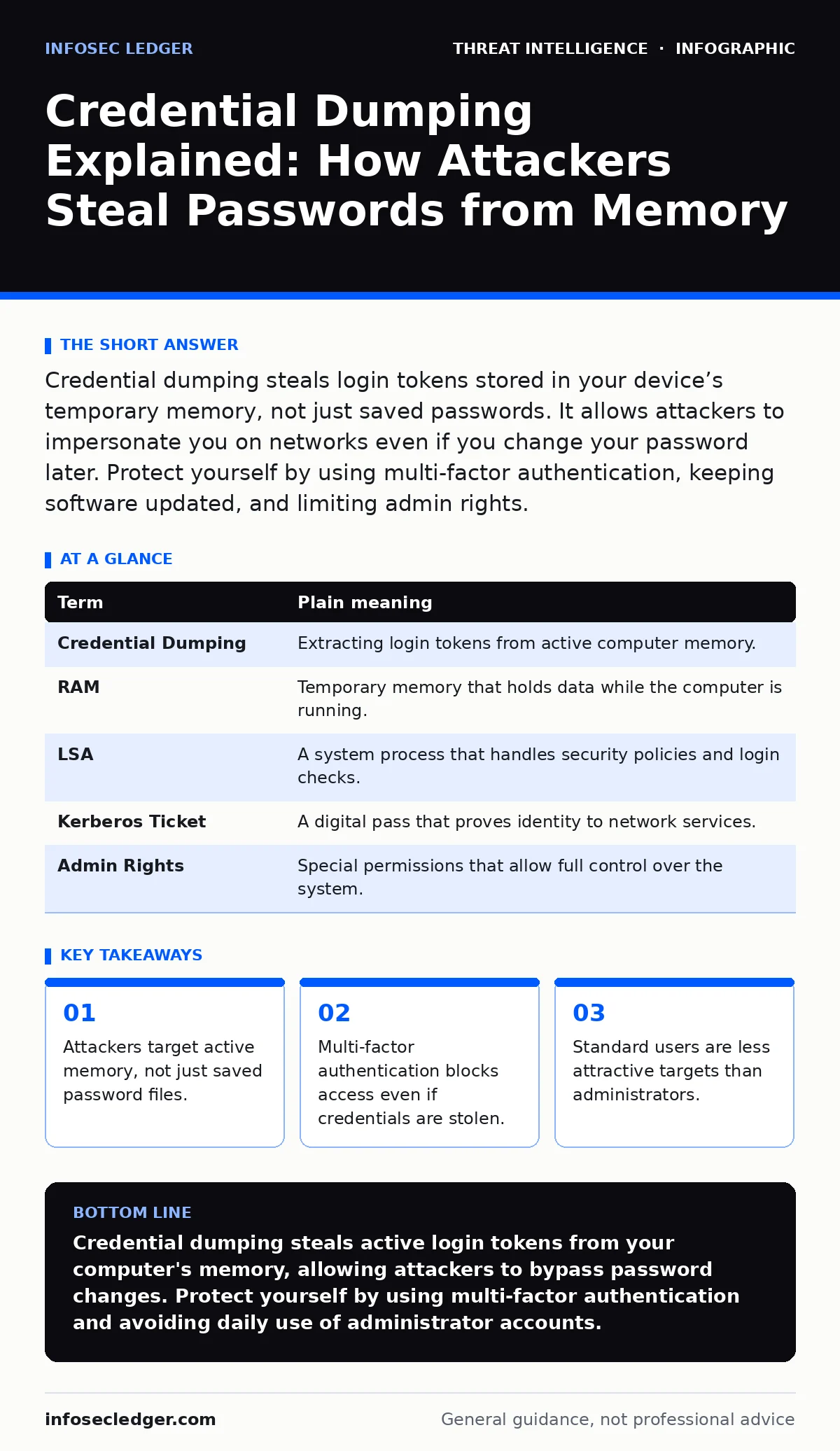
Credential dumping steals login tokens stored in your device’s temporary memory, not just saved passwords. It allows attackers to impersonate you on networks even if you change your password later. Protect yourself by using multi-factor authentication, keeping software updated, and limiting admin rights.
The Wallet In Your Pocket
Imagine your computer is a busy office building. You have a physical wallet with your ID badge inside. That badge is your password. It is static. If someone steals it, you can cancel it. But while you work, you also carry a temporary visitor pass in your pocket. This pass proves you are already inside. You do not need to show your ID again to enter rooms.
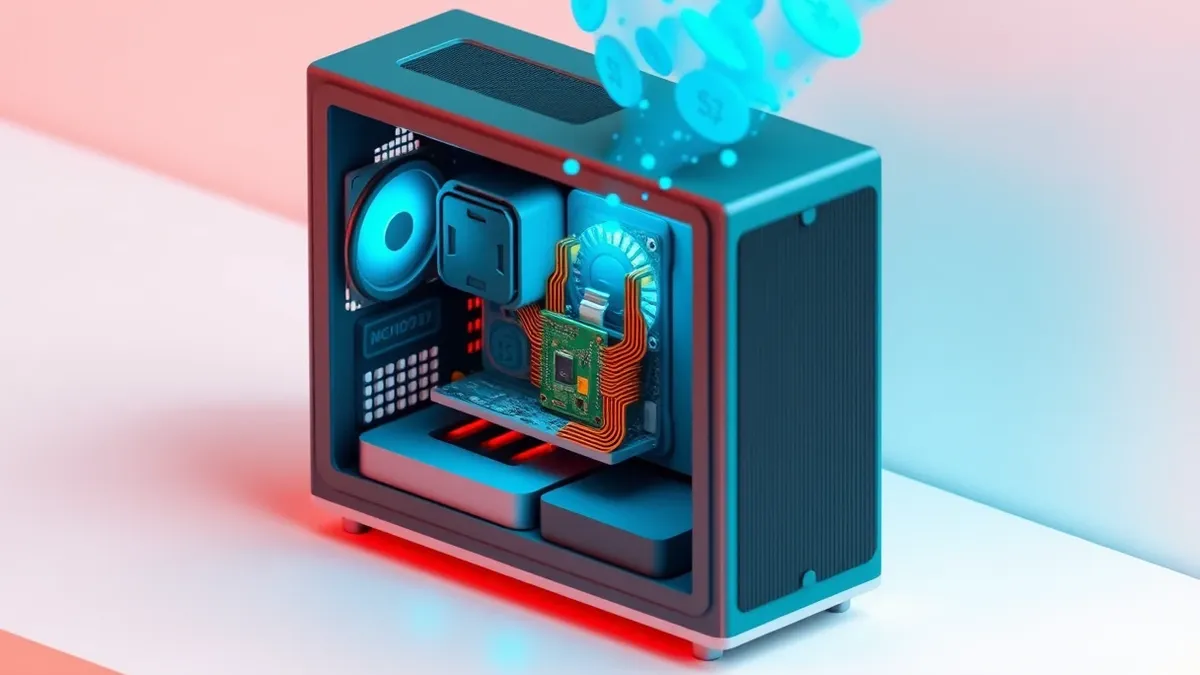
Credential dumping targets that temporary visitor pass. Attackers do not just look for your locked wallet. They look for the active proofs of identity that your operating system holds in its working memory. This memory is called RAM. It is volatile, meaning it clears when you turn off the machine. But while the machine is on, that memory holds the keys to your digital doors.
Why Memory Is The Target
Operating systems need to keep you logged in seamlessly. If you had to type your password every time you opened a new window, you would be frustrated. So the system stores a cryptographic representation of your identity in RAM. This allows quick verification.
When you install software or update drivers, the system often gives that software high-level access. If that software is malicious, it can read the contents of RAM. It looks for those temporary identity tokens. It copies them. This process is dumping. The attacker now has a copy of your active session keys. They do not need your password. They have what the system already accepts as proof of who you are.
| Term | Plain meaning |
|---|---|
| Credential Dumping | Extracting login tokens from active computer memory. |
| RAM | Temporary memory that holds data while the computer is running. |
| LSA | A system process that handles security policies and login checks. |
| Kerberos Ticket | A digital pass that proves identity to network services. |
| Admin Rights | Special permissions that allow full control over the system. |
The Risk To You
You might think this only affects large corporations. It affects anyone who works on a network. Suppose you connect your laptop to a public Wi-Fi hotspot. You log into your email. Your computer stores a token for that email session in RAM. If a malicious program on that network can access your memory, it can grab that token.
The attacker does not need to guess your password. They simply use the token to impersonate you. They can read your emails, access your files, or move laterally to other systems you can reach. This is dangerous because changing your password does not invalidate the stolen token immediately. The token remains valid until it expires or is revoked.
How The Extraction Works
Attackers use tools designed to read the memory of specific system processes. One common target is the Local Security Authority Subsystem Service. This service manages security policies and generates login tokens. By injecting code into this process, malware can extract the tokens it holds.
Another method involves targeting browser memory. Modern browsers store session cookies and tokens to keep you logged into websites. If malware has access to your browser process, it can dump these cookies. This is often called session hijacking. It is a form of credential dumping. The attacker gains access without ever knowing your password.
Limits Of Traditional Defenses
Standard antivirus software often misses these attacks. Why? Because the tools used for dumping are often legitimate system utilities repurposed for harm. They use standard operating system functions to read memory. To the antivirus, it looks like a normal program checking system health.
Encryption at rest does not help here. Your hard drive might be encrypted, protecting files when the computer is off. But once the computer is on, the operating system decrypts data into RAM to use it. That data in RAM is often unencrypted or easily accessible to processes with high privileges. If malware has high privileges, it can read that clear text.
See also: Access Controls for AI Agents: Secure Autonomous Systems · Stop Tailgating: 7 Mistakes That Compromise Physical Security
Simple Safety Habits
You can reduce your risk with specific habits. First, use multi-factor authentication. Even if an attacker dumps your password token, they usually cannot get your second factor. This might be a code from your phone or a hardware key. This stops them from accessing your accounts, even with the stolen token.
Second, limit your daily use to a standard user account. Do not use an administrator account for everyday tasks. Most credential dumping attacks require admin rights to access the core system processes. If you are a standard user, the malware cannot easily reach the memory areas it needs.
Third, keep your operating system and software updated. Patches often close the specific holes that allow memory injection. They restrict how processes can interact with each other. This makes it harder for malware to inject code into sensitive services.
- Enable multi-factor authentication on all critical accounts.
- Use a standard user account for daily tasks, not an administrator account.
- Install operating system updates as soon as they are available.
What To Do If You Suspect It
If you suspect your system is compromised, disconnect it from the network immediately. This prevents the attacker from using your tokens to move to other systems. Do not just turn off the computer. Some tokens can survive in hibernation files.
Reinstall the operating system from scratch. Restore your data from a known clean backup. Change your passwords from a different, clean device. Contact your service providers to revoke active sessions. This ensures that any stolen tokens are invalidated.
Key takeaways
- Attackers target active memory, not just saved password files.
- Multi-factor authentication blocks access even if credentials are stolen.
- Standard users are less attractive targets than administrators.
Credential dumping steals active login tokens from your computer's memory, allowing attackers to bypass password changes. Protect yourself by using multi-factor authentication and avoiding daily use of administrator accounts.
Frequently asked questions
Does having a strong password stop credential dumping?
No, because the attacker steals the token generated after you log in, not the password itself.
Is multi-factor enough to stop this attack?
It significantly reduces risk by blocking access even if the first credential is stolen.
How this guide was produced: written by the InfoSec Ledger editorial team with AI assistance, checked against the public references listed below, and reviewed when the facts change. See our editorial policy or report an error.