
Public Wi-Fi Risks: How Attackers Intercept Your Data Step by Step
Public Wi-Fi networks rarely fail due to weak encryption; they fail because your device trusts the router to route traffic correctly, allowing silent interception.
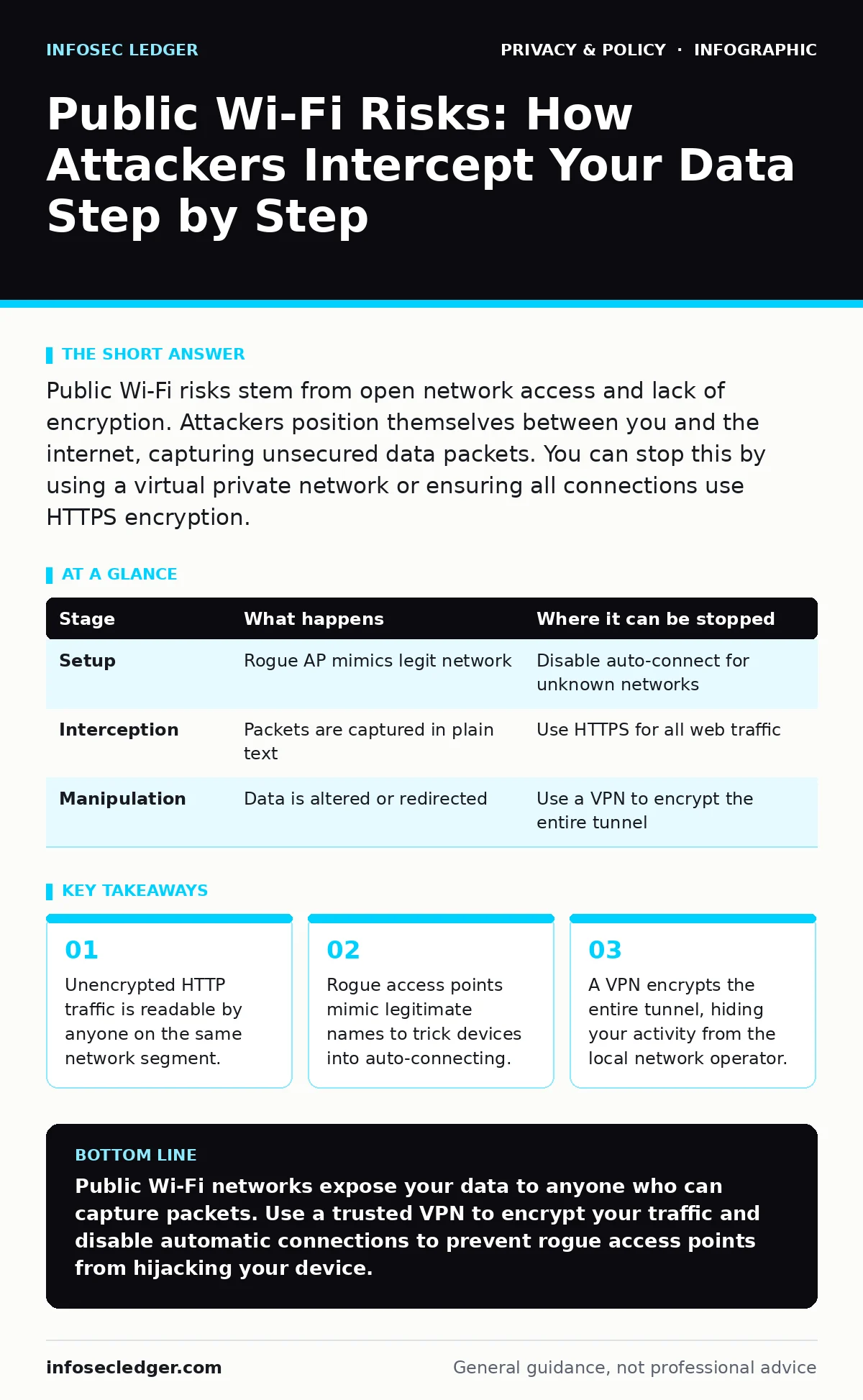
Public Wi-Fi risks stem from open network access and lack of encryption. Attackers position themselves between you and the internet, capturing unsecured data packets. You can stop this by using a virtual private network or ensuring all connections use HTTPS encryption.
The Illusion of Network Safety
You connect to a coffee shop’s Wi-Fi to check email. The signal is strong, and the connection feels instant. This convenience masks a fundamental architectural weakness. The network operator controls the gateway between your device and the internet. They can see every packet you send unless you encrypt it yourself.
Most users assume the router provides security. It does not. The router simply forwards data. If that data is not wrapped in encryption, the router owner can read it as easily as you can. This is not a hack; it is the default state of the network.
Stage 1: The Setup and Signal
Stage 1: Signal Broadcasting
The attacker sets up a wireless access point. This device broadcasts a Wi-Fi signal with a name similar to a trusted location, such as a hotel or cafe. Your device scans for known networks. It remembers the last successful connection to that name.
When your device sees the familiar name, it may attempt to connect automatically. This behavior saves you time but removes your consent from the process. The attacker does not need to break into your device. They only need to look like the legitimate network.
Stage 1: Device Association
Your device sends a request to join the network. The rogue access point accepts this request. No password is required because the network is open. Your device assigns itself an IP address. It now believes it has a direct line to the internet.
In reality, your traffic flows through the attacker’s hardware. This hardware acts as a middleman. It records the handshake between your device and the network. This record can be used later to impersonate your device to other services.
Stage 2: Traffic Interception
Stage 2: Packet Capture
Your device sends a request to load a webpage. This request travels over the air to the access point. The attacker’s software captures this request before sending it on to the real internet. This process is called packet sniffing.
If the website uses HTTP, the data is plain text. The attacker can read your login credentials, search queries, and messages. Even if the site uses HTTPS, the attacker can still see the domain you are visiting. They cannot read the content, but they know where you are going.
Stage 2: Session Hijacking
Some websites rely on cookies to keep you logged in. These cookies are small pieces of data stored in your browser. If the connection is not secure, an attacker can steal these cookies.
With the cookie, the attacker can impersonate you to the website. They do not need your password. They simply present the stolen cookie to the server. The server accepts them as you. This is known as session hijacking.
Stage 3: Data Manipulation
Stage 3: Man-in-the-Middle Injection
The attacker does not just watch; they can change the data. This is called a man-in-the-middle attack. The attacker intercepts your request, alters it, and forwards it.
Suppose you request a software update. The attacker intercepts this request and redirects it to a malicious version of the file. Your device downloads the corrupted file. It installs malware without your knowledge. The attacker can also inject scripts into web pages you visit. These scripts can steal data from your browser in real time.
Stage 3: DNS Spoofing
Your device needs to translate website names into IP addresses. This process uses the Domain Name System. The attacker can provide false DNS responses.
When you type in a legitimate website, the attacker tells your device to go to a fake site. This fake site looks identical to the real one. It asks for your credentials. You enter them, and they go straight to the attacker. This works even if you type the address correctly.
Interrupting the Attack Chain
Where It Can Be Stopped
The attack chain relies on trust and lack of encryption. You can break it at multiple points. The most effective point is before the data leaves your device.
Using a virtual private network creates an encrypted tunnel. This tunnel hides your traffic from the local network. The attacker sees only encrypted noise. They cannot read the data or manipulate it. This is why using VPNs is a standard recommendation for public networks.
| Stage | What happens | Where it can be stopped |
|---|---|---|
| Setup | Rogue AP mimics legit network | Disable auto-connect for unknown networks |
| Interception | Packets are captured in plain text | Use HTTPS for all web traffic |
| Manipulation | Data is altered or redirected | Use a VPN to encrypt the entire tunnel |
The Limits of Private Browsing
Many users turn on private browsing mode to protect their data. This mode does not encrypt your traffic. It only prevents your browser from saving history and cookies locally.
The network operator can still see everything you do. Private browsing gives a false sense of security. It protects your local device from snooping family members, not from network attackers. Do not rely on it for public Wi-Fi safety.
See also: GDPR vs HIPAA: Key Differences for Data Protection Compliance
Beyond the Browser
Native App Vulnerabilities
Web browsers have improved security standards. Many now enforce HTTPS by default. Native mobile apps, however, often have weaker security.
Developers sometimes ignore encryption standards to save battery or processing power. An app might send your location or health data in plain text. You cannot control this. You must assume any app is leaking data on an open network.
The Cost of Convenience
Using a VPN adds a small amount of latency. It can slow down video streaming or large downloads. This is the trade-off for privacy. You pay in speed for security.
Ignoring this cost leaves you exposed. The risk of identity theft or data loss far outweighs a slower connection. The biometric data stored on your phone is safe from network sniffers, but the account credentials that unlock it are not.
Long-Term Privacy Implications
Tracking and Profiling
Even if your data is encrypted, the network operator can track your presence. They see your device ID and the times you connect. This data builds a profile of your habits.
This profiling is used for advertising and surveillance. It is not always malicious, but it is invasive. Combining this data with online tracking methods creates a detailed picture of your life. You lose anonymity simply by connecting.
The Role of Third-Party Cookies
Websites use third-party cookies to track you across different sites. On public Wi-Fi, these cookies are easier to intercept and correlate.
An attacker can see which trackers are active on your device. This reveals which services you use and how you interact with them. Clearing cookies regularly helps, but it does not stop the network-level observation.
Key takeaways
- Unencrypted HTTP traffic is readable by anyone on the same network segment.
- Rogue access points mimic legitimate names to trick devices into auto-connecting.
- A VPN encrypts the entire tunnel, hiding your activity from the local network operator.
Public Wi-Fi networks expose your data to anyone who can capture packets. Use a trusted VPN to encrypt your traffic and disable automatic connections to prevent rogue access points from hijacking your device.
Frequently asked questions
Is a password-protected public Wi-Fi network safe?
No. If the password is shared publicly, anyone can join. The network operator can still monitor all traffic unless you use a VPN.
Does turning off my Wi-Fi adapter help?
Yes. If you do not connect, you cannot be intercepted. Use mobile data instead, which is encrypted between your phone and the carrier.
Can I trust the captive portal login page?
Only if it uses HTTPS. Many fake portals mimic real ones to steal credentials.
How this guide was produced: written by the InfoSec Ledger editorial team with AI assistance, checked against the public references listed below, and reviewed when the facts change. See our editorial policy or report an error.