
Should I Block Third-Party Cookies? Risks, Exceptions, and How to Do It
Blocking third-party cookies breaks many login systems and ad networks, forcing you to choose between privacy and convenience on every site you visit.
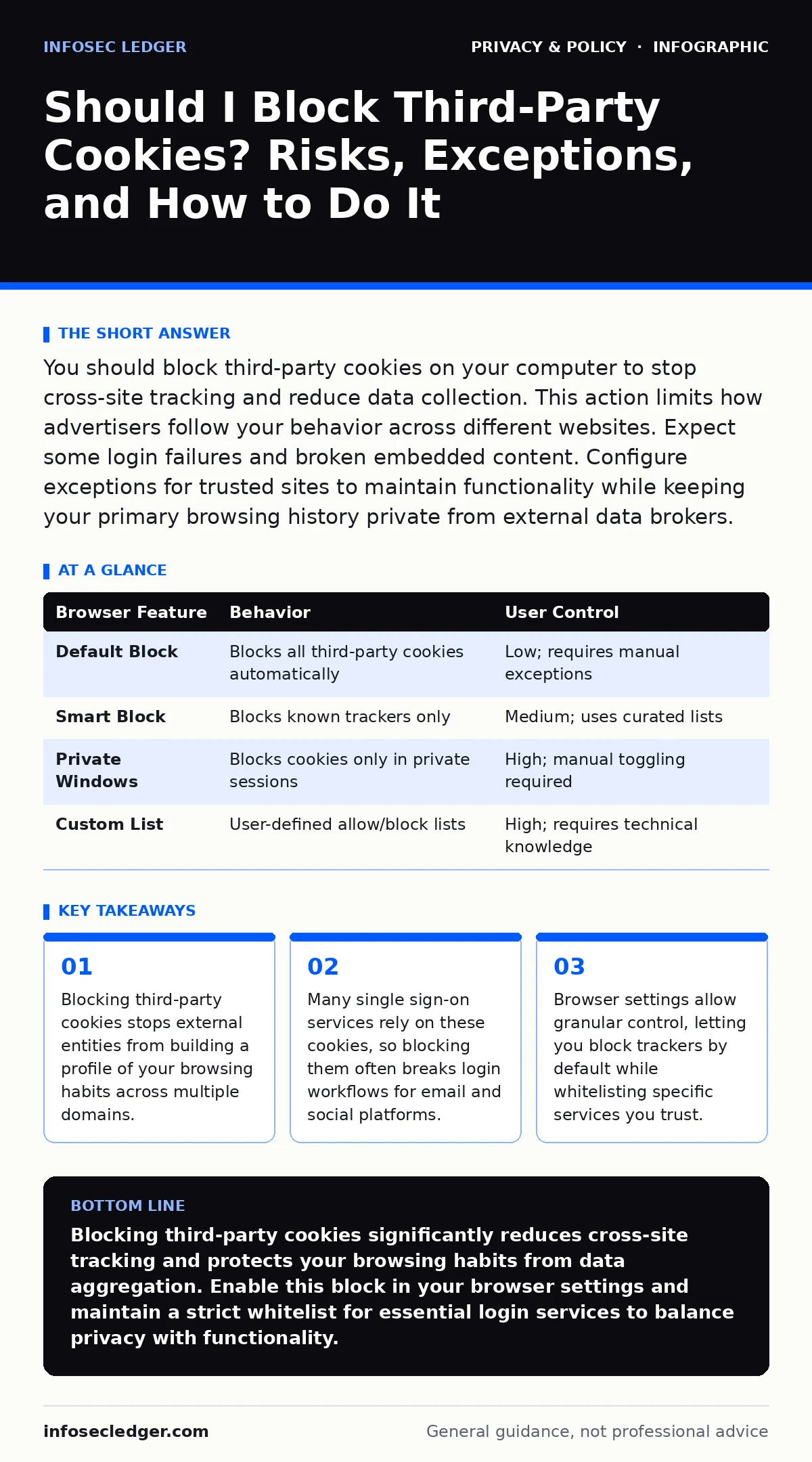
You should block third-party cookies on your computer to stop cross-site tracking and reduce data collection. This action limits how advertisers follow your behavior across different websites. Expect some login failures and broken embedded content. Configure exceptions for trusted sites to maintain functionality while keeping your primary browsing history private from external data brokers.
Should I block third-party cookies on my computer?
You should block third-party cookies on your computer because they enable cross-site tracking that aggregates your behavior into a detailed profile. These small data files are set by domains other than the one you are currently visiting. An advertiser on a news site can place a cookie that identifies you when you visit a shopping site. Blocking them disrupts this chain of observation. You lose the convenience of targeted advertising, but you gain significant control over your digital footprint. The trade-off is that some website features may stop working correctly if they rely on external services for authentication or content delivery.
How do third-party cookies differ from first-party cookies?
First-party cookies are set by the website you are directly visiting, while third-party cookies come from external domains embedded in that page. First-party cookies remember your login status, cart items, and theme preferences for that specific site. They are necessary for basic web functionality. Third-party cookies operate in the background. They are often used by analytics providers and advertising networks to track your movement across the entire web. The mechanism relies on shared identifiers. If you block third-party cookies, the external tracker cannot read the identifier it previously set, breaking the link between your visits to unrelated sites.
What breaks when I enable this block?
Blocking third-party cookies breaks single sign-on services and embedded content that relies on external authentication. Many websites use social media accounts or enterprise directories to let you log in without creating a new password. This process requires the identity provider to set a cookie in your browser. If your browser blocks that cookie, the handshake fails and you cannot log in. Embedded videos, maps, or comment sections may also fail to load if their providers require a tracking cookie. You must manually add exceptions for these services to restore functionality. Understanding this dependency is key to balancing privacy with usability.
Which browsers offer the best controls?
Modern browsers provide varying levels of control over cookie acceptance and tracking prevention. Some browsers block third-party cookies by default in all tabs, while others only block them in private windows. Check your browser settings for a "Do Not Track" signal or a built-in tracker blocker. These tools often use blocklists to identify known tracking domains. You can usually customize these settings to block all third-party cookies or only those from known trackers. The effectiveness depends on the browser's engine and its commitment to privacy standards. Reviewing these settings ensures you are not relying on opt-out mechanisms that many companies ignore.
| Browser Feature | Behavior | User Control |
|---|---|---|
| Default Block | Blocks all third-party cookies automatically | Low; requires manual exceptions |
| Smart Block | Blocks known trackers only | Medium; uses curated lists |
| Private Windows | Blocks cookies only in private sessions | High; manual toggling required |
| Custom List | User-defined allow/block lists | High; requires technical knowledge |
How do I manage exceptions without losing privacy?
You manage exceptions by maintaining a strict whitelist of services you explicitly trust and use for authentication. Do not add every site that complains about broken features. Only add identity providers you actively use, such as your corporate login portal or a specific social account used for site access. Regularly audit this list. Remove services you no longer use. This minimizes the number of entities that can correlate your activity. The goal is to limit the surface area of tracking while keeping essential workflows functional. This approach requires discipline but preserves the core benefit of blocking cross-site tracking.
See also: How Scareware Works: The Psychological Trap Step by Step · Browser Hijackers: How They Bypass Defenses and Steal Data
What happens to my data when I block them?
Blocking third-party cookies stops the collection of your browsing history by external data brokers, but it does not erase data already collected. Companies that have already built a profile of you will still use that historical data for targeting. The block only prevents the accumulation of new data points. It also does not stop fingerprinting, a technique that identifies you based on your browser configuration, screen resolution, and installed fonts. Fingerprinting works without cookies. Therefore, blocking cookies is a partial defense. It reduces the precision of tracking but does not render you invisible to sophisticated analytics tools.
Are there legal frameworks that help?
Privacy laws like GDPR impose strict requirements on how third-party cookies are used within their jurisdictions. These regulations often require explicit consent before any non-essential cookie is set. This shifts the burden to the website operator to obtain permission. However, compliance varies widely. Many sites still use dark patterns to encourage consent. Relying solely on legal frameworks is insufficient because enforcement is slow and uneven. Your browser settings provide immediate protection regardless of the site's legal compliance status. Combining legal rights with technical controls offers the strongest defense against unwanted tracking.
Does private browsing mode solve this?
Private browsing mode isolates your session from your main profile, deleting history and cookies when you close the window. It prevents long-term tracking by ensuring no cookies persist between sessions. However, it does not block tracking during the session itself. Advertisers can still track your activity within that private window. They just cannot link it to your past behavior or future visits. Private browsing is useful for shared computers or sensitive transactions, but it is not a substitute for blocking third-party cookies in your regular browsing profile. Use both strategies for layered protection.
How does this affect online advertising?
Blocking third-party cookies disrupts the programmatic advertising ecosystem that relies on cross-site user profiles. Advertisers lose the ability to retarget you with products you viewed on other sites. This leads to less relevant ads but also less invasive tracking. The industry is shifting toward contextual advertising, which targets ads based on the content of the page you are viewing, not your personal history. This transition benefits privacy but may reduce the revenue of free content sites. You support these sites by viewing ads, even if they are less targeted. Understanding this economic shift helps you navigate the changing web landscape.
Key takeaways
- Blocking third-party cookies stops external entities from building a profile of your browsing habits across multiple domains.
- Many single sign-on services rely on these cookies, so blocking them often breaks login workflows for email and social platforms.
- Browser settings allow granular control, letting you block trackers by default while whitelisting specific services you trust.
Blocking third-party cookies significantly reduces cross-site tracking and protects your browsing habits from data aggregation. Enable this block in your browser settings and maintain a strict whitelist for essential login services to balance privacy with functionality.
Frequently asked questions
Will blocking third-party cookies slow down my internet?
No, blocking cookies does not affect connection speed. It may slightly speed up page loads by preventing external tracking scripts from executing, but the difference is usually negligible for the user.
Can websites tell if I have blocked third-party cookies?
Yes, websites can detect if third-party cookies are blocked by attempting to set and read a test cookie. They may display a warning or alter their content, but they cannot force your browser to accept them.
Is it safe to disable all cookies entirely?
Disabling all cookies breaks most modern websites, including login systems and e-commerce carts. It is not recommended. Blocking only third-party cookies provides privacy benefits while preserving essential site functionality.
Do mobile browsers handle third-party cookies differently?
Mobile browsers often have stricter default privacy settings than desktop browsers. Some mobile operating systems restrict third-party cookies by default, offering higher baseline protection without manual configuration.
How this guide was produced: written by the InfoSec Ledger editorial team with AI assistance, checked against the public references listed below, and reviewed when the facts change. See our editorial policy or report an error.