
Browser Hijackers: How They Bypass Defenses and Steal Data
Browser hijackers often hide inside legitimate browser extensions, making them invisible to standard antivirus scans that only check installed applications.
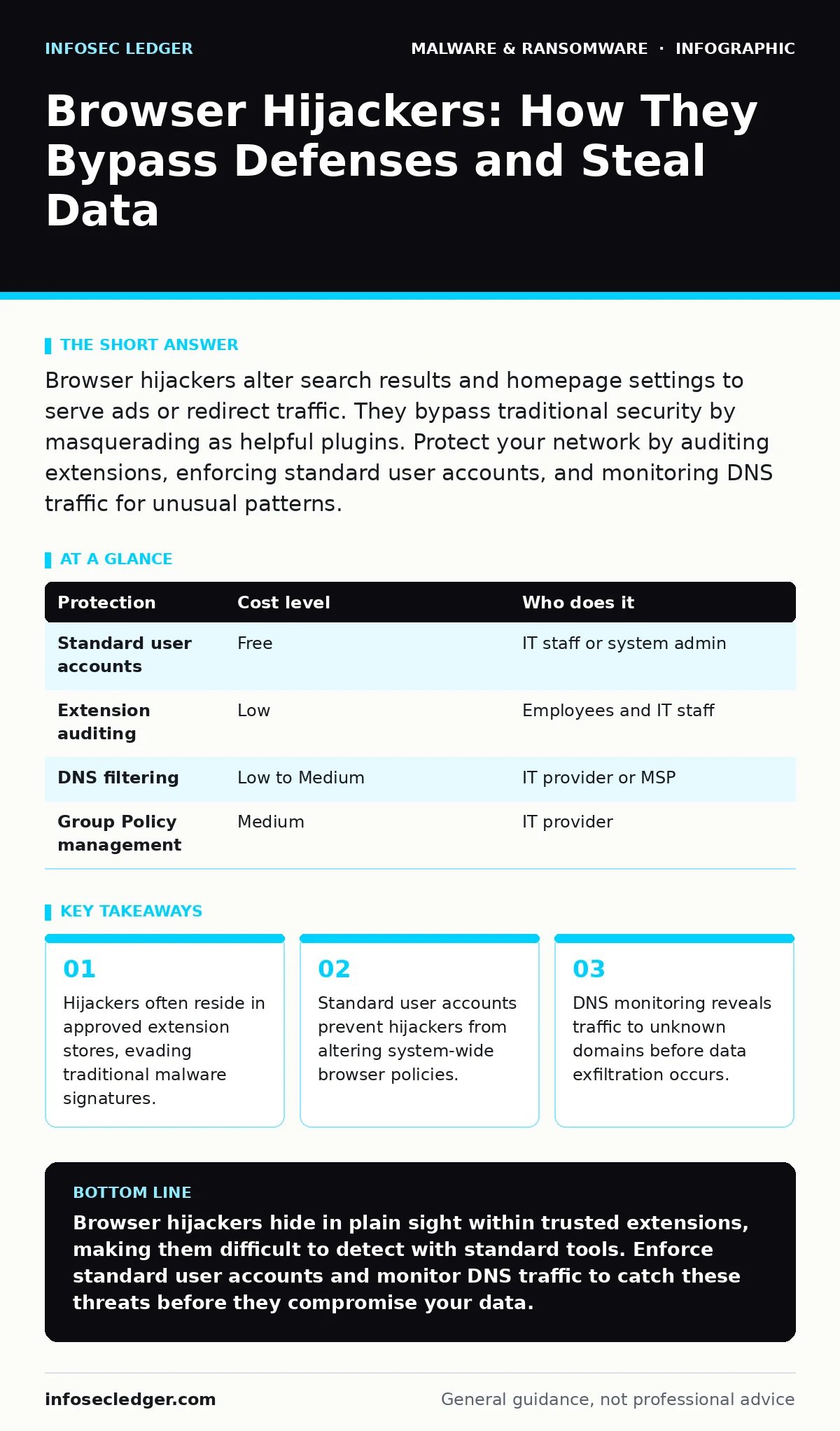
Browser hijackers alter search results and homepage settings to serve ads or redirect traffic. They bypass traditional security by masquerading as helpful plugins. Protect your network by auditing extensions, enforcing standard user accounts, and monitoring DNS traffic for unusual patterns.
The Extension Vector
Most users expect malware to arrive via email attachments or malicious downloads. Browser hijackers operate differently. They often distribute through official extension marketplaces. These platforms perform basic security checks, but they do not analyze long-term behavior. An extension may start as a harmless tool for formatting documents. Later updates can inject code that redirects search queries. This is known as a supply chain attack within the browser ecosystem.
You cannot rely on the reputation of the marketplace alone. The extension remains signed and trusted by the browser. Standard antivirus software often ignores these changes because the browser itself approves the modification. The hijacker changes your default search engine or homepage. It also injects tracking scripts into every page you visit. This allows the attacker to profile your browsing habits without your knowledge.
Why Small Organizations Are Targeted
Large enterprises have dedicated security teams to monitor extension usage. Small organizations often lack these resources. They rely on employee discretion to install tools. An employee might install an extension to improve productivity. They may not realize the tool requires excessive permissions, such as access to all website data. This permission allows the extension to read and modify any page you view.
Small businesses also lack centralized browser management. Each employee configures their browser independently. This fragmentation makes it difficult to detect anomalies. If one person’s browser starts behaving strangely, it is often dismissed as a local glitch. The hijacker spreads laterally through shared templates or synced profiles. The attacker gains a foothold in your network with minimal effort. The cost of remediation far exceeds the value of the convenience tool.
The Hidden Cost of Redirects
The immediate symptom of a hijacker is unwanted ads. These ads generate revenue for the attacker. However, the deeper risk is data leakage. The hijacker sends your browsing history to a remote server. This data can be sold to advertisers or used for targeted phishing campaigns. The attacker learns which services you use and who your clients are.
Redirects also expose your network to secondary threats. The hijacker may send you to pages hosting scareware. This software tricks users into purchasing fake security tools. It may also lead to pages containing cryptojacking scripts. These scripts use your computer’s processing power to mine cryptocurrency. This slows down your systems and increases electricity costs. The initial hijacker is just the entry point for more sophisticated attacks.
Low-Cost Protections You Can Implement
You do not need expensive security suites to mitigate this risk. Start by enforcing standard user accounts. Administrators should only use elevated privileges for specific tasks. Standard users cannot install software or modify system-wide browser settings. This limits the impact of a compromised extension. If a hijacker tries to change your homepage, the browser will prompt for an admin password. The employee will likely not have it, blocking the change.
Audit your extensions regularly. Remove any tool you do not recognize or use. Check the permissions each extension requests. If a simple calculator extension asks for access to your browsing history, remove it immediately. Use sandboxing techniques for untrusted software. This isolates the application from the rest of your system. Even if the extension contains malicious code, it cannot affect your core files.
| Protection | Cost level | Who does it |
|---|---|---|
| Standard user accounts | Free | IT staff or system admin |
| Extension auditing | Low | Employees and IT staff |
| DNS filtering | Low to Medium | IT provider or MSP |
| Group Policy management | Medium | IT provider |
Monitoring Network Traffic
Browser hijackers must communicate with external servers. They send data out and receive instructions. You can detect this activity by monitoring your Domain Name System traffic. DNS translates human-readable web addresses into IP addresses. A hijacker will query domains that are unrelated to your business. These domains often have random-looking names.
Implement a DNS filter at your network perimeter. This tool blocks requests to known malicious domains. It also logs all outbound DNS queries. Review these logs for unusual patterns. If your accounting software suddenly queries a gaming server, investigate the cause. This method provides visibility into browser activity without installing agents on every computer. It is a passive defense that runs in the background.
See also: Cryptojacking Warning Signs: Detect Hidden Mining Before It Costs You · Logic Bombs: The Silent Trigger Mechanism Inside Your Systems
What to Ask Your IT Provider
If you rely on an external IT provider, ensure they have a plan for browser security. Do not assume standard antivirus coverage is sufficient. Ask specific questions about their monitoring capabilities. You need to know how they detect changes in browser configuration.
- Do you monitor DNS traffic for anomalies?
- How do you manage browser extensions across the organization?
- Can you enforce standard user accounts on all workstations?
- What is your process for auditing installed software?
A reputable provider will have tools to push configurations to all browsers. They should be able to disable unwanted extensions remotely. They should also provide regular reports on network activity. If they cannot answer these questions, consider finding a provider with stronger security practices. Browser hijackers are a persistent threat that requires active management.
Long-Term Maintenance
Security is not a one-time setup. Hijackers evolve to bypass detection. New extensions appear daily. You must maintain a culture of caution. Train employees to report unusual browser behavior. Even a slight change in search results can indicate a compromise. Regularly review your security policies. Update them to reflect new threats.
Consider integrating file hashes in malware detection into your workflow. This involves checking the digital fingerprint of files against known good lists. It helps ensure that the browser binaries themselves have not been tampered with. While hijackers often use legitimate extensions, some may attempt to replace browser files. Verifying file integrity adds another layer of defense.
Key takeaways
- Hijackers often reside in approved extension stores, evading traditional malware signatures.
- Standard user accounts prevent hijackers from altering system-wide browser policies.
- DNS monitoring reveals traffic to unknown domains before data exfiltration occurs.
Browser hijackers hide in plain sight within trusted extensions, making them difficult to detect with standard tools. Enforce standard user accounts and monitor DNS traffic to catch these threats before they compromise your data.
Frequently asked questions
Can a browser hijacker steal my passwords?
Yes, if the extension has permission to access your browsing data, it can capture login credentials. Always review extension permissions carefully.
How do I know if my browser is hijacked?
Look for changes in your homepage, search engine, or new toolbars you did not install. Unwanted pop-ups and slow performance are also common signs.
Does antivirus software stop browser hijackers?
Traditional antivirus may miss hijackers that reside in approved extensions. You need additional measures like extension auditing and DNS filtering.
Should I disable all browser extensions?
Not necessarily, but you should only keep extensions that are essential for your work. Regularly audit them and remove any that are unused or request excessive permissions.
How this guide was produced: written by the InfoSec Ledger editorial team with AI assistance, checked against the public references listed below, and reviewed when the facts change. See our editorial policy or report an error.