Logic Bombs: The Silent Trigger Mechanism Inside Your Systems
Logic bombs hide in plain sight, waiting for a specific condition to trigger destruction rather than executing immediately upon infection.
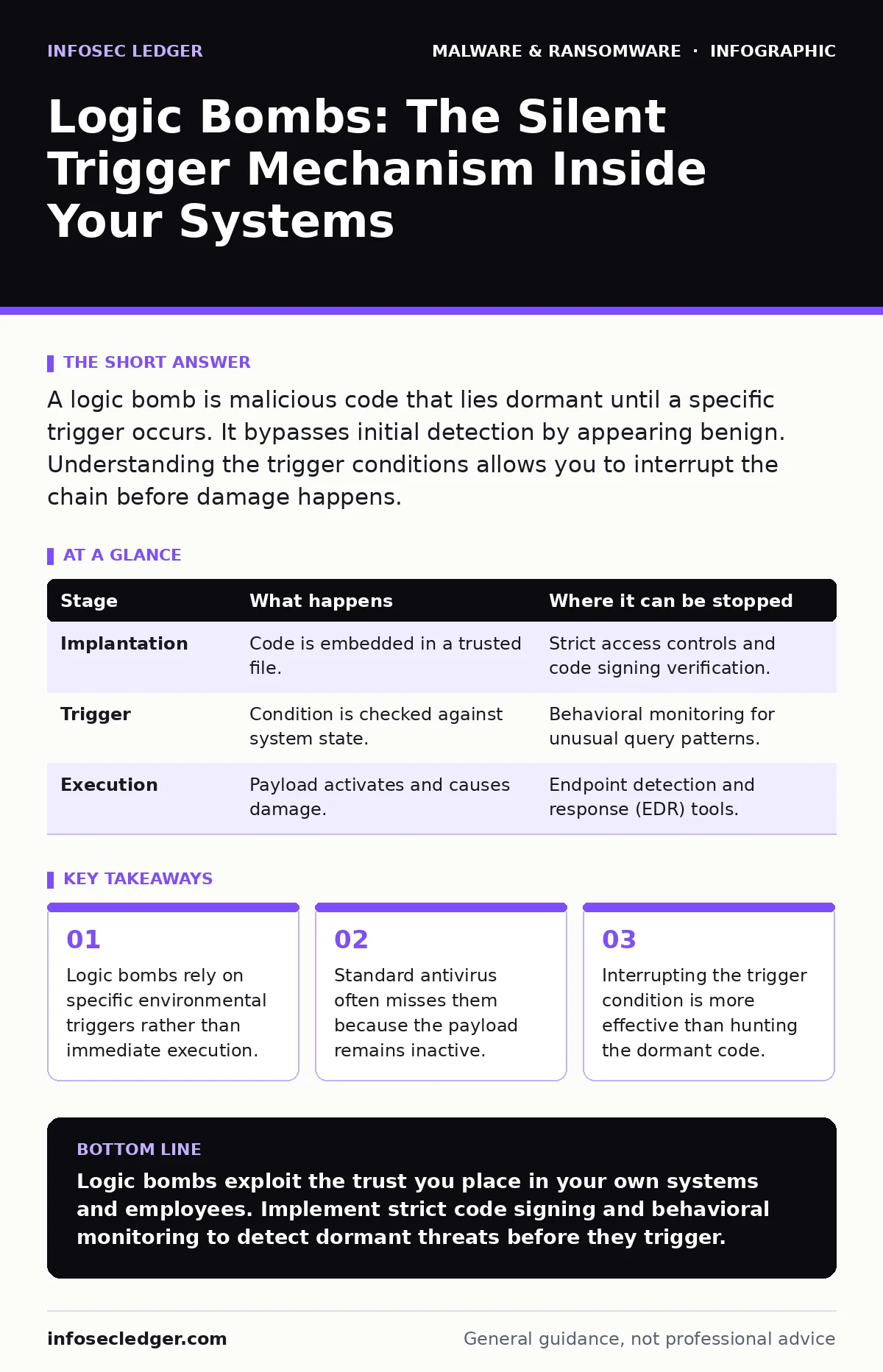
A logic bomb is malicious code that lies dormant until a specific trigger occurs. It bypasses initial detection by appearing benign. Understanding the trigger conditions allows you to interrupt the chain before damage happens.
The Anatomy of Dormant Malware
Malware usually tries to act immediately. Ransomware encrypts files the moment it lands. Spyware begins stealing data right away. Logic bombs are different. They wait. This waiting period is their primary defense against detection.
The code sits quietly in your system. It performs no network calls. It modifies no files. It consumes minimal resources. To monitoring tools, it looks like a standard process or a harmless script. This stealth allows it to persist long after initial security scans have passed.
### Stage 1: Implantation
The attacker places the code into a legitimate file or system process. This requires access to the target environment. The access might come from a previous breach or a trusted insider.
The code is often embedded in a utility tool or a business application. It does not stand out. It shares the permissions of the host file. If the host file runs with elevated privileges, the logic bomb inherits those same privileges.
This stage relies on trust. The system trusts the host file. The security tools trust the signature of the host file. The bomb uses this trust to mask its presence. It is not hiding in a shadow folder. It is sitting in the light, wearing a uniform.
### Stage 2: The Trigger Condition
This is the core mechanism. The code defines a condition that must be met for execution. This condition is usually logical and specific. It might be a date. It might be a specific user login. It might be the deletion of a particular file.
Imagine a script that checks if a specific employee’s account has been disabled. If the account exists, the script does nothing. If the account is removed, the script assumes the employee has left the company. This assumption is the trigger.
The trigger must be reliable. If it fires too often, the bomb wastes its payload. If it never fires, the attacker gains nothing. The attacker chooses triggers that are stable and predictable. These are often administrative actions or scheduled system events.
This stage is invisible. No data leaves the system. No files change. The trigger is just a condition check, like an if-statement in programming. It is benign in itself.
### Stage 3: Verification and Execution
Once the trigger condition is met, the code activates. It may perform a final check to ensure the environment is still valid. This prevents accidental firing due to temporary glitches.
The payload then executes. This could be data exfiltration. It could be file deletion. It could be a denial-of-service routine. The action is destructive because it bypasses the normal workflow. It acts with the authority of the host file.
This stage is often rapid. The attacker wants to cause damage before anyone notices. The speed of execution minimizes the window for intervention. The system logs may show a sudden spike in activity, but the source is the trusted host file.
### Stage 4: Persistence and Cleanup
After the payload executes, the code may attempt to hide its tracks. It might delete its own trigger logs. It might clear system event logs related to its activation.
Some logic bombs do not clean up. They rely on the chaos of the initial payload to mask their presence. Others are designed to persist, waiting for the next trigger. This allows for repeated attacks over time.
This stage highlights a hidden cost. The cleanup effort is part of the attack. It makes forensic analysis difficult. Investigators may find the damage but struggle to find the cause. The absence of evidence is the evidence.
See also: How Scareware Works: The Psychological Trap Step by Step · Browser Hijackers: How They Bypass Defenses and Steal Data
Interruption Points
You can stop a logic bomb at several points. The earliest point is during implantation. This requires strict code signing and integrity monitoring. You must know what files belong on your system.
The next point is the trigger. If you monitor for unusual condition checks, you might spot the trigger. This is difficult. Triggers often look like normal system queries. You need a baseline of normal behavior to spot anomalies.
The final point is execution. Endpoint detection tools can catch the payload as it runs. This is the least desirable option. The damage may already be starting. It is better to stop the trigger than the payload.
| Stage | What happens | Where it can be stopped |
|---|---|---|
| Implantation | Code is embedded in a trusted file. | Strict access controls and code signing verification. |
| Trigger | Condition is checked against system state. | Behavioral monitoring for unusual query patterns. |
| Execution | Payload activates and causes damage. | Endpoint detection and response (EDR) tools. |
The Insider Advantage
Logic bombs are particularly dangerous when placed by insiders. Insiders know the system. They know the triggers. They know what files are trusted.
An insider can place a bomb in a critical business application. They can set a trigger that only they know about. They can leave the company and activate the bomb remotely.
This is why trust is a security risk. You cannot verify the intent of code written by someone with full access. You must assume that any code with high privileges is a potential threat.
Detection Challenges
Traditional antivirus relies on signatures. It looks for known bad code. Logic bombs are unique. They are often custom-written. They do not match known signatures.
File hashes in malware detection are also ineffective. The hash of the file is valid because the code is embedded in a legitimate file. The file itself is not "bad" until the trigger fires.
Sandboxing can help. It runs the code in an isolated environment. If the sandbox triggers the condition, the bomb fires safely. This is a powerful tool for detecting dormant threats.
Behavioral Baselines
To stop logic bombs, you need to know what normal looks like. You must establish a baseline of system behavior. This includes file access patterns, network connections, and process creation.
Any deviation from this baseline is suspicious. A script that suddenly accesses a large number of files is unusual. A process that connects to an unknown server is unusual.
This requires continuous monitoring. You must analyze logs over time. You must correlate events. This is resource-intensive. It requires skilled analysts or advanced automation.
Mitigation Strategies
Reduce the attack surface. Limit who can write code to production systems. Require code reviews for all changes. This reduces the chance of implantation.
Use least privilege. Do not run applications with admin rights. This limits the damage a logic bomb can cause. If it runs with low privileges, it cannot delete system files.
Monitor for trigger conditions. Identify critical system events. Watch for unusual queries or checks. This helps you spot the trigger before it fires.
The Cost of Trust
The biggest risk is trusting code too much. We assume that if a file is signed, it is safe. We assume that if a user is an employee, they are loyal.
Logic bombs exploit this trust. They turn trusted assets into weapons. They show that security is not just about blocking bad things. It is about verifying good things.
You must verify the integrity of your systems. You must monitor for anomalies. You must assume that breaches have already happened. This mindset shifts your focus from prevention to detection.
Key takeaways
- Logic bombs rely on specific environmental triggers rather than immediate execution.
- Standard antivirus often misses them because the payload remains inactive.
- Interrupting the trigger condition is more effective than hunting the dormant code.
Logic bombs exploit the trust you place in your own systems and employees. Implement strict code signing and behavioral monitoring to detect dormant threats before they trigger.
Frequently asked questions
Can antivirus software detect a logic bomb?
Traditional antivirus often fails because the code appears benign until the trigger fires. Advanced behavioral analysis is required for detection.
How do I know if a logic bomb is in my system?
Look for unusual system behavior, such as unexpected file access or network connections. Regular code audits can also reveal hidden scripts.
Are logic bombs common in small businesses?
They are less common than ransomware but more damaging. They are often used by insiders or in targeted attacks.
Can a logic bomb be triggered remotely?
Yes, if the trigger condition is based on a remote event, such as a specific website visit or a server response.
How this guide was produced: written by the InfoSec Ledger editorial team with AI assistance, checked against the public references listed below, and reviewed when the facts change. See our editorial policy or report an error.