
File Hashes in Malware Detection: How Digital Fingerprints Catch Threats
File hashes create unique digital fingerprints that detect exact malware copies, but they fail against modified code or polymorphic threats that change their appearance.
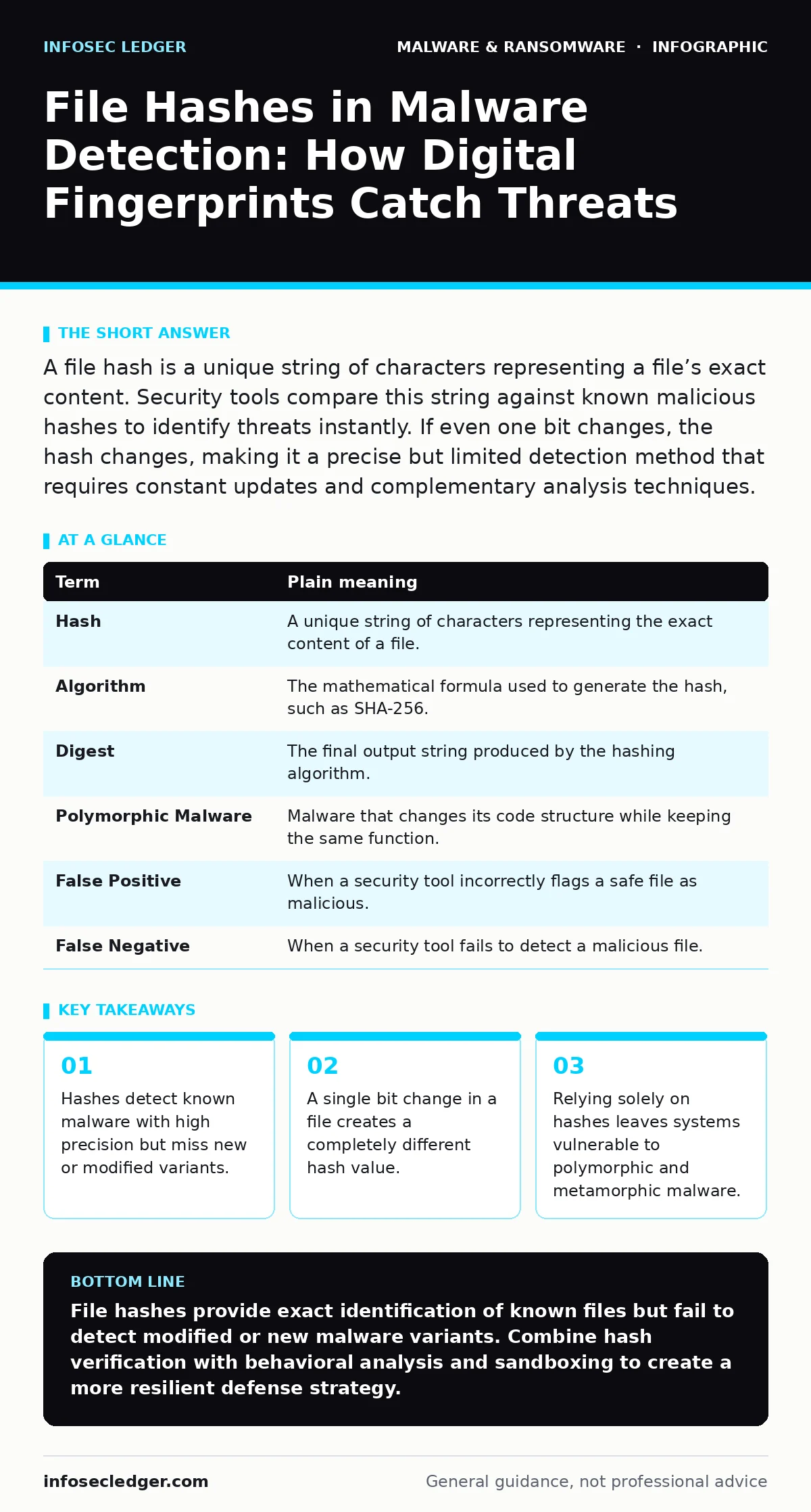
A file hash is a unique string of characters representing a file’s exact content. Security tools compare this string against known malicious hashes to identify threats instantly. If even one bit changes, the hash changes, making it a precise but limited detection method that requires constant updates and complementary analysis techniques.
The Library Book Analogy
Imagine a public library that needs to track stolen books. Instead of memorizing every page of every book, the librarian records the exact ISBN number and the specific edition. If someone returns a book with a torn page or a different cover, the ISBN no longer matches the record. The librarian knows immediately that this is not the original book. This is how file hashes work in cybersecurity. You do not inspect the entire file content every time. You check the unique identifier generated from that content.
What Is a File Hash?
A file hash is a fixed-length string of letters and numbers generated by a mathematical algorithm. This process takes a file of any size and converts it into a unique digest. The algorithm ensures that even a tiny change in the input file results in a drastically different output. This property is called the avalanche effect. Security professionals use this digest as a digital fingerprint. It allows them to verify if a file is identical to a known good or known bad file.
| Term | Plain meaning |
|---|---|
| Hash | A unique string of characters representing the exact content of a file. |
| Algorithm | The mathematical formula used to generate the hash, such as SHA-256. |
| Digest | The final output string produced by the hashing algorithm. |
| Polymorphic Malware | Malware that changes its code structure while keeping the same function. |
| False Positive | When a security tool incorrectly flags a safe file as malicious. |
| False Negative | When a security tool fails to detect a malicious file. |
The Mechanics of Detection
Security software maintains a database of hashes known to belong to malware. When you download a file, the software calculates its hash. It then compares this new hash against the database. If there is a match, the software blocks the file. This method is fast and requires minimal processing power. It does not need to analyze the code’s behavior. It simply checks for identity. This makes it ideal for screening large volumes of files quickly.
Where Hashes Fail
The biggest weakness of hash-based detection is its reliance on exact matches. If an attacker changes even one character in the malware code, the hash changes completely. The new hash will not be in the database. The malware will pass through the filter. This is why polymorphic malware is dangerous. These threats rewrite their own code each time they infect a system. They keep the malicious function but change the digital fingerprint. Hashes cannot catch these evolving threats.
Suppose an attacker takes a known ransomware program and adds a single line of harmless code. The hash changes. Your security tool sees a new, unknown file. It allows it through. This is a false negative. The threat enters your network because it looks different, even though it acts the same. This limitation is why modern security uses more than just hashes.
Complementary Defense Layers
Because hashes miss modified threats, you need other detection methods. Sandboxing is one such method. It runs suspicious files in an isolated environment to observe their behavior. If the file tries to encrypt your documents, the sandbox detects the action, regardless of the hash. This behavioral analysis catches polymorphic malware that hashes miss. You also need to be aware of threats that do not rely on traditional files at all. For example, cryptojacking often uses scripts that run in the browser, bypassing file hash checks entirely. Similarly, browser hijackers may alter settings without dropping a new executable file.
See also: SEO Poisoning Myths: Why Your Site Is Not the Only Target · Malicious Mobile Apps: Debunking 6 Common Security Myths
Practical Steps for Verification
You can use file hashes to protect your own systems. Here is how to start.
- Download a trusted hashing tool. Many operating systems include command-line tools for this purpose. Ensure the tool uses a strong algorithm like SHA-256.
- Calculate the hash of a known safe file. Run the tool on a system utility or a recently downloaded installer from a verified source. Record the resulting string.
- Verify the hash against the source. Check the official website or documentation for the expected hash. If the strings match, the file is intact. If they differ, the file may have been tampered with or corrupted.
Understanding Common Confusions
Many users confuse hashes with encryption. Encryption hides data and can be reversed with a key. Hashing is one-way. You cannot reverse a hash to get the original file. You can only compare hashes. Another common confusion is the belief that a new hash means a safe file. A new hash simply means the file is different. It could be a legitimate update or a new variant of malware. This is why context matters. A new hash for a system file is suspicious. A new hash for a downloaded document is expected.
Also, do not mistake hash collisions for a common problem. A collision occurs when two different files produce the same hash. While theoretically possible, modern algorithms make this extremely rare. You are more likely to face false positives from overly aggressive security rules than from hash collisions. However, false positives can disrupt business operations. If a critical business application is flagged, you must investigate. Do not simply ignore the alert.
The Hidden Cost of Precision
Hash-based detection offers high precision but low coverage. It tells you exactly what a file is, but only if you already know it. This creates a hidden cost: the constant need to update your database. New malware appears every day. Your security team or software must ingest these new hashes rapidly. If the update is delayed, your protection is outdated. This is why some organizations prefer heuristic analysis, which looks for patterns rather than exact matches. Heuristics catch new threats but generate more false positives. You must balance precision with coverage.
Imagine you are protecting a server that processes financial transactions. You need high precision to avoid blocking legitimate transactions. You rely on hashes for known threats. But you also need behavioral monitoring to catch new attacks. This layered approach is standard practice. It acknowledges that no single method is perfect. Hashes are a foundation, not the entire structure.
Key takeaways
- Hashes detect known malware with high precision but miss new or modified variants.
- A single bit change in a file creates a completely different hash value.
- Relying solely on hashes leaves systems vulnerable to polymorphic and metamorphic malware.
File hashes provide exact identification of known files but fail to detect modified or new malware variants. Combine hash verification with behavioral analysis and sandboxing to create a more resilient defense strategy.
Frequently asked questions
Can hackers easily bypass file hash detection?
Yes, attackers can bypass hash detection by making minor changes to the malware code, which generates a new hash that is not in the security database.
Is SHA-256 better than MD5 for security?
Yes, SHA-256 is more secure and resistant to collisions than MD5. MD5 is considered broken and should not be used for security purposes.
Do file hashes protect against ransomware?
Hashes can detect known ransomware variants, but they cannot stop new or modified ransomware strains that have not yet been added to the threat database.
How often should I update my hash database?
You should update your hash database as frequently as possible, ideally in real-time, to ensure protection against the latest known threats.
How this guide was produced: written by the InfoSec Ledger editorial team with AI assistance, checked against the public references listed below, and reviewed when the facts change. See our editorial policy or report an error.