
Public Wi-Fi finder apps explained: hidden privacy trade-offs
Public Wi-Fi finder apps often trade your location history and network data in exchange for free internet access maps.
Public Wi-Fi finder apps are smartphone tools that crowdsource and map available wireless networks. They help you find free internet access on the go, but using them often requires sharing your own device data, which can expose your location habits to app developers and third-party advertisers.
How public Wi-Fi finder apps work like community bulletin boards
Imagine a bustling town square where citizens pin notes on a giant corkboard detailing which local shopkeepers leave their back doors unlocked. Public Wi-Fi finder apps operate on this exact crowdsourced principle. Crowdsourcing refers to gathering data from a large group of everyday smartphone users rather than a centralized corporate source. When you install one of these map tools, your phone quietly uploads the names and physical coordinates of wireless routers it encounters throughout your day.
Application developers aggregate this harvested data into a searchable directory for travelers seeking free internet access. Behind the friendly map interface lies an invisible exchange of value. You contribute local network details, and the platform grants you access to the community database. Understanding this transaction helps clarify why these tools remain free to download and use without a subscription fee.
The hidden cost of convenience
Data brokers routinely purchase the location histories collected by free mobile applications. Data brokers are commercial entities that harvest personal information from various digital sources and package it for resale to marketers. When a finder app logs every router you pass, it builds a remarkably accurate behavioral profile of your daily routines, commuting habits, and favorite coffee shops.
This continuous background tracking occurs even when you are not actively searching for a network connection. Minimizing this exposure requires treating free utilities with the same caution you apply during online tracking across shopping and news websites. Convenience always carries a price tag paid in personal information rather than currency.
Technical terms every user should know
| Term | Plain meaning |
|---|---|
| Crowdsourcing | Gathering information contributed by many individual app users. |
| Data broker | A company that collects and sells consumer profiles to marketers. |
| Service Set Identifier | The public name broadcast by a wireless router. |
| Captive portal | A web page that requires terms acceptance before granting internet access. |
| MAC randomization | A privacy feature that alters your device hardware identifier. |
What network maps mean for your personal security
Network maps display available access points, but they cannot verify whether a specific router is safe to use. Cybercriminals routinely deploy rogue access points that mimic legitimate business networks to intercept web traffic. Rogue access points are unauthorized wireless routers configured to look genuine so they can capture data passing through them.
Connecting to a malicious hotspot allows an attacker to read unencrypted communications or inject harmful code into your browsing session. Reviewing privacy by design principles before installing any utility helps you evaluate whether an app actually protects your data or simply exposes it. Map convenience does not guarantee network authenticity, leaving your personal information vulnerable to nearby eavesdroppers.
Simple habits for safer network discovery
3 habits protect your device while searching for mobile internet access.
- Disable automatic network joining in your operating system settings to prevent your phone from handshake negotiations with unknown routers.
- Revoke background location permissions for any network utility when you are not actively using the map interface.
- Verify the exact establishment name with an employee before connecting to any unfamiliar wireless signal shown on a map.
See also: Privacy by Design: The 7 Foundational Principles Explained · Browser Cookies Disabled: The Trade-Offs of Blocking Web Tracking
Three steps to audit your current finder apps
- Open your mobile device settings and navigate to the application permission manager to check which utilities currently access your GPS coordinates.
- Delete any network discovery tool that demands continuous location access rather than asking only while using the application.
- Enable private browsing mode whenever you eventually connect to an unfamiliar public network to reduce persistent cookie accumulation.
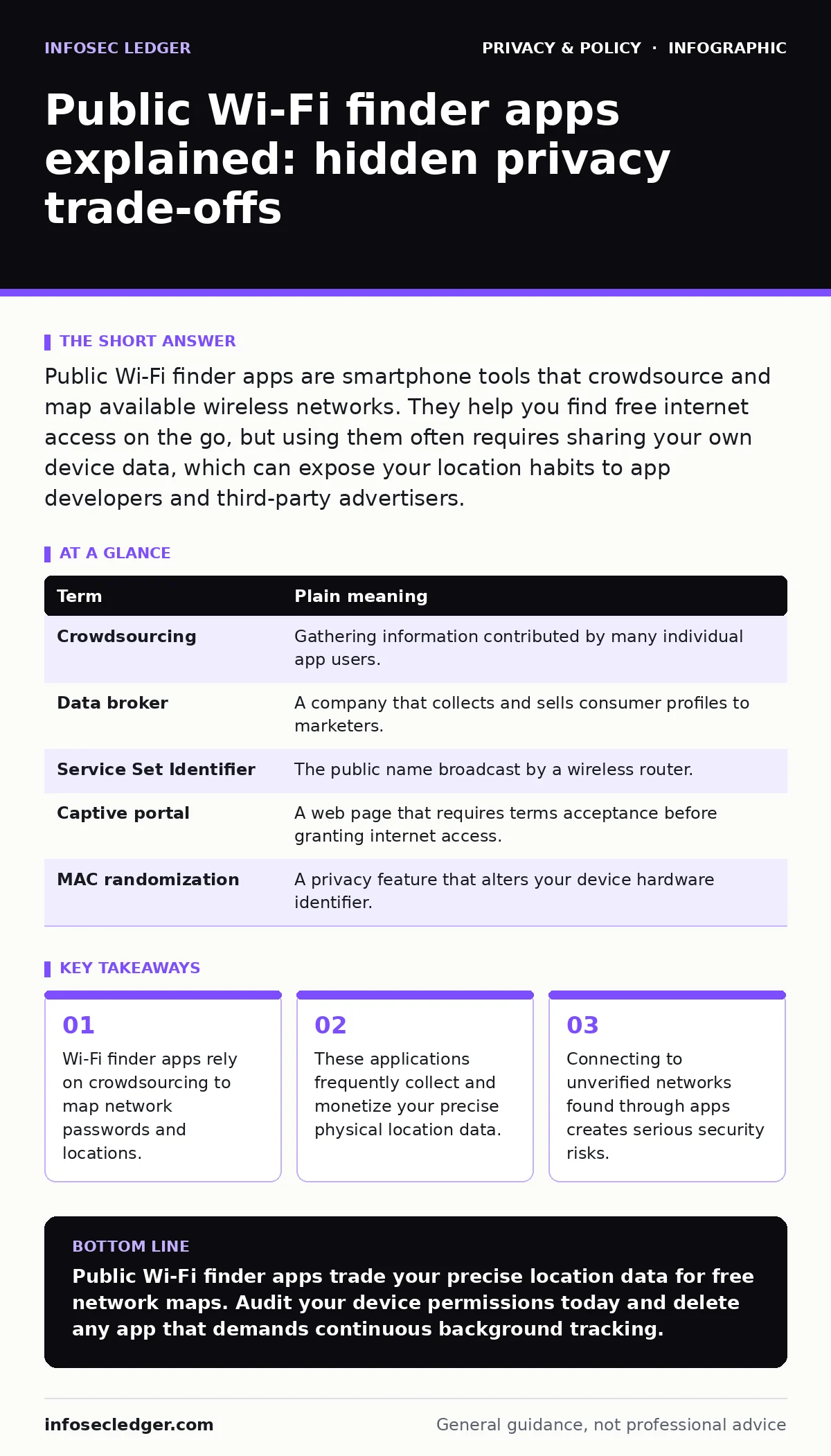
Evaluating the trade-off between cost and privacy
Free access tools require constant vigilance regarding the permissions you grant during installation. Evaluating whether a free map is worth the continuous broadcast of your physical whereabouts requires weighing your immediate need for bandwidth against long-term data privacy. Most people discover that cellular data plans offer a safer alternative to risky public infrastructure.
Key takeaways
- Wi-Fi finder apps rely on crowdsourcing to map network passwords and locations.
- These applications frequently collect and monetize your precise physical location data.
- Connecting to unverified networks found through apps creates serious security risks.
Public Wi-Fi finder apps trade your precise location data for free network maps. Audit your device permissions today and delete any app that demands continuous background tracking.
Frequently asked questions
Do public Wi-Fi finder apps share my home network password?
Many applications automatically upload private router details if you connect to them while the app runs in the background. This practice can expose your home network credentials to the public crowdsourced database.
Can I use these apps safely with a virtual private network?
A virtual private network encrypts your web traffic to protect your data from eavesdroppers on the local network. However, it does not stop the finder app itself from collecting and selling your device location history.
Why do these apps need location permission to function?
Finder apps require your coordinates to center the map on your current surroundings and display nearby network options. The privacy risk arises when the developer keeps tracking your location long after you close the map interface.
Are paid network finder tools safer than free ones?
Paid applications sometimes rely on subscription revenue rather than data brokerage, which can reduce third-party tracking. Always review the privacy policy of any tool before installation to confirm how your device data gets handled.
How this guide was produced: written by the InfoSec Ledger editorial team with AI assistance, checked against the public references listed below, and reviewed when the facts change. See our editorial policy or report an error.