Prevent npm Package Vulnerabilities: A Technical Prevention Checklist
Supply chain attacks often bypass perimeter defenses by exploiting trusted dependencies, making dependency auditing and signature verification mandatory for secure software development.
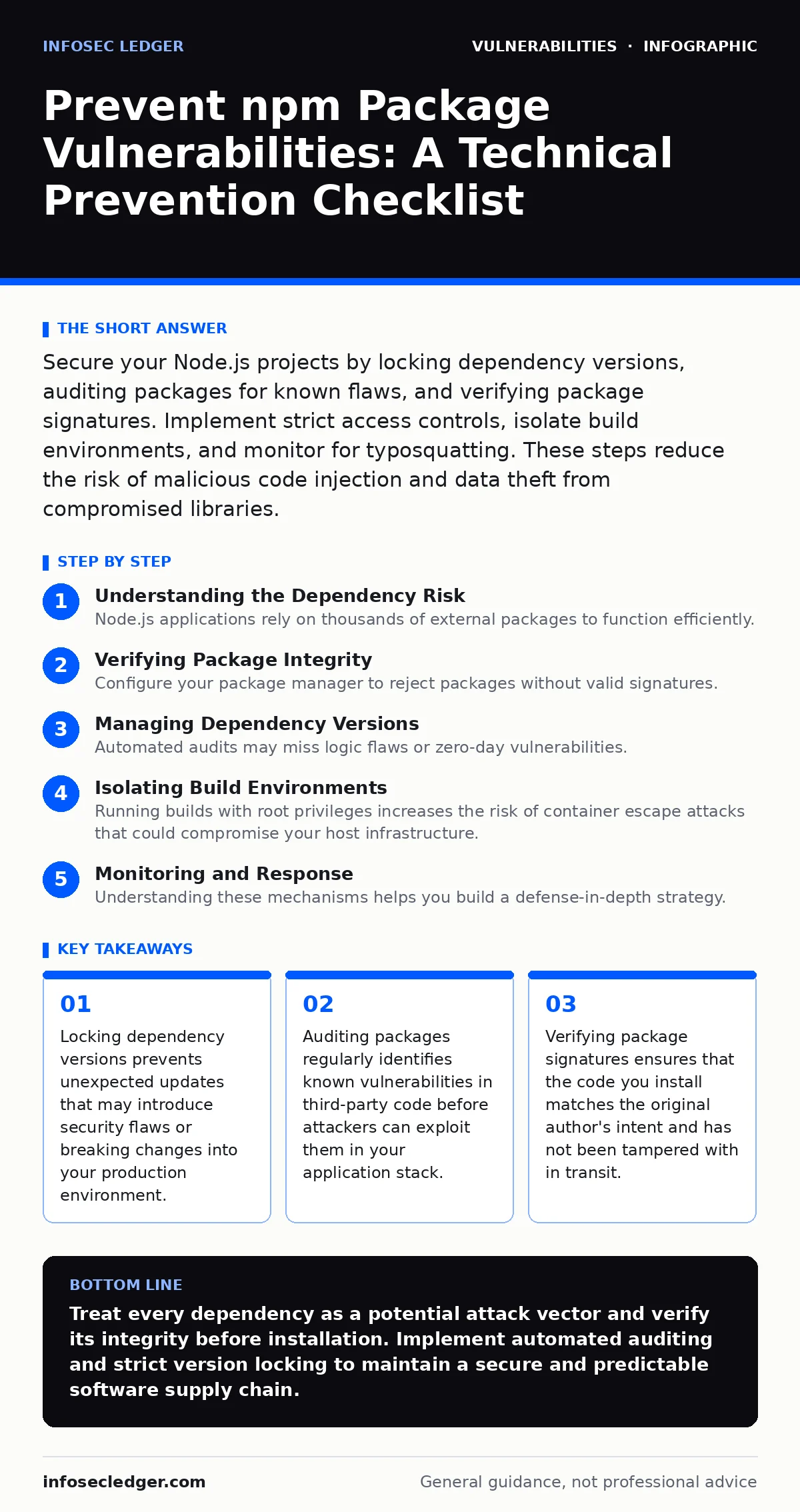
Secure your Node.js projects by locking dependency versions, auditing packages for known flaws, and verifying package signatures. Implement strict access controls, isolate build environments, and monitor for typosquatting. These steps reduce the risk of malicious code injection and data theft from compromised libraries.
Understanding the Dependency Risk
Node.js applications rely on thousands of external packages to function efficiently. This convenience introduces significant risk because you execute code from authors you do not know or control. A vulnerability in a single dependency can compromise your entire application stack. Attackers often target popular packages to inject malicious code that steals credentials or exfiltrates data. You must treat third-party code as untrusted input. The security of your application depends on the security of every library it imports.
Verifying Package Integrity
- Enable strict signature verification: Ensures the package has not been altered by a man-in-the-middle attacker during download.
- Check package provenance metadata: Confirms the origin of the code and detects packages published from unexpected accounts.
- Validate checksums against trusted sources: Prevents the installation of tampered files that may contain hidden backdoors or malware.
- Use private registries for internal tools: Prevents accidental publication of sensitive code and restricts access to authorized personnel only.
- Monitor for suspicious repository activity: Detects sudden changes in ownership or commit patterns that may indicate account compromise.
Managing Dependency Versions
- Lock exact dependency versions: Prevents automatic updates that may introduce breaking changes or new vulnerabilities into your build.
- Avoid using caret or tilde ranges: Reduces the chance of pulling in untested minor versions that could contain security flaws.
- Regularly update transitive dependencies: Addresses vulnerabilities in libraries that your direct dependencies rely on indirectly.
- Pin peer dependencies explicitly: Ensures compatibility and prevents version conflicts that could lead to runtime errors or security gaps.
- Test updates in isolation: Verifies that new versions do not break existing functionality before merging them into your main codebase.
Auditing and Scanning
- Run automated security audits: Identifies known vulnerabilities in your dependency tree using public databases of security advisories.
- Scan for typosquatting packages: Detects malicious packages with names similar to popular libraries that aim to trick developers.
- Review package licenses: Ensures compliance with legal requirements and avoids using code with restrictive or incompatible terms.
- Check for deprecated packages: Removes libraries that no longer receive security updates or maintenance from their original authors.
- Analyze dependency tree complexity: Reduces the attack surface by minimizing the number of third-party packages your application relies on.
Isolating Build Environments
- Use containerized build environments: Isolates the build process from your host system and prevents persistence of malicious code.
- Restrict network access during builds: Prevents packages from making outbound connections that could exfiltrate sensitive data during installation.
- Implement least privilege access: Limits the permissions of the build process to only what is necessary for successful compilation.
- Separate development and production dependencies: Reduces the attack surface by excluding development tools from the production environment.
- Verify build artifacts: Ensures that the final compiled code matches the source code and has not been tampered with during the build.
Monitoring and Response
- Subscribe to security advisories: Receives timely notifications about vulnerabilities in packages you use so you can patch quickly.
- Implement continuous integration checks: Blocks the merge of code that introduces new vulnerabilities or insecure dependencies.
- Define incident response procedures: Ensures your team knows how to react if a compromised package is detected in production.
- Monitor package registry activity: Detects suspicious patterns such as mass deletion of packages or unusual publishing rates.
- Review access logs regularly: Identifies unauthorized access attempts to your private registries or build systems.
Understanding these mechanisms helps you build a defense-in-depth strategy. For broader context on securing your application stack, review the guide on HTTP security headers to protect data in transit. Additionally, consider reading about default credentials to ensure your infrastructure components are not exposed to simple brute-force attacks. These practices complement your dependency management efforts by securing other layers of your system.
Key takeaways
- Locking dependency versions prevents unexpected updates that may introduce security flaws or breaking changes into your production environment.
- Auditing packages regularly identifies known vulnerabilities in third-party code before attackers can exploit them in your application stack.
- Verifying package signatures ensures that the code you install matches the original author's intent and has not been tampered with in transit.
Treat every dependency as a potential attack vector and verify its integrity before installation. Implement automated auditing and strict version locking to maintain a secure and predictable software supply chain.
Frequently asked questions
How often should I audit my npm packages?
Audit your packages at least once per week or after every significant update. Continuous integration pipelines should run audits on every pull request to catch issues early.
Can I trust packages from well-known authors?
No author is immune to account compromise or accidental errors. Verify signatures and audit all packages regardless of the publisher's reputation to ensure code integrity.
What is typosquatting in npm?
Typosquatting involves publishing packages with names similar to popular libraries to trick developers into installing malicious code. Always double-check package names and verify authors.
Should I remove unused dependencies?
Yes, removing unused dependencies reduces your attack surface. Unused packages may still contain vulnerabilities that attackers could exploit, even if your code does not call them directly.
How this guide was produced: written by the InfoSec Ledger editorial team with AI assistance, checked against the public references listed below, and reviewed when the facts change. See our editorial policy or report an error.