
Ransomware Attack Chain: Map Stages to Stop Infection
Most small business failures occur during the lateral movement phase, not at the initial entry point, making internal network segmentation more valuable than perimeter firewalls.
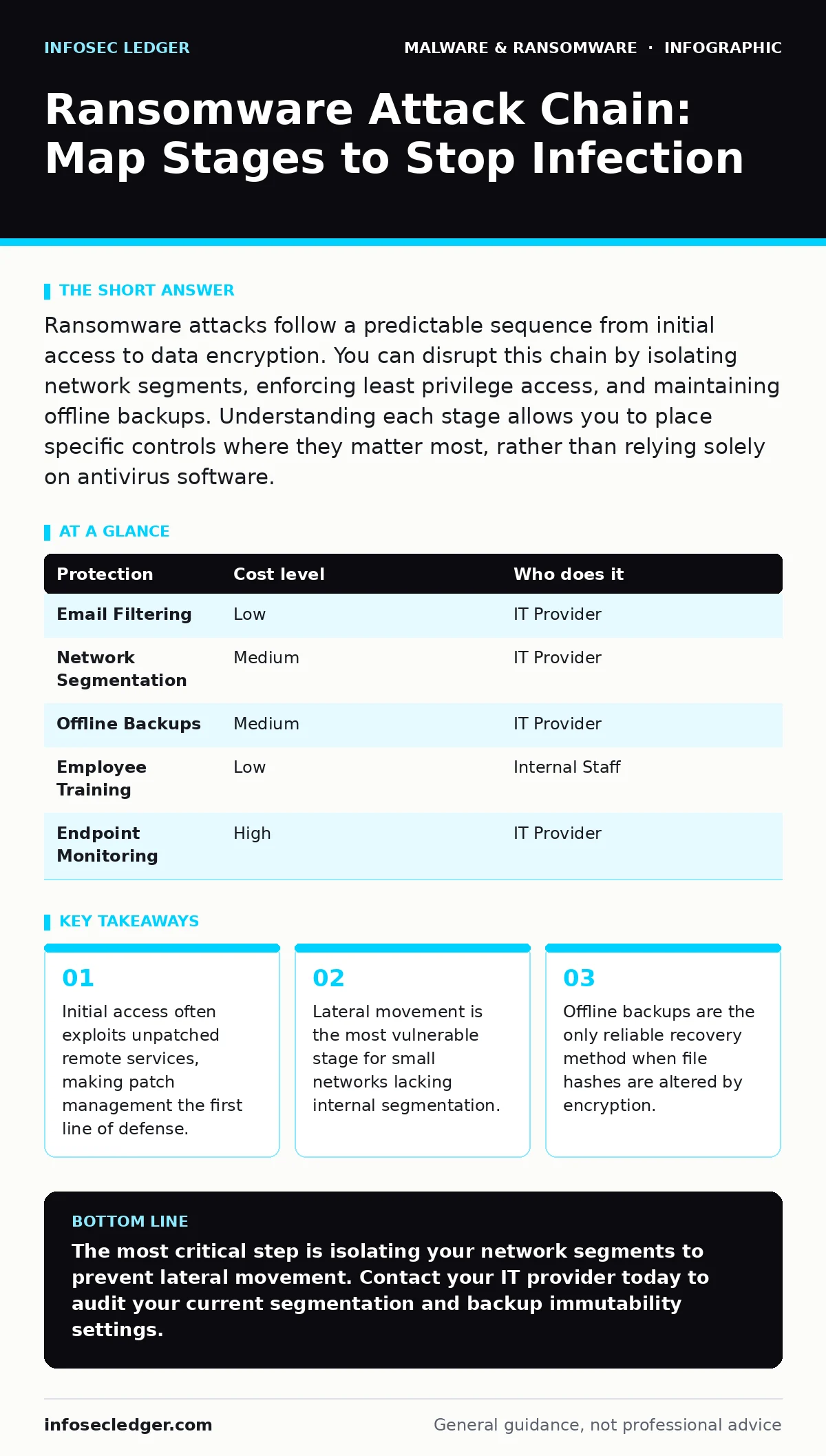
Ransomware attacks follow a predictable sequence from initial access to data encryption. You can disrupt this chain by isolating network segments, enforcing least privilege access, and maintaining offline backups. Understanding each stage allows you to place specific controls where they matter most, rather than relying solely on antivirus software.
The Anatomy of a Small Business Breach
Ransomware is not a single event but a structured process. Attackers follow a specific chain of actions to maximize damage and minimize detection. Understanding this sequence changes how you view security. You stop looking for a single magic bullet and start building layers of defense. Each layer addresses a specific stage of the attack. This approach is particularly effective for organizations with limited IT staff. It focuses resources on the most likely points of failure.
Stage One: Initial Access and Execution
The attack begins when an adversary gains entry to your system. This usually happens through human error or unpatched software vulnerabilities. Phishing emails remain the most common vector. Attackers craft messages that mimic legitimate business communications. They rely on urgency to bypass critical thinking. Once inside, they execute malicious code. This code may appear as a normal document or script. The goal is to establish a foothold without triggering alarms.
You must assume that someone will click the wrong link. Training reduces risk but does not eliminate it. Technical controls provide the necessary safety net. Email filtering can block known malicious domains. However, sophisticated attackers use new domains daily. Application whitelisting restricts which programs can run on user devices. This prevents unauthorized scripts from executing even if a user downloads them. It adds friction to legitimate workflows but stops automated malware effectively.
Stage Two: Persistence and Privilege Escalation
After initial entry, the attacker ensures they can return if disconnected. They modify system settings or create new user accounts. This stage is called persistence. Attackers also seek higher privileges. A standard user account has limited access. An administrator account can change system-wide settings. Attackers use exploit kits to elevate their status. They look for misconfigured permissions or weak administrative credentials.
This is where many small businesses fail. Administrative accounts are often shared or have weak passwords. You should disable default administrator accounts. Create unique accounts for daily tasks. Use separate credentials for administrative work. This limits the damage if a daily-use account is compromised. Regular audits of user permissions help identify unnecessary access. Remove rights that employees no longer need. This reduces the attack surface significantly.
Stage Three: Lateral Movement and Discovery
The attacker now moves through your network. They scan for other connected devices. They look for sensitive data and backup servers. This phase is lateral movement. Attackers use stolen credentials to log into other machines. They exploit trust relationships between systems. If your file server is on the same network segment as your workstations, the attacker can reach it easily. They map the network structure to find high-value targets.
Network segmentation is the primary defense here. Divide your network into smaller zones. Separate guest Wi-Fi from corporate devices. Isolate critical servers from general user access. This forces attackers to breach multiple barriers. It slows them down and increases the chance of detection. Without segmentation, one compromised device gives an attacker access to everything. This is a hidden cost of flat network designs. It turns a minor incident into a total outage.
Stage Four: Defense Evasion and Credential Dumping
Attackers actively try to avoid detection. They delete log files to hide their tracks. They may use legitimate system tools for malicious purposes. This technique is called living off the land. They also dump credential caches from memory. This allows them to harvest passwords from logged-in users. If you rely solely on perimeter security, these internal activities go unnoticed. You need visibility into internal traffic.
Endpoint detection tools monitor for unusual behavior. They flag processes that should not be running together. For example, a web browser launching a memory dump tool is suspicious. You should review logs regularly. Look for failed login attempts or unusual access times. This helps identify compromise before encryption begins. Ignoring internal anomalies is a common mistake. It assumes that if the perimeter holds, the inside is safe.
See also: Logic Bombs: The Silent Trigger Mechanism Inside Your Systems · SEO Poisoning Myths: Why Your Site Is Not the Only Target
Stage Five: Impact and Encryption
The final stage is the impact. The attacker encrypts files using strong cryptography. They render data unusable without the decryption key. A ransom note appears on infected devices. The attacker demands payment in cryptocurrency. This stage is the visible result of all previous steps. By the time you see the note, the damage is largely done. Recovery depends on your preparation, not your negotiation skills.
Backups are your primary recovery mechanism. They must be offline or immutable. Online backups can be encrypted along with the primary data. Immutable storage prevents modification or deletion for a set period. Test your backups regularly. Verify that you can restore files completely. A backup that cannot be restored is not a backup. It is a false sense of security. Regular testing ensures reliability when you need it most.
Practical Implementation and Provider Questions
You cannot implement all controls alone. Many small businesses rely on IT providers. You need to verify their security posture. Ask specific questions about their monitoring and response capabilities. Do not accept vague answers about "industry standard" practices. Demand details about their process. This ensures they are actively protecting your environment.
| Protection | Cost level | Who does it |
|---|---|---|
| Email Filtering | Low | IT Provider |
| Network Segmentation | Medium | IT Provider |
| Offline Backups | Medium | IT Provider |
| Employee Training | Low | Internal Staff |
| Endpoint Monitoring | High | IT Provider |
Ask your provider these specific questions. Do they monitor for lateral movement? How do they handle credential theft? What is their response time for containment? Do they test backups quarterly? These questions reveal their depth of expertise. They also highlight gaps in your current security. Addressing these gaps reduces risk significantly.
Integrating Broader Security Knowledge
Ransomware does not exist in isolation. It often shares techniques with other threats. For instance, the methods used to hide malware are similar to those used by rootkits. Understanding how file hashes in malware detection work helps you verify backup integrity. If the hash of a backup file changes, it may have been tampered with.
Attackers may also use web shells to maintain access. These are scripts uploaded to web servers. They allow remote control of the server. Regular scanning for unknown files can detect them. Similarly, scareware tactics are often used in the initial phishing stage. Recognizing these psychological tricks helps in training. You can also learn about malware analysis techniques to understand threat behavior. This broader knowledge improves your overall defense strategy.
Bottom Line for Operational Security
Security is a continuous process, not a one-time purchase. You must adapt to new threats regularly. The ransomware attack chain evolves, but the core principles remain. Focus on limiting access and maintaining recoverable data. This approach provides resilience against even sophisticated attacks.
Key takeaways
- Initial access often exploits unpatched remote services, making patch management the first line of defense.
- Lateral movement is the most vulnerable stage for small networks lacking internal segmentation.
- Offline backups are the only reliable recovery method when file hashes are altered by encryption.
The most critical step is isolating your network segments to prevent lateral movement. Contact your IT provider today to audit your current segmentation and backup immutability settings.
Frequently asked questions
How long does it take for ransomware to spread?
It can spread in minutes if the network is flat and credentials are weak. Segmentation and strict access controls slow this process significantly.
Can antivirus software stop ransomware?
Antivirus helps but is not sufficient. Modern ransomware often bypasses signature-based detection. You need behavioral monitoring and network segmentation.
Should I pay the ransom?
Paying does not guarantee data recovery. It also encourages further attacks. Rely on tested offline backups for recovery instead.
How often should I test backups?
Test backups at least quarterly. Verify that files can be restored completely and quickly. Regular testing ensures reliability during an actual incident.
How this guide was produced: written by the InfoSec Ledger editorial team with AI assistance, checked against the public references listed below, and reviewed when the facts change. See our editorial policy or report an error.