
Unpatched Software Prevention Checklist: Stop Exploits Before They Start
Most breaches occur because organizations wait for vendor patches instead of isolating vulnerable systems immediately upon discovery.
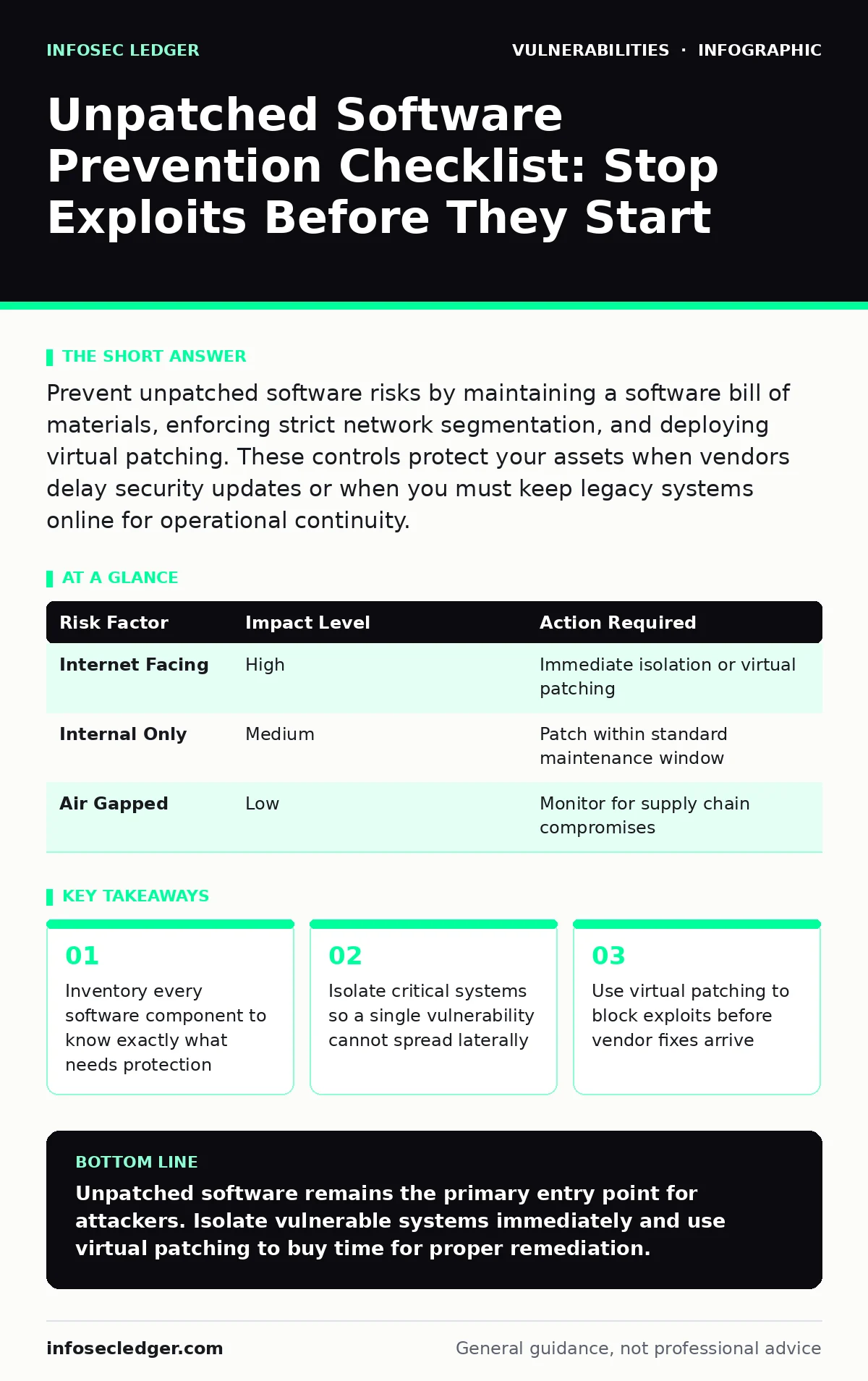
Prevent unpatched software risks by maintaining a software bill of materials, enforcing strict network segmentation, and deploying virtual patching. These controls protect your assets when vendors delay security updates or when you must keep legacy systems online for operational continuity.
Define the Attack Surface
You cannot protect software you do not know exists. Many organizations rely on installed application lists, which miss libraries and dependencies. A software bill of materials (SBOM) lists every component in your stack, including third-party code. This visibility allows you to map vulnerabilities to specific assets. Without this map, you are guessing which systems are at risk when new threats emerge.
Prioritize Based on Exposure
Not all unpatched software carries equal risk. You must prioritize remediation based on how exposed a system is to the internet and the sensitivity of the data it holds. A printer with no internet access poses less risk than a web server handling customer payments. Focus your limited resources on systems that face external traffic. This approach reduces the window of exposure for the most dangerous vulnerabilities.
| Risk Factor | Impact Level | Action Required |
|---|---|---|
| Internet Facing | High | Immediate isolation or virtual patching |
| Internal Only | Medium | Patch within standard maintenance window |
| Air Gapped | Low | Monitor for supply chain compromises |
Implement Network Segmentation
Network segmentation divides your infrastructure into smaller, isolated zones. If an attacker exploits unpatched software in one zone, they cannot easily move to others. This strategy limits the blast radius of any single breach. You should place critical databases in a separate segment from user workstations. Access between segments requires explicit approval, forcing attackers to jump additional hurdles.
Imagine a scenario where a web server is compromised due to a missing update. Without segmentation, the attacker scans the entire network for weak points. With segmentation, the attacker remains trapped in the web tier, unable to reach financial records or employee data.
Deploy Virtual Patching
Vendor patches often take weeks or months to release. Virtual patching applies security rules at the network perimeter or application layer to block exploit traffic. This method protects unpatched software without modifying the code itself. It is particularly useful for legacy systems that cannot accept traditional updates. You configure these rules to drop malicious packets before they reach the vulnerable application.
This technique does not fix the underlying code flaw. It only blocks known attack patterns. You must still plan for eventual remediation. Virtual patching buys you time to test and deploy proper updates in a controlled manner. It serves as a temporary shield, not a permanent solution.
Automate Configuration Drift Checks
Security settings degrade over time as administrators make changes. Configuration drift occurs when systems deviate from their secure baseline. Unpatched software is often accompanied by weak configurations, such as default credentials or open ports. Regular automated checks ensure systems remain aligned with security standards. You should scan for deviations weekly and alert on any changes that increase risk.
| Check Type | Frequency | Remediation |
|---|---|---|
| Port Scans | Daily | Close unnecessary ports immediately |
| Config Baseline | Weekly | Revert unauthorized changes |
| User Privileges | Monthly | Review and restrict access rights |
Manage Legacy System Risks
Some software cannot be patched because it is outdated or unsupported. You must treat these systems as inherently compromised. Isolate them from critical networks and restrict access to essential personnel only. Monitor traffic to and from these systems for anomalies. Consider replacing them with modern alternatives that receive regular security updates.
Validate with Penetration Testing
Automated tools miss logic flaws and complex attack chains. Regular penetration testing simulates real-world attacks against your environment. Testers attempt to exploit unpatched vulnerabilities to identify gaps in your defenses. This process reveals whether your segmentation and virtual patching rules hold up under pressure. Use the findings to refine your security posture and prioritize remaining patches.
Maintain Continuous Monitoring
Security is not a one-time task. New vulnerabilities emerge daily. You must monitor threat intelligence feeds for new exploits targeting your software stack. Integrate this data into your ticketing system to trigger urgent patching workflows. Continuous monitoring ensures you respond to new threats before attackers can exploit them. This proactive stance reduces the likelihood of successful breaches.
Key takeaways
- Inventory every software component to know exactly what needs protection
- Isolate critical systems so a single vulnerability cannot spread laterally
- Use virtual patching to block exploits before vendor fixes arrive
Unpatched software remains the primary entry point for attackers. Isolate vulnerable systems immediately and use virtual patching to buy time for proper remediation.
Frequently asked questions
How do I handle software that no longer receives updates?
Isolate the system from critical networks, restrict access, and monitor traffic closely. Replace it with supported alternatives as soon as possible.
Can virtual patching replace traditional updates?
No. Virtual patching only blocks known exploit patterns. It does not fix the underlying code vulnerability, so you must still apply vendor patches when available.
What is the first step in reducing unpatched risk?
Create a complete inventory of all software components using a software bill of materials. You cannot protect what you have not identified.
How often should I review network segmentation?
Review segmentation rules quarterly or after any major infrastructure change. Ensure that critical assets remain isolated from general user networks.
How this guide was produced: written by the InfoSec Ledger editorial team with AI assistance, checked against the public references listed below, and reviewed when the facts change. See our editorial policy or report an error.