
IoT Vulnerability Warning Signs You Miss and How to Fix Them
Most IoT device failures are silent protocol leaks that bypass visual indicators, requiring network-level inspection rather than user interface monitoring for detection.
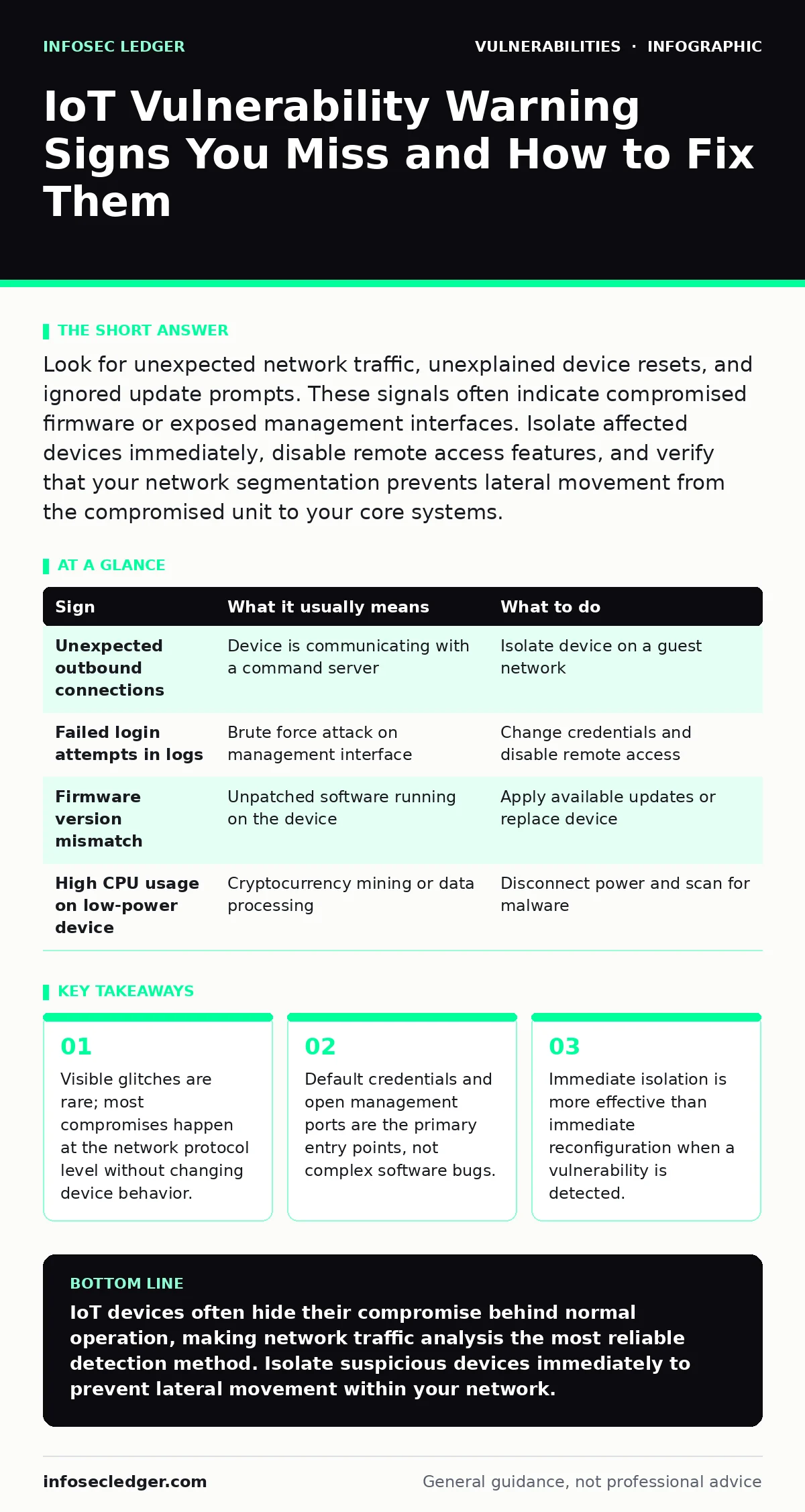
Look for unexpected network traffic, unexplained device resets, and ignored update prompts. These signals often indicate compromised firmware or exposed management interfaces. Isolate affected devices immediately, disable remote access features, and verify that your network segmentation prevents lateral movement from the compromised unit to your core systems.
The Illusion of Normal Behavior
Internet of Things (IoT) devices rarely announce their compromise with flashing lights or error messages. You might notice a temperature sensor reporting slightly inaccurate data or a camera freezing for seconds. These minor glitches are often dismissed as hardware aging or network lag. In reality, they can signal a device under remote control.
The device continues to function to maintain stealth. An attacker does not need to break the device; they only need to redirect its data stream. This subtle manipulation allows them to exfiltrate information or use the device as a foothold for deeper network access. Relying on user interface feedback is a flawed security strategy because the interface often does not reflect the underlying system state.
Network Anomalies That Signal Compromise
The first reliable sign of trouble is often found in network traffic patterns, not on the device screen. Suppose a smart thermostat begins communicating with an IP address in a different country during normal operating hours. This is a strong indicator of command and control traffic.
Look for devices that wake up at irregular intervals to send data. Many IoT devices are designed to be dormant until triggered. Constant, low-volume background traffic suggests the device is being used for data exfiltration or as part of a botnet. You can detect this by monitoring your router logs for connections that do not match the device’s known purpose.
| Sign | What it usually means | What to do |
|---|---|---|
| Unexpected outbound connections | Device is communicating with a command server | Isolate device on a guest network |
| Failed login attempts in logs | Brute force attack on management interface | Change credentials and disable remote access |
| Firmware version mismatch | Unpatched software running on the device | Apply available updates or replace device |
| High CPU usage on low-power device | Cryptocurrency mining or data processing | Disconnect power and scan for malware |
Hidden Configuration Errors
Many vulnerabilities stem from configuration mistakes that are easy to miss during setup. A common error is leaving the device’s management interface accessible from the public internet. This exposes the device to automated scanning tools that look for known weaknesses.
Another hidden risk is the use of weak encryption protocols. Some older devices use outdated encryption standards that can be broken with minimal effort. Even if you use a strong password, the data in transit may be readable to anyone monitoring the network. This is a significant risk for devices that handle sensitive information like health data or video feeds.
The Cost of Ignored Updates
Software updates are not just feature additions; they are often critical security patches. Ignoring update prompts leaves known vulnerabilities open. Many IoT devices have automatic update features that can be disabled by users who fear instability. This decision creates a long-term security liability.
Imagine a security camera that receives a patch for a buffer overflow vulnerability. If you decline the update to avoid a brief reboot, the device remains exploitable. Attackers actively scan for devices running specific, vulnerable firmware versions. Your refusal to update makes your device a predictable target. For more on this, see our guide on change management for security patches to understand the process of safe updates.
Default Credentials and Access Control
Default credentials are a persistent threat. Many devices ship with generic usernames and passwords that are documented online. If you do not change these immediately, anyone with network access can take control. This includes neighbors on the same wireless network if your Wi-Fi security is weak.
Even if you change the password, some devices store the original credentials in their firmware. This allows attackers to reset the device remotely and regain access using the default login. This is known as a credential reset attack. Always verify that the device allows you to set unique credentials that cannot be overwritten by a factory reset. Refer to our guide on default credentials for best practices in credential management.
Segmentation as a Defense Layer
When you detect a vulnerability, the immediate response should be isolation. Do not attempt to reconfigure the device while it is connected to your main network. An attacker may have already established persistence, meaning they can regain control even after you change settings.
Create a separate network segment for IoT devices. This prevents a compromised device from accessing your computers or servers. If the device is compromised, the attacker is contained within that segment. This strategy reduces the blast radius of an attack. For more details, see our guide on unpatched software to understand why isolation is necessary when patches are not available.
Long-Term Monitoring Strategies
Continuous monitoring is necessary because new vulnerabilities are discovered regularly. You cannot rely on a one-time setup. Regularly review device logs and network traffic for anomalies. This proactive approach helps you detect issues before they become critical.
Consider the trade-off between convenience and security. Some devices require constant internet connectivity to function. This connectivity increases the attack surface. Evaluate whether the device truly needs internet access or if local operation is sufficient. Reducing connectivity reduces the risk of remote exploitation. For more on securing web-facing components, see our guide on HTTP security headers.
Key takeaways
- Visible glitches are rare; most compromises happen at the network protocol level without changing device behavior.
- Default credentials and open management ports are the primary entry points, not complex software bugs.
- Immediate isolation is more effective than immediate reconfiguration when a vulnerability is detected.
IoT devices often hide their compromise behind normal operation, making network traffic analysis the most reliable detection method. Isolate suspicious devices immediately to prevent lateral movement within your network.
Frequently asked questions
How do I know if my IoT device is hacked?
Look for unusual network traffic, unexpected reboots, or changes in device behavior that do not match your usage patterns. Check your router logs for connections to unknown IP addresses.
Should I turn off internet access for IoT devices?
If the device does not require cloud connectivity for its core function, disable internet access. This prevents remote exploitation and limits the attack surface to your local network only.
What is the first step when a vulnerability is found?
Immediately disconnect the device from your main network. Move it to an isolated segment or turn it off to prevent further data exfiltration or lateral movement.
Are IoT devices safe if I use strong passwords?
Strong passwords help, but they do not protect against firmware vulnerabilities or exposed management interfaces. You must also keep firmware updated and segment your network to ensure comprehensive security.
How this guide was produced: written by the InfoSec Ledger editorial team with AI assistance, checked against the public references listed below, and reviewed when the facts change. See our editorial policy or report an error.