
Prevent sudo vulnerabilities: 3 configuration fixes that stop privilege escalation
Most sudo breaches occur because administrators grant broad command access instead of restricting users to specific, audited executables with no arguments.
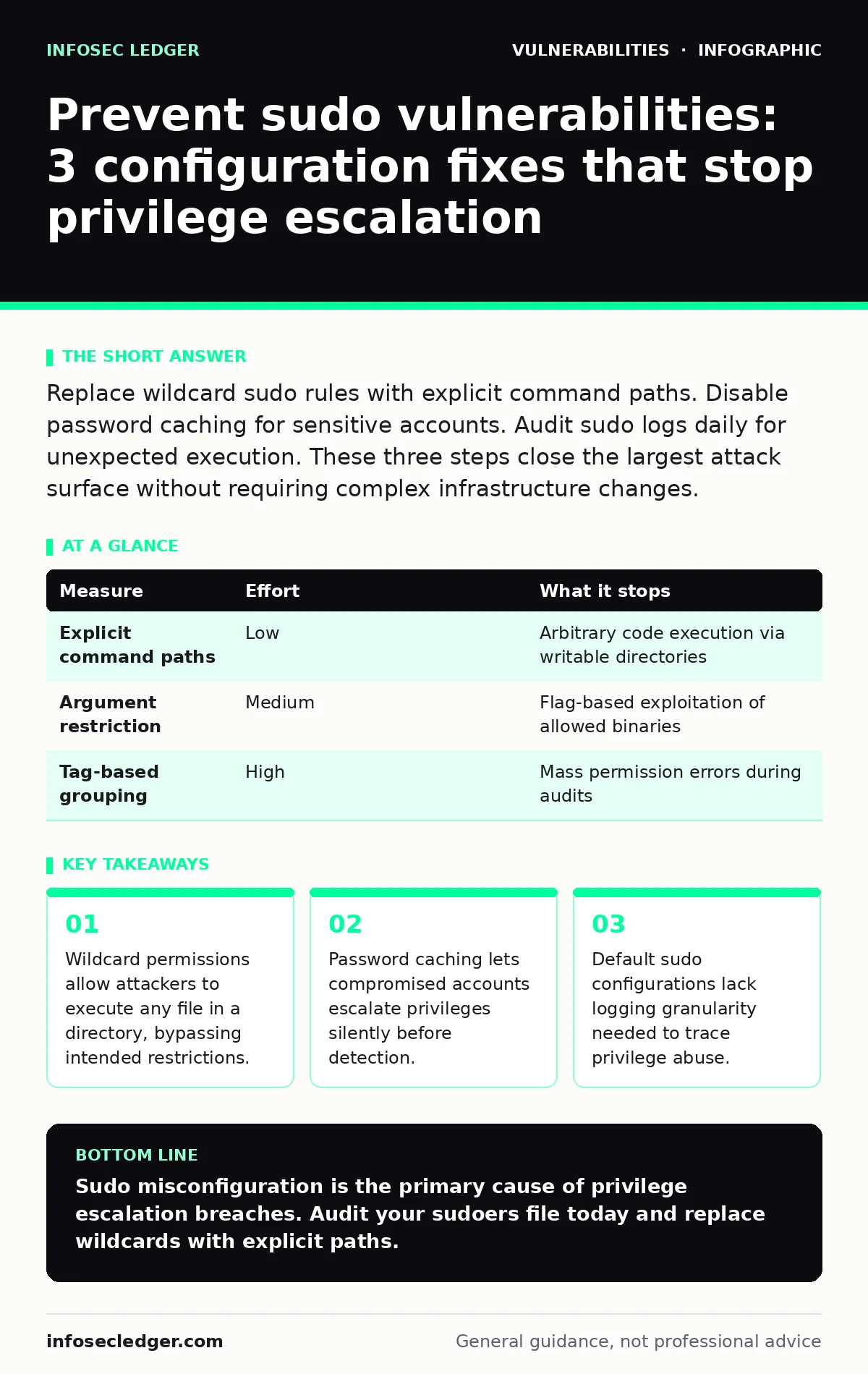
Replace wildcard sudo rules with explicit command paths. Disable password caching for sensitive accounts. Audit sudo logs daily for unexpected execution. These three steps close the largest attack surface without requiring complex infrastructure changes.
Restrict command access with explicit paths
The most common mistake in sudo configuration is granting access to a directory rather than a specific binary. When you allow a user to run commands from /usr/local/bin, an attacker who can write to that directory can place a malicious script there. The attacker then executes their script with root privileges using the allowed wildcard. This technique exploits the trust relationship between the user and the system administrator.
You must specify the exact full path to every executable the user needs. Do not use wildcards like * or ? in the command specification. Define the exact arguments allowed for each command. If a command requires no arguments, specify that explicitly. This prevents an attacker from passing flags that change the behavior of the tool. For example, allowing vim without restrictions lets an attacker drop to a root shell. Specifying vim /etc/config prevents that escape.
| Measure | Effort | What it stops |
|---|---|---|
| Explicit command paths | Low | Arbitrary code execution via writable directories |
| Argument restriction | Medium | Flag-based exploitation of allowed binaries |
| Tag-based grouping | High | Mass permission errors during audits |
Disable password caching for sensitive accounts
Sudo caches credentials in memory for a limited time. This feature improves usability by preventing repeated password prompts. It also creates a security gap. If an attacker compromises a user account while the credential is cached, they can escalate to root immediately. The attacker does not need to know the password. They only need to trigger the cached session. This window often remains open for fifteen minutes or more.
You should disable caching for accounts that perform sensitive operations. Set the timestamp_timeout to zero in the sudo configuration. This forces a password prompt for every sudo invocation. The trade-off is reduced convenience for legitimate users. Users must type their password more often. This friction acts as a deterrent against casual misuse and limits the time window for exploitation. It does not stop an attacker who already has the password, but it stops silent escalation from a compromised session token.
Audit sudo logs for unexpected execution
Sudo logs every command executed with elevated privileges. These logs are often ignored because they generate high volume. Noise hides the signal. Attackers use sudo to run small, benign-looking commands before executing destructive actions. They test permissions and map the environment. Without regular review, these reconnaissance steps go unnoticed. The logs remain the only evidence of the privilege escalation chain.
You need to configure log forwarding to a central server. Local logs can be deleted or tampered with if an attacker gains root access. Centralized logging preserves the evidence. Set up alerts for commands that rarely appear in normal operations. Flag any sudo usage outside of business hours. Review logs for commands that create files in system directories. This process requires consistent effort. It is not a one-time fix. The value comes from detecting anomalies early, before the attacker achieves their objective.
Implement least privilege with role grouping
Granting sudo access to individual users creates administrative overhead. It leads to permission creep. Users accumulate rights they no longer need. Over time, the attack surface grows. You should use role-based groups instead. Define roles based on job function. Assign users to groups that match their responsibilities. Each group gets a specific set of sudo permissions. This approach makes audits faster. You review the group permissions, not individual user accounts. It also simplifies revocation. Removing a user from a group removes their elevated access immediately.
Use command aliases for complex rules
Some commands require complex argument validation. Writing these rules in the sudo configuration file is error-prone. A typo can grant unintended access. You should use command aliases to group related rules. Define an alias for a set of commands and their allowed arguments. Reference the alias in the user or group definition. This keeps the configuration readable. It reduces the chance of syntax errors. It also makes updates easier. You change the alias definition, and all users referencing it get the update. This method supports consistent security policy across the organization.
Monitor for sudo version vulnerabilities
Sudo software contains bugs. Some bugs allow privilege escalation even with correct configuration. You must keep the sudo package updated. Vulnerabilities in sudo are tracked publicly. Patches are released quickly. Delaying updates leaves your systems exposed. Automated patch management helps, but you must verify the installation. Check the version after updates. Ensure no rollback occurred. This measure is reactive. It does not prevent misconfiguration. It mitigates the risk of known software flaws. Combine it with the configuration hardening steps above for layered defense.
Validate input in sudo scripts
Some administrators create wrapper scripts for sudo commands. These scripts perform additional checks before executing the target command. If the script does not validate input, it can be exploited. An attacker can pass crafted arguments to the script. The script may interpret them differently than intended. This leads to command injection. You must sanitize all inputs in these scripts. Validate that arguments match expected patterns. Reject unexpected values. This adds a layer of protection. It does not replace proper sudo configuration. It complements it by catching errors that bypass standard rules.
Review and revoke unused permissions
Permissions accumulate over time. Users change roles. Projects end. Old permissions remain active. These unused rights increase risk. You should review sudo permissions regularly. Identify users with access they no longer need. Revoke those permissions. Document the reason for each permission. This documentation helps during audits. It also speeds up revocation. If a user leaves the organization, you can quickly identify and remove their access. Regular reviews prevent permission drift. They keep the attack surface small. This process requires discipline. It is not automated. You must schedule it and enforce it.
Closing checklist for immediate action
Start with these three tasks today. They provide the highest return on effort.
- Replace all wildcard sudo rules with explicit command paths.
- Set
timestamp_timeoutto 0 for sensitive accounts. - Forward sudo logs to a central, immutable storage system.
These steps address the most common misconfigurations. They reduce the risk of privilege escalation. They do not require new tools. They rely on existing sudo features. Implement them now. Review them quarterly. Adjust as your environment changes. Security is a continuous process. These actions form a strong foundation.
Key takeaways
- Wildcard permissions allow attackers to execute any file in a directory, bypassing intended restrictions.
- Password caching lets compromised accounts escalate privileges silently before detection.
- Default sudo configurations lack logging granularity needed to trace privilege abuse.
Sudo misconfiguration is the primary cause of privilege escalation breaches. Audit your sudoers file today and replace wildcards with explicit paths.
Frequently asked questions
Does disabling sudo caching affect performance?
No, the performance impact is negligible. The delay is only a few seconds for password entry. The security benefit outweighs the minor inconvenience.
Can I use sudo with SSH keys?
Yes, but SSH keys do not replace password policies for sudo. You must still configure sudo rules carefully. Keys provide authentication, not authorization.
How often should I review sudo permissions?
Review permissions quarterly or after any role change. Immediate review is best after personnel changes. Regular audits prevent permission creep.
Are there alternatives to sudo?
Yes, tools like polkit exist for desktop environments. For servers, sudo remains the standard. Alternatives often have similar configuration risks.
How this guide was produced: written by the InfoSec Ledger editorial team with AI assistance, checked against the public references listed below, and reviewed when the facts change. See our editorial policy or report an error.